Shopping Cart
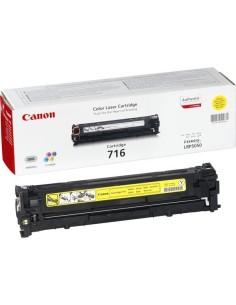
Last items in stock

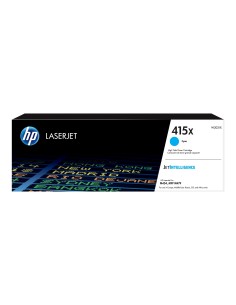
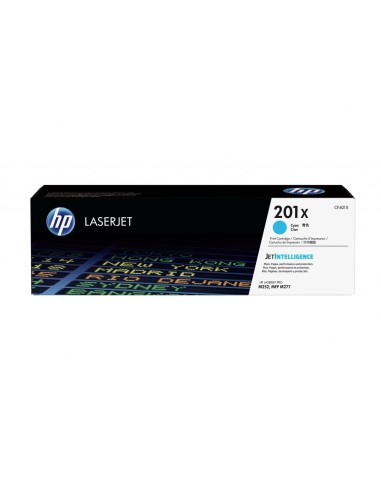
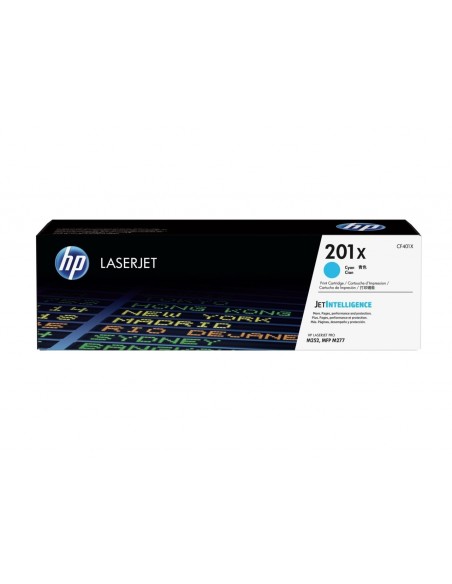
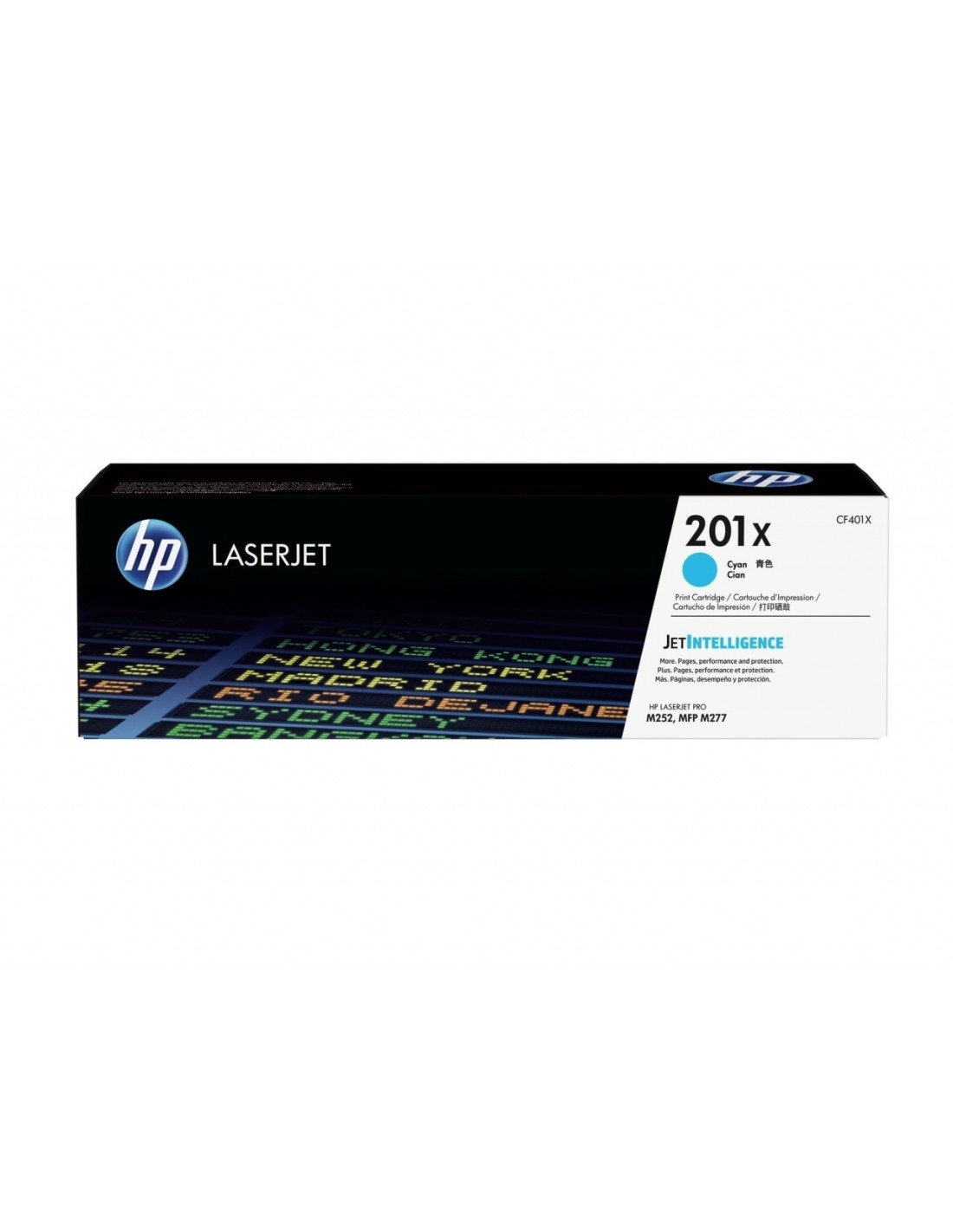
Elevate your printing experience with the genuine HP 201X High Yield Cyan Toner Cartridge (CF401X). Designed specifically for HP Color LaserJet Pro printers, this original toner cartridge delivers vibrant, professional-quality prints, ensuring crisp text and brilliant graphics for all your documents, presentations, and marketing materials. Its high-yield capacity offers a cost-effective printing solution for busy homes and offices, significantly reducing the need for frequent replacements.
Choosing an authentic HP toner cartridge guarantees seamless compatibility and reliable performance, maximizing your printer's longevity and delivering consistent, exceptional results page after page. Enjoy fewer interruptions and greater productivity with this high-capacity cyan toner, crafted to meet HP's rigorous quality standards for stability and vibrant color output.