Shopping Cart



Out-of-Stock

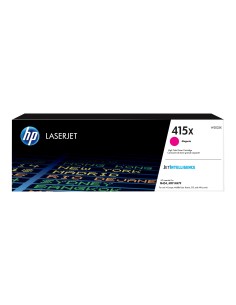
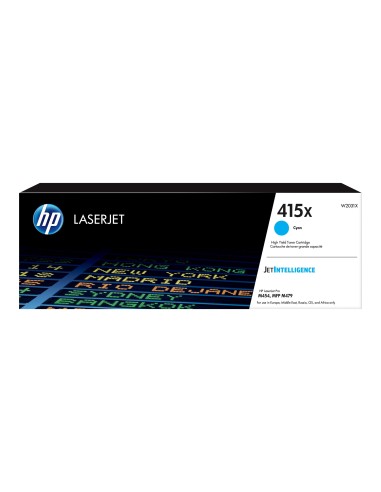
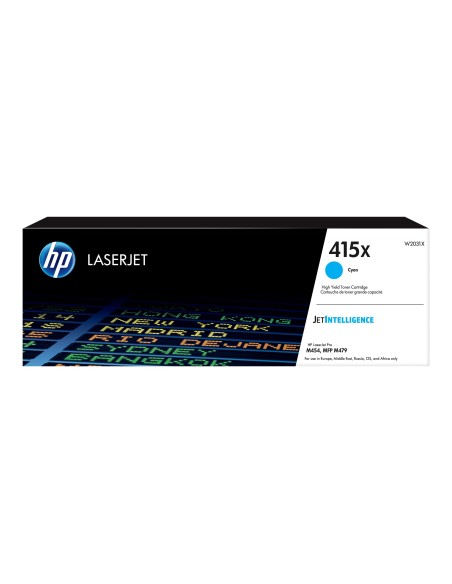
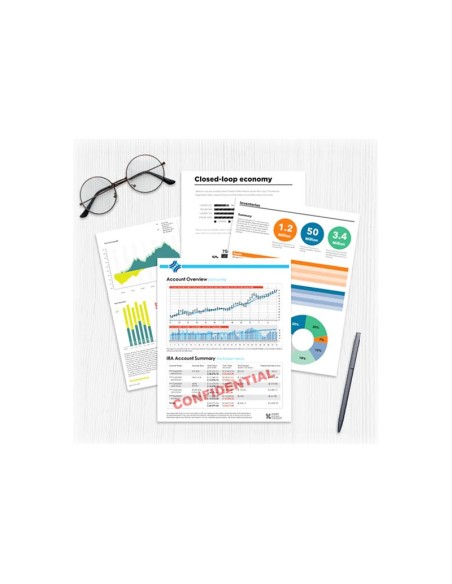
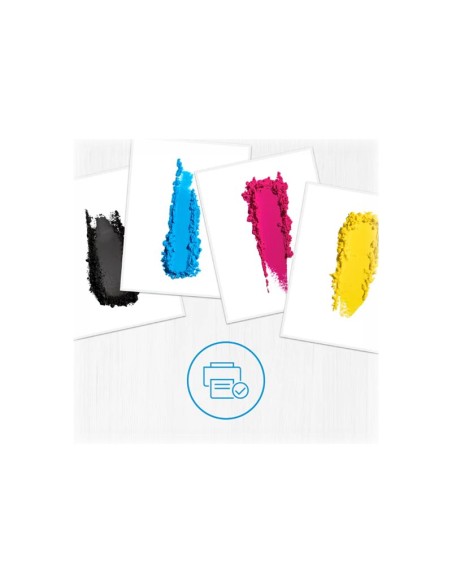
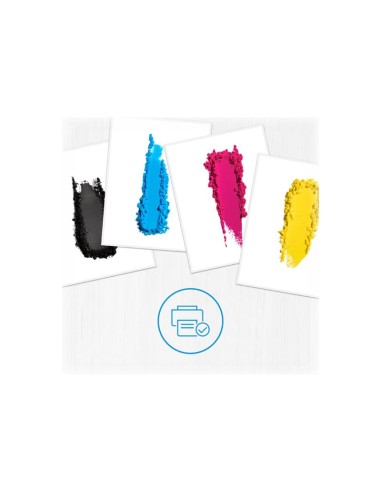
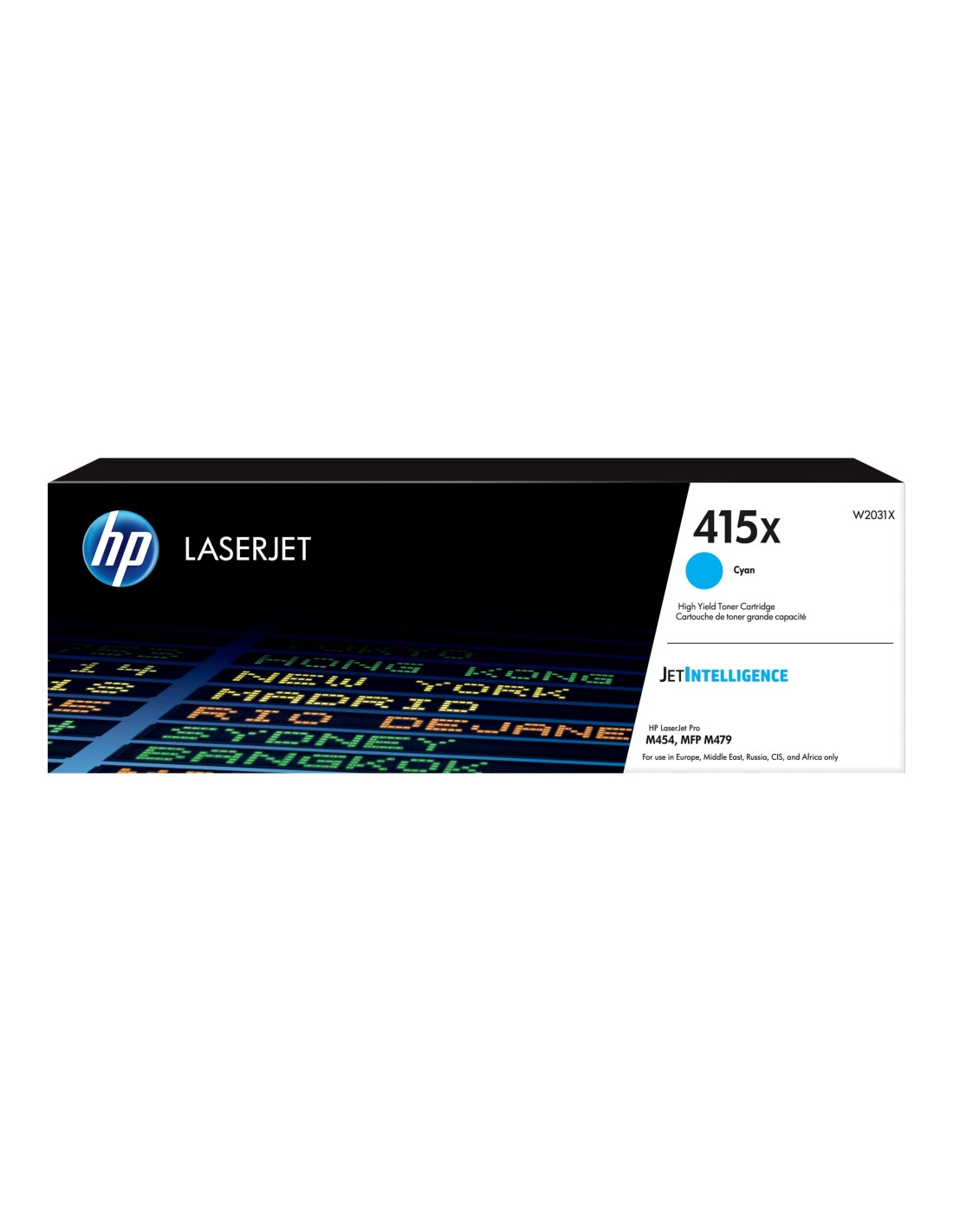
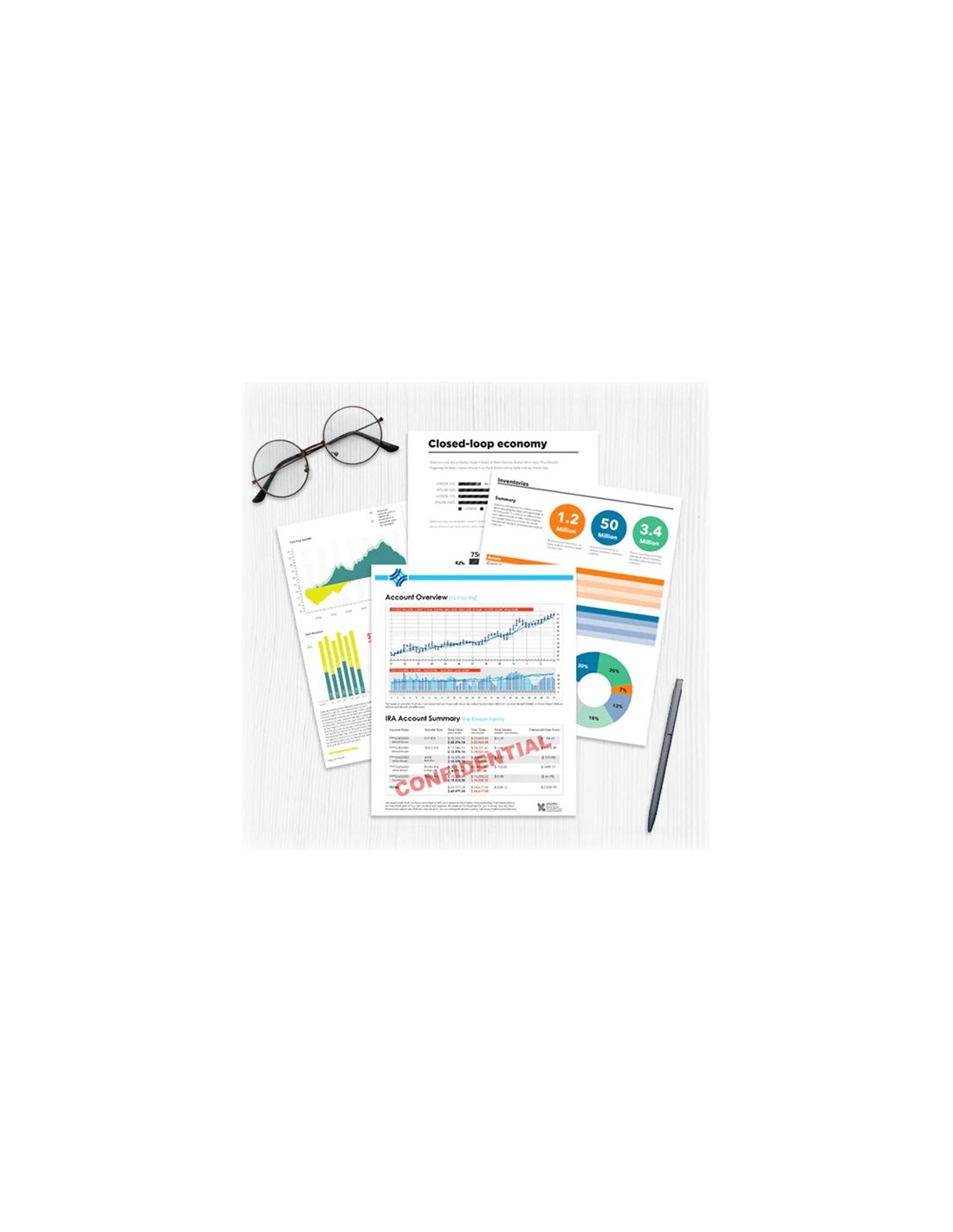
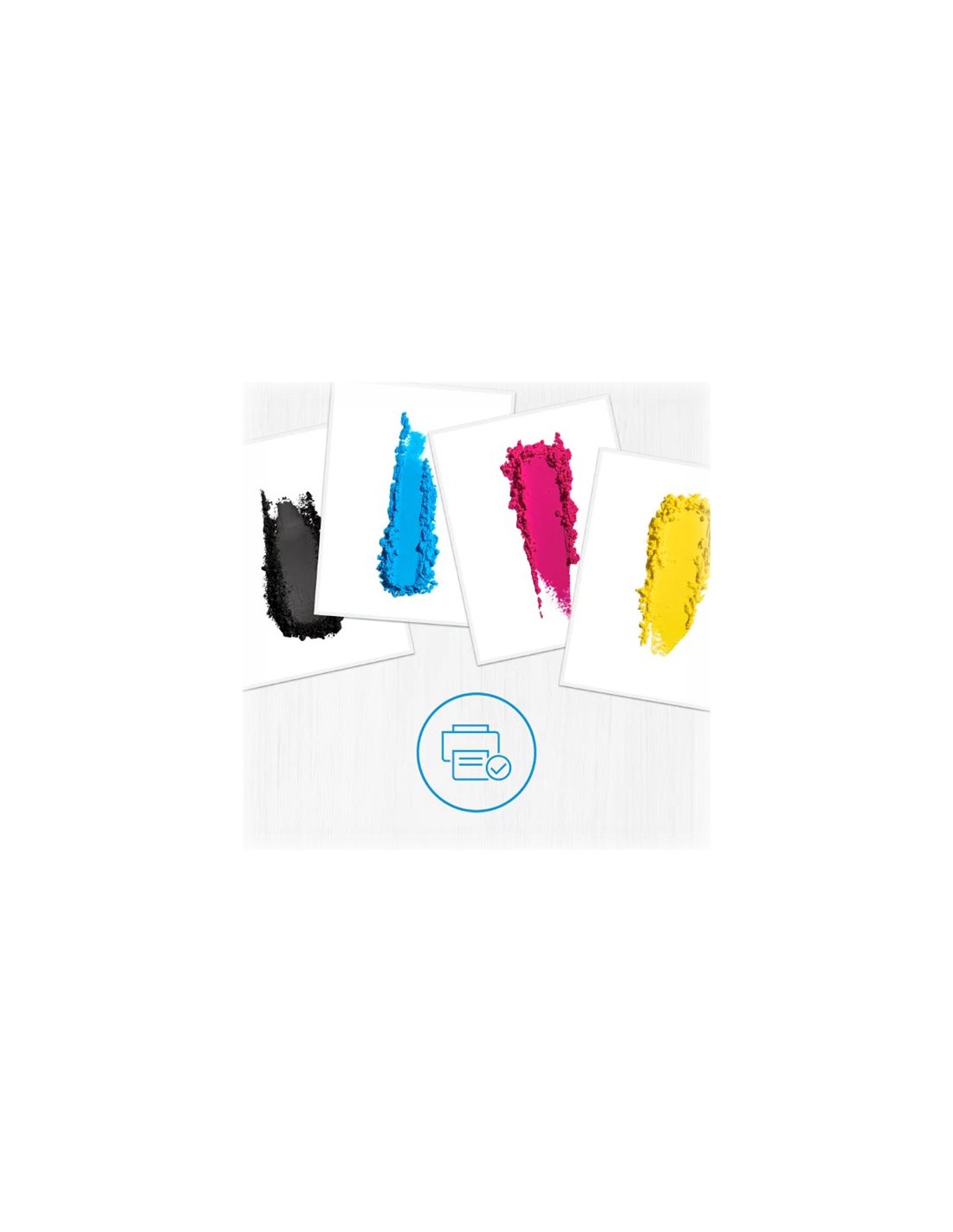
Elevate your printing experience with the HP 415X Cyan High Yield LaserJet Toner Cartridge (W2031X). This original HP toner cartridge is engineered to deliver vibrant, professional-quality prints, making it an excellent choice for busy offices and demanding printing needs. Experience rich color accuracy and sharp details, perfect for all your essential documents and marketing materials.
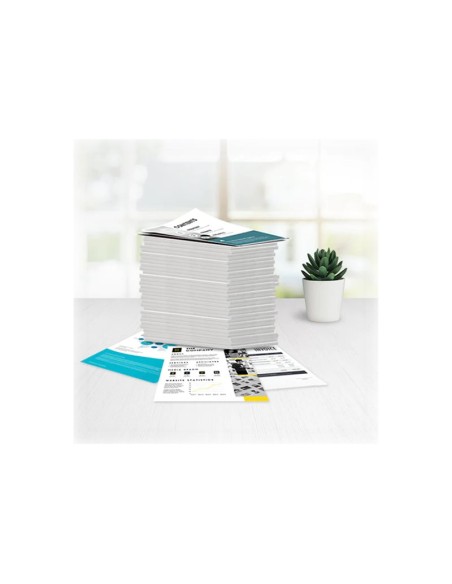
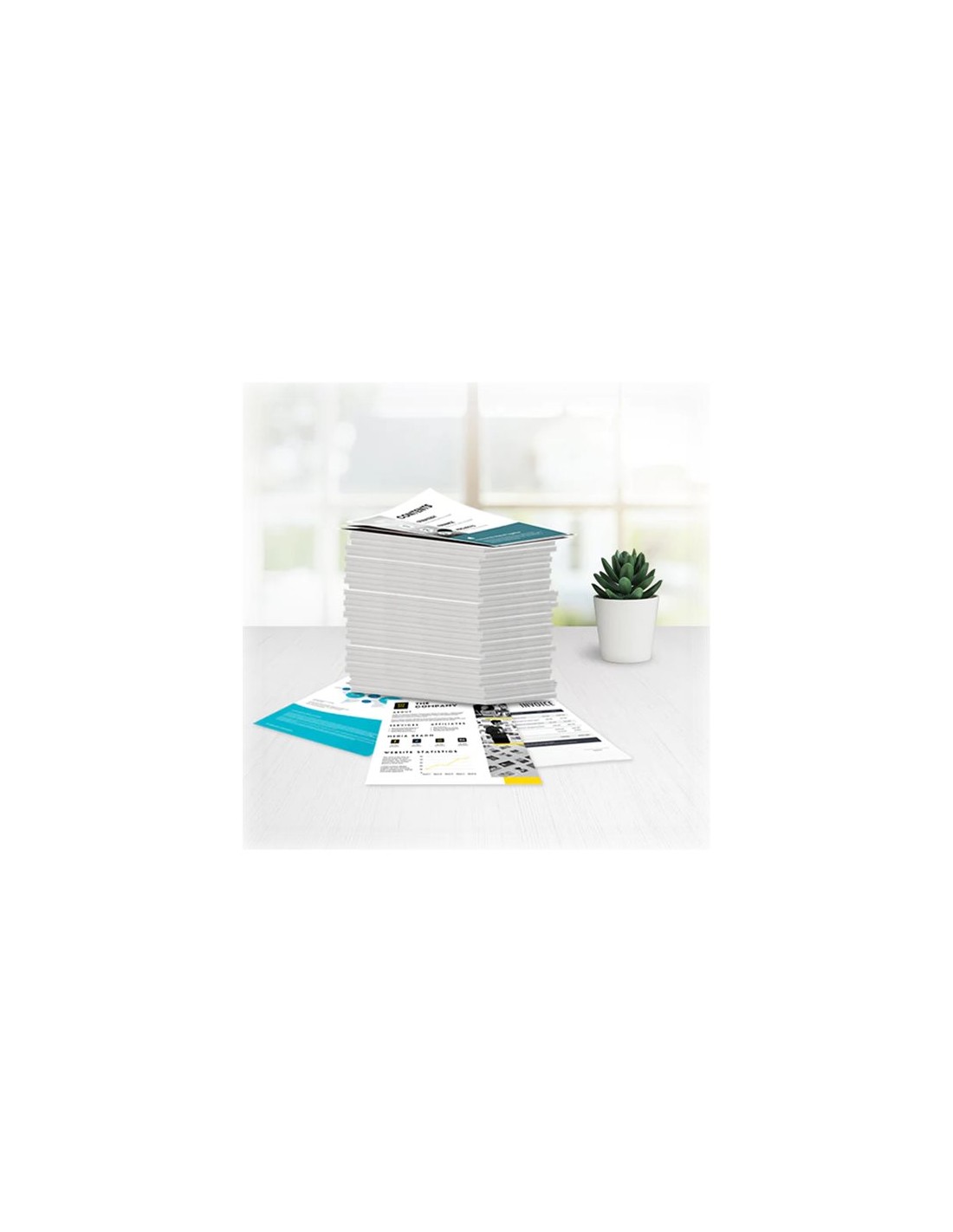
Designed for reliability and exceptional value, this high yield cyan toner cartridge prints up to 6,000 pages, based on ISO/IEC 19798 standards. This impressive page yield significantly reduces your overall printing costs and the frequency of toner changes, ensuring consistent, trouble-free operation. Trust in genuine HP printer supplies for superior performance and seamless integration with your compatible LaserJet printer.
Beyond its impressive output, this HP LaserJet toner cartridge boasts an eco-conscious design. HP is committed to sustainability, incorporating environmentally friendly materials and manufacturing processes into their products. Choose an original HP toner cartridge for the best results and contribute to a more sustainable printing solution.
To install your new HP 415X Cyan LaserJet Toner Cartridge, simply open the front cover of your HP LaserJet printer. Carefully remove the old cartridge, then remove the protective tape from the new toner. Insert the new cartridge into the printer, ensuring it clicks into place, and close the front cover to resume printing.