- Home
-
Office supplies
Kooli- ja kunstitarbed
- Pinalid ja koolikotid
- Viltpliiatsid ja dekoratiivmarkerid
- Kleeppildid
- Kooli paberitooted
- Värvid
- Värvi- ja akvarellpliiatsid
- Käsitööpaberid
- Käsitöö ja meisterdamise tooted
- Plastiliin ja voolimissavi
- Tahvlikriidid, asfaldikriidid
- Kriidid
- Joonistamise lisatarvikud
- Lõuendid, molbertid
- Kaaned vihikutele ja raamatutele
- Gloobused
-
Occupational safety
- Packaging
- ASAP Warehouse & Courier Services
- Contact
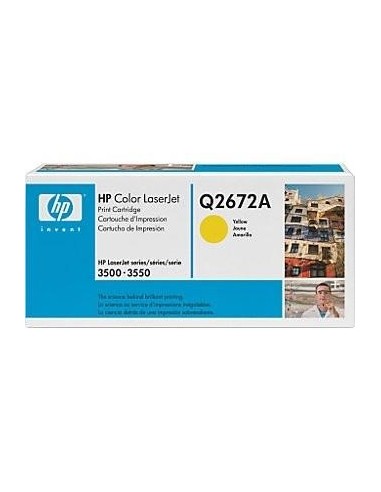
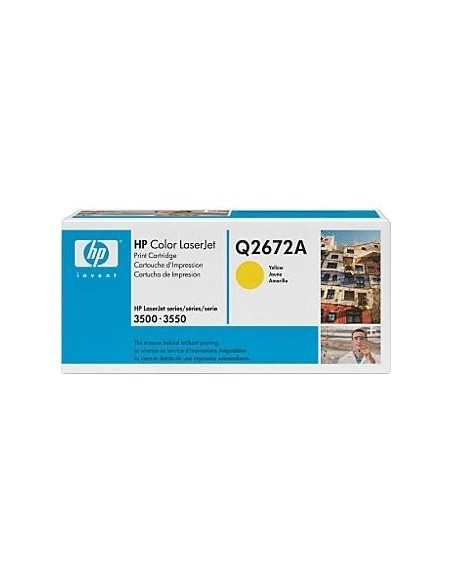
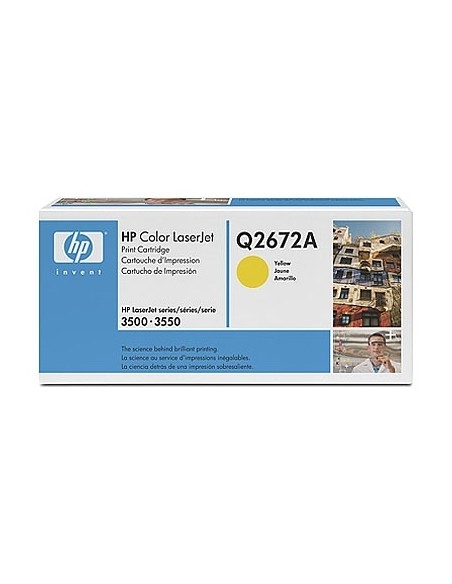
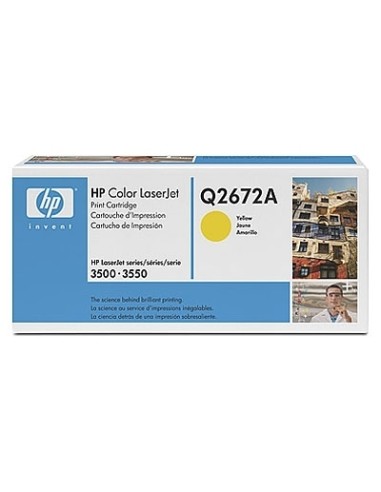
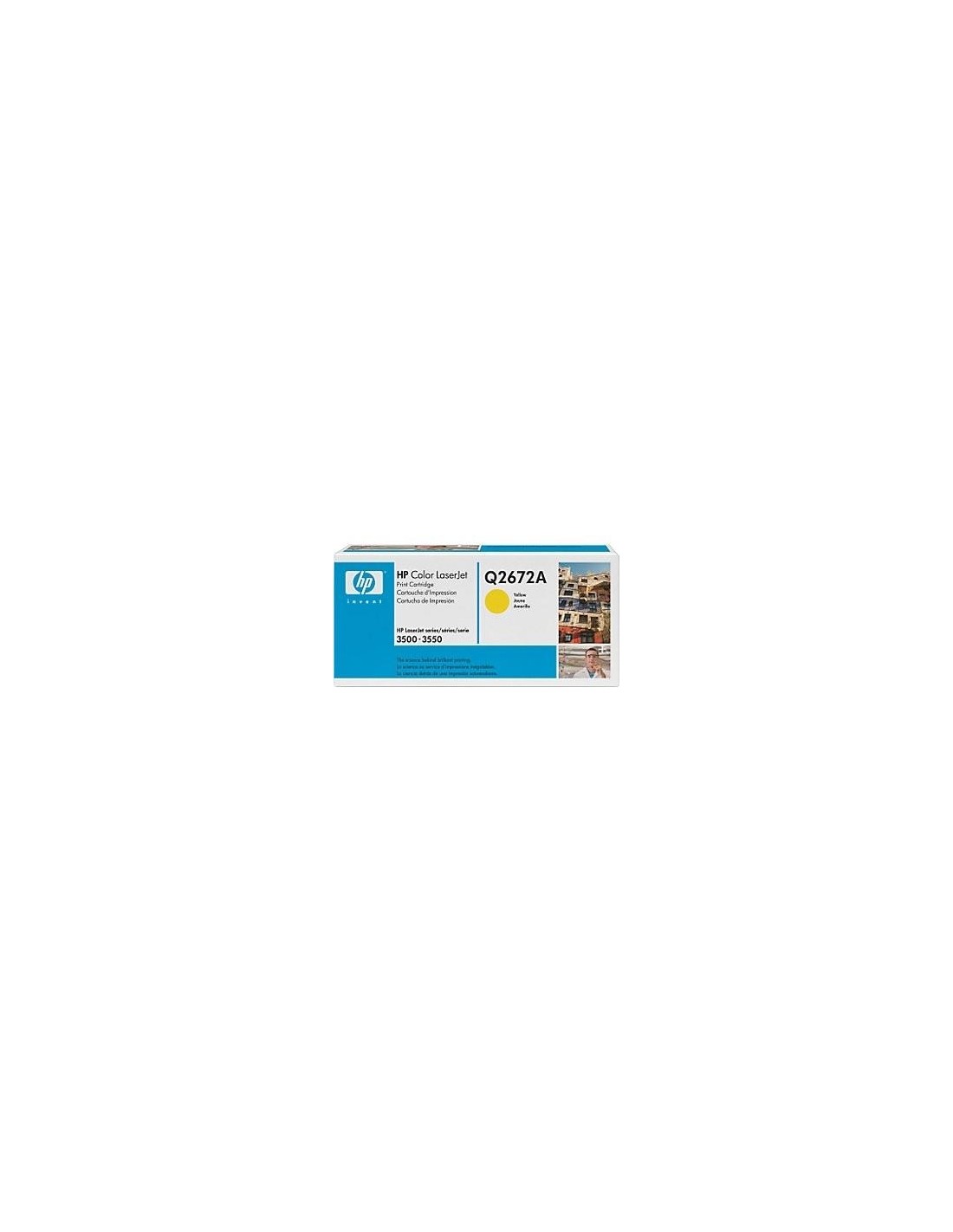
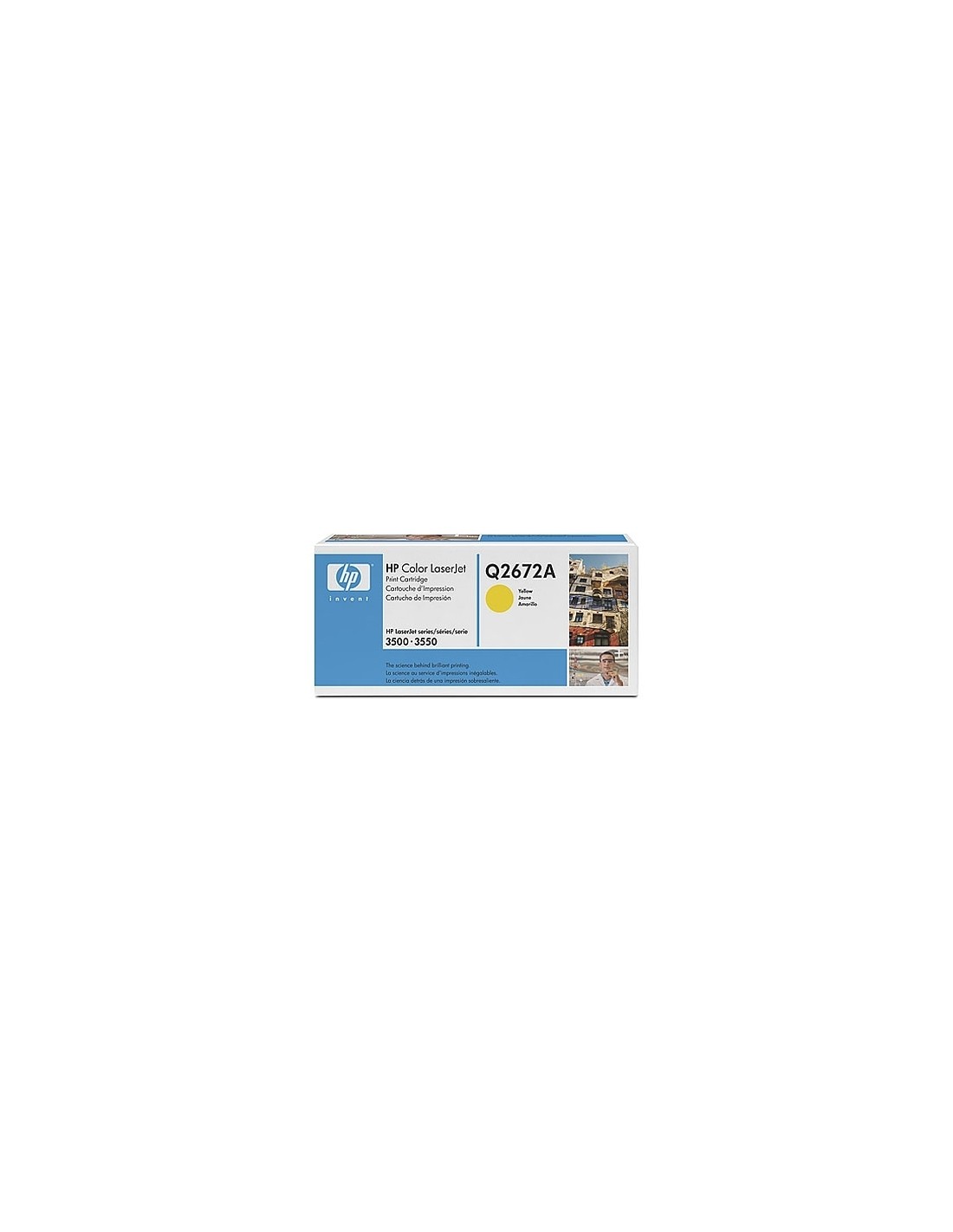
Keep your HP Color LaserJet 3500 and 3550 printers performing at their peak with the genuine HP 309A Yellow Toner Cartridge. This high-yield toner is specifically engineered by HP to deliver superior print quality and reliable performance for all your documents and presentations. Achieve vibrant, rich yellow hues that ensure your graphics and text stand out with professional clarity and consistency.
Designed for efficiency in high-volume environments, this yellow toner cartridge offers an impressive approximate yield of 4000 pages. Its high capacity significantly reduces the frequency of replacements, minimizing downtime and boosting your productivity. Enjoy consistent, sharp results and exceptional value with this essential HP toner for your printing needs.
Specifications
- Part Number: HP 309A
- Color: Yellow
- Page Yield (approx.): 4000 pages
- Printer Compatibility: HP Color LaserJet 3500, HP Color LaserJet 3550
- Type: Toner Cartridge
How to Use
Replacing your toner cartridge is a straightforward process:
- Turn off your HP Color LaserJet 3500 or 3550 printer.
- Open the printer's toner cartridge access door.
- Carefully remove the empty yellow toner cartridge from its slot.
- Unpack the new HP 309A Yellow Toner Cartridge.
- Insert the new cartridge into the designated slot, ensuring it clicks securely into place.
- Close the toner cartridge access door.
- Turn on your printer to resume printing.