Shopping Cart
Out-of-Stock

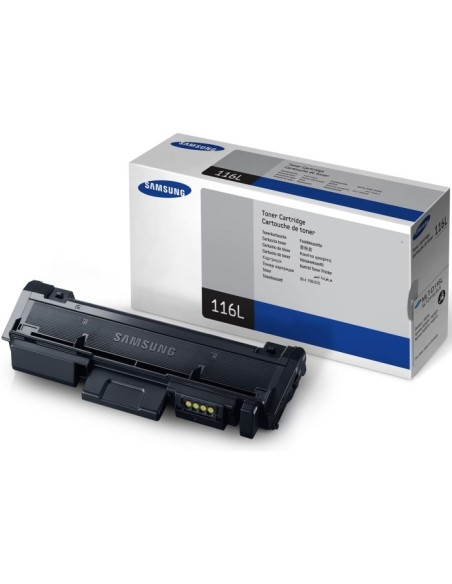
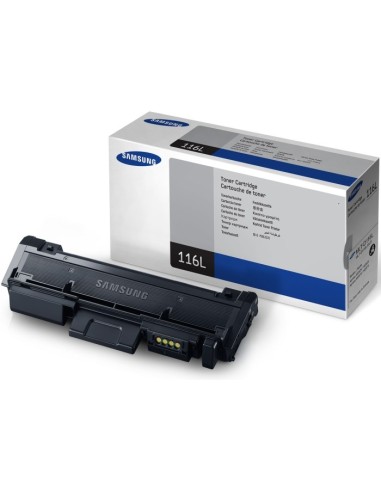
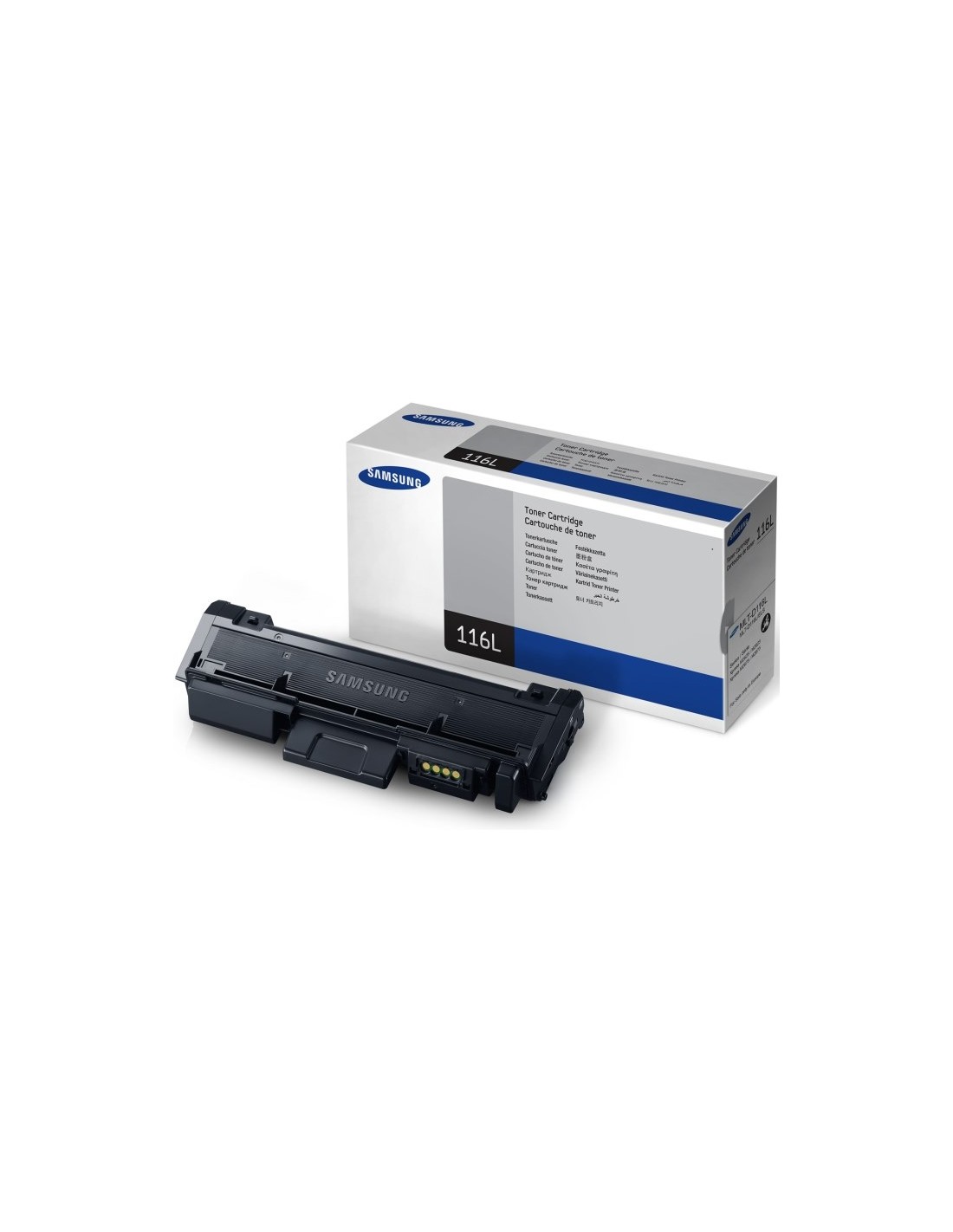
Maximize your printing efficiency and minimize downtime with the genuine Samsung MLT-D116L/ELS High-Yield Black Toner Cartridge. Engineered for seamless compatibility with a wide range of Samsung Xpress laser printers, this original toner cartridge delivers exceptional print quality and an extended page yield, saving you both time and money. It is an ideal solution for busy offices and high-volume printing tasks, ensuring crisp, professional results with every print.
This high-capacity toner allows you to print up to 3,000 pages, based on ISO/IEC 19752 standards, significantly reducing the frequency of toner replacements. Experience sharp text and vibrant graphics that make your documents and presentations look polished and professional. The cartridge is designed for effortless installation, ensuring you can resume printing quickly and without fuss.
Rely on Samsung's commitment to quality for consistent and dependable printing performance. This cost-effective toner cartridge contributes to a more sustainable environment through its efficient design, offering peace of mind and uninterrupted operation for all your printing needs.
For quick and easy installation, first turn off your printer and open the toner cartridge access door. Carefully remove the empty cartridge, then unbox your new Samsung MLT-D116L/ELS toner. Insert the new cartridge, aligning it with the guides, close the access door, and finally turn on your printer to resume operations.