- Home
-
Office supplies
Kooli- ja kunstitarbed
- Pinalid ja koolikotid
- Viltpliiatsid ja dekoratiivmarkerid
- Kleeppildid
- Kooli paberitooted
- Värvid
- Värvi- ja akvarellpliiatsid
- Käsitööpaberid
- Käsitöö ja meisterdamise tooted
- Plastiliin ja voolimissavi
- Tahvlikriidid, asfaldikriidid
- Kriidid
- Joonistamise lisatarvikud
- Lõuendid, molbertid
- Kaaned vihikutele ja raamatutele
- Gloobused
-
Occupational safety
- Packaging
- ASAP Warehouse & Courier Services
- Contact
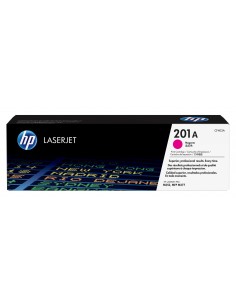
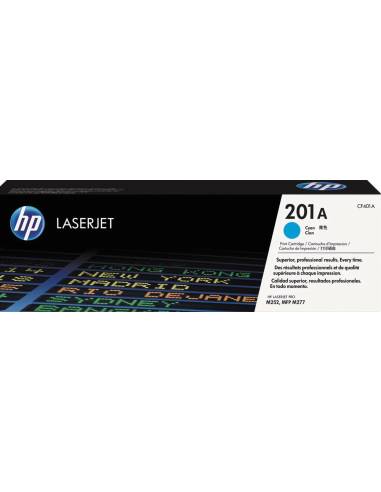
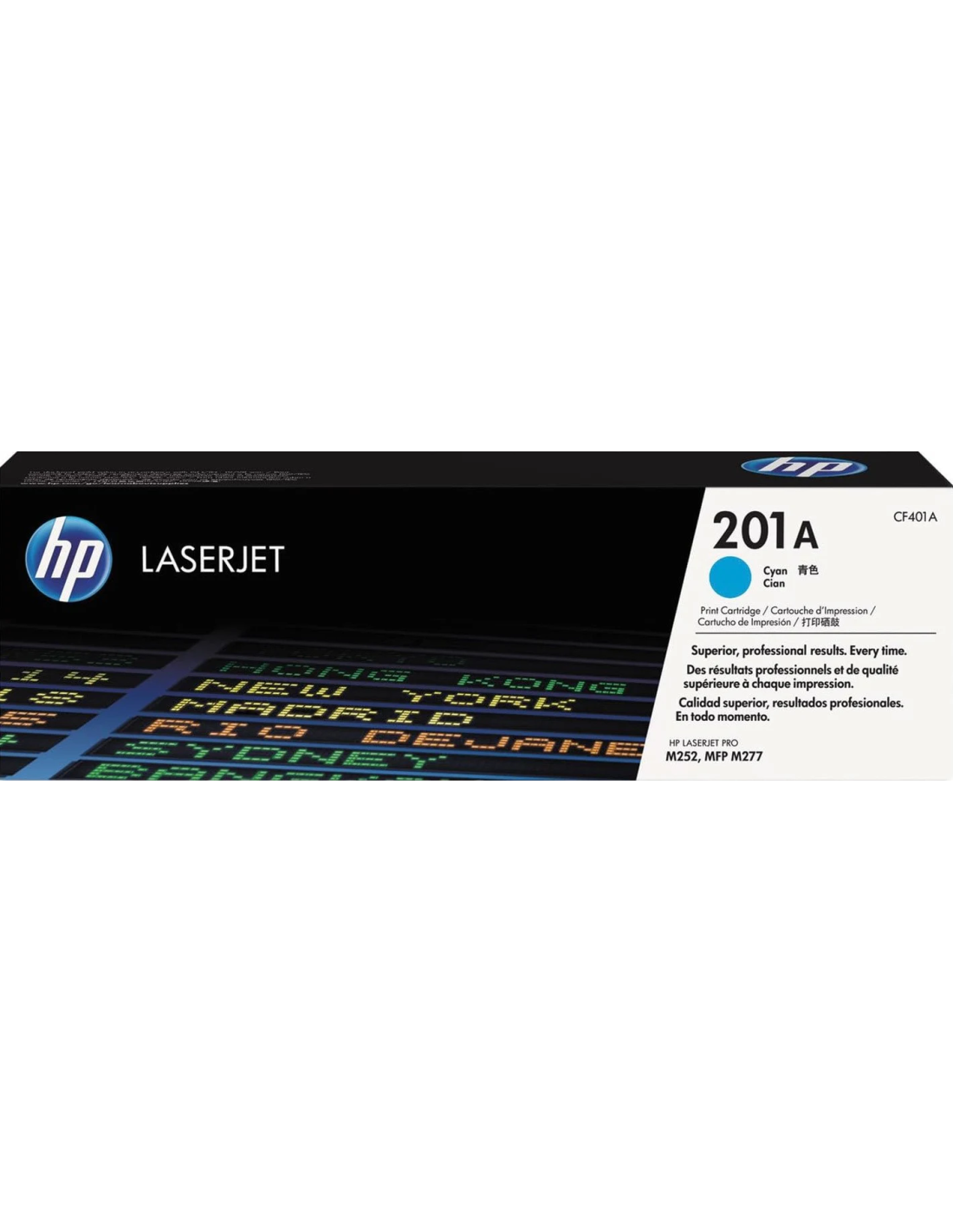
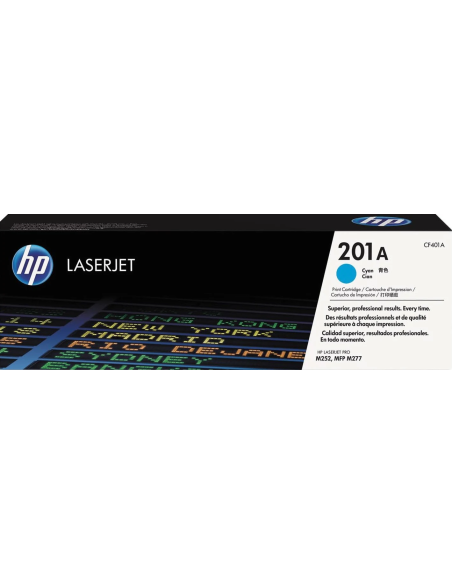
Say goodbye to dull and faded prints with the original HP 201A Blue Toner Cartridge (CF401A). Designed to deliver vibrant and crisp results, this high-quality toner ensures exceptional clarity for all your printing needs. Perfect for documents, presentations, and colorful materials, it helps you achieve professional-grade output every time, ensuring your prints stand out with brilliant blue hues.
Engineered for reliability and consistent performance, this HP toner cartridge provides an impressive yield of up to 1400 pages, making it an efficient choice for your home or office. It’s built with HP’s superior quality standards, guaranteeing long-lasting prints and seamless compatibility with a range of HP printer models. Enjoy easy installation and dependable operation that minimizes downtime and maximizes productivity.
Specifications
- Model: HP 201A
- Color: Blue
- HP Part Number: CF401A
- Page Yield: Up to 1400 pages (actual yield varies considerably based on content of printed pages and other factors)
How to Use
- Ensure your HP printer is turned off.
- Open the toner cartridge access door on your printer.
- Carefully remove the old toner cartridge from its slot.
- Unpack the new HP 201A Blue Toner Cartridge from its packaging.
- Gently insert the new cartridge into the printer, following your printer's specific instructions.
- Close the toner cartridge access door.
- Power on your printer to resume printing.