Shopping Cart
Last items in stock

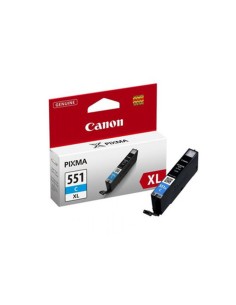
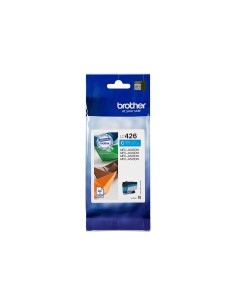
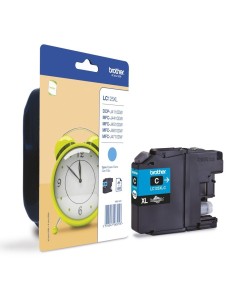
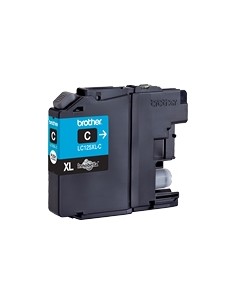
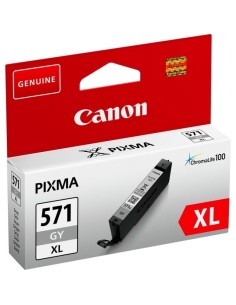
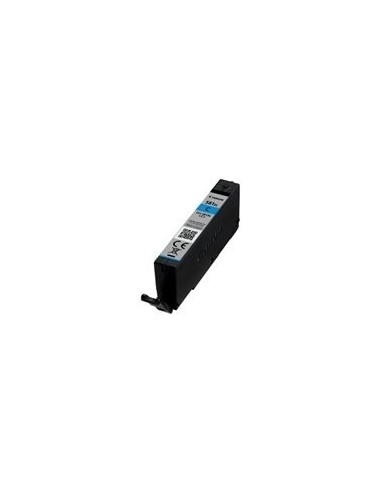
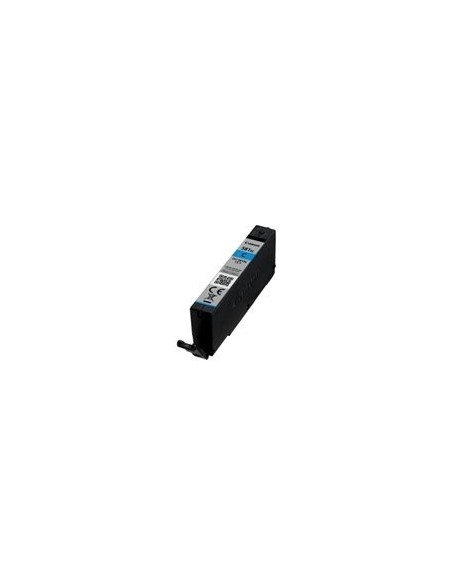
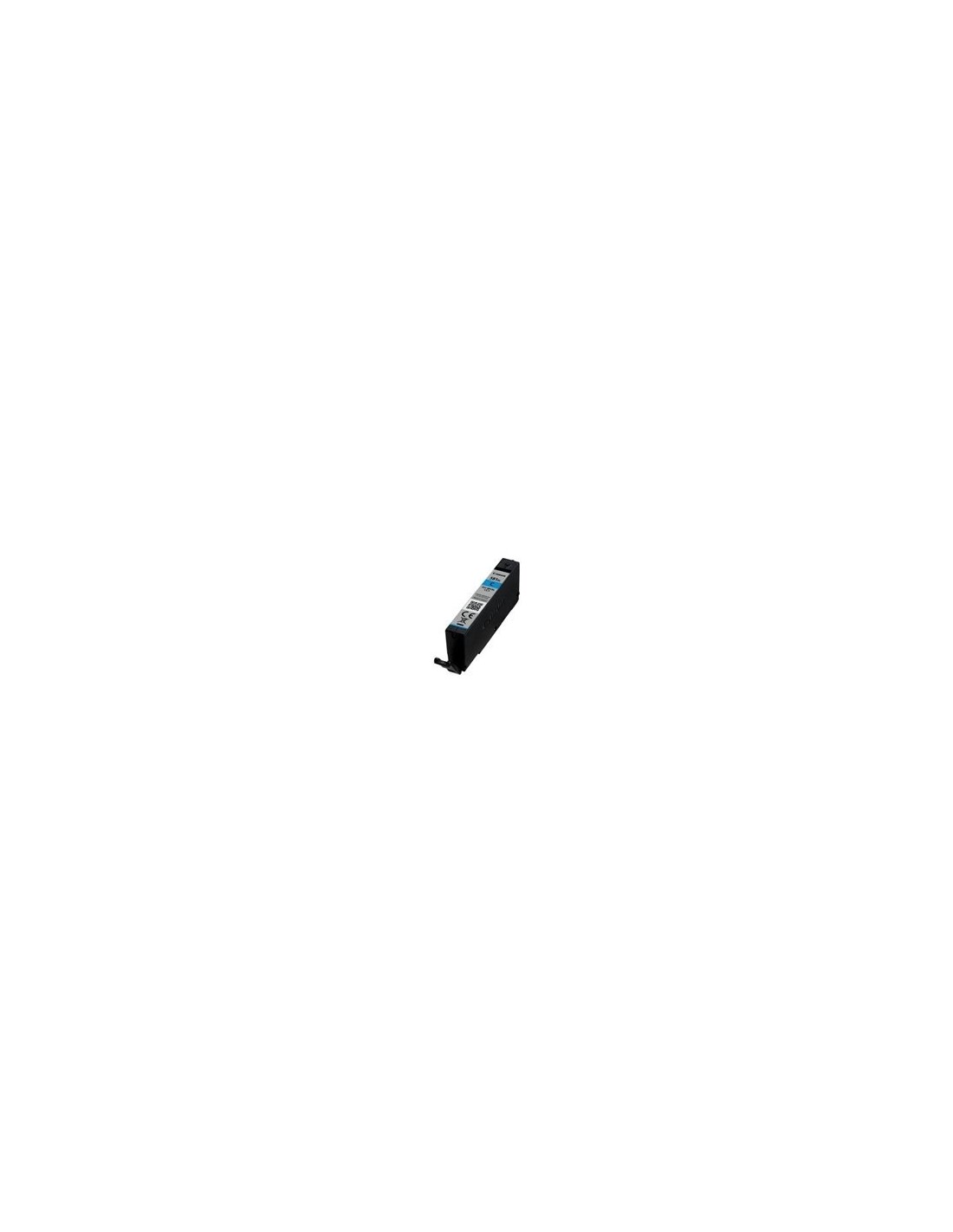
Elevate your printing experience with the Canon CLI-581XL High-Yield Cyan Ink Cartridge. Engineered for exceptional performance, this XL capacity ink tank delivers professional-quality prints with incredibly vibrant, true-to-life cyan tones. Ideal for all your printing needs, from stunning color photographs that capture every detail to crisp, clear business documents, it's the perfect choice for busy homes and offices seeking both efficiency and superior results.
Designed with Canon's advanced ChromaLife100 technology, this original cyan ink ensures outstanding print longevity. Your cherished memories and important documents will resist fading over time, preserving their vivid colors for years to come. The high-yield capacity means fewer ink changes, allowing you to print significantly more pages and save money in the long run. Enjoy consistent, sharp text and beautifully detailed images with every print, enhancing all your personal projects and marketing materials.
Installing your Canon CLI-581XL Cyan ink cartridge is simple. First, open the ink cartridge access cover on your printer. Carefully remove the empty cyan cartridge. Then, take the new Canon CLI-581XL cartridge out of its packaging, remove any protective tape, and gently insert it into the corresponding slot in your printer until it clicks into place. Finally, close the ink cartridge access cover.