Shopping Cart
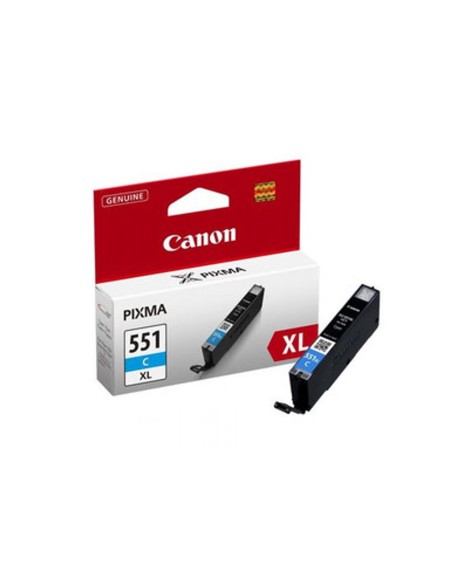
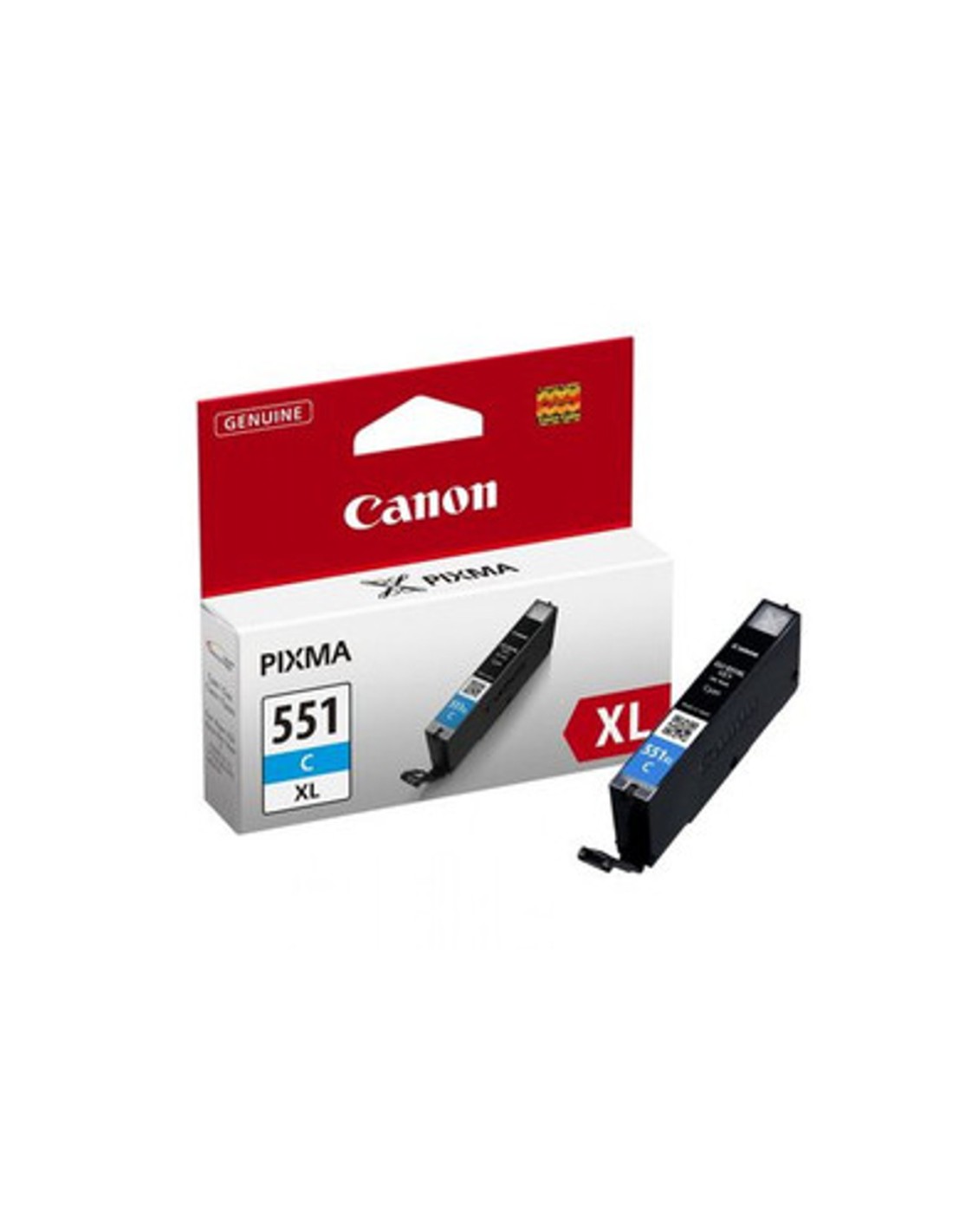

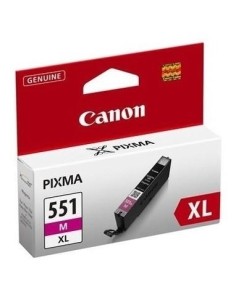
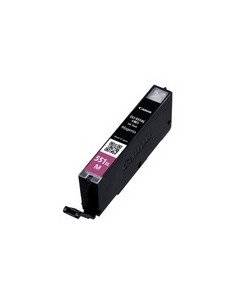
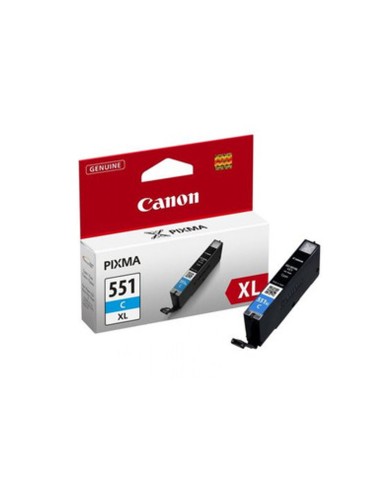
The Canon CLI-551XL C Cyan High-Yield Ink Cartridge is an essential choice for anyone seeking vibrant, professional-quality prints. Engineered to deliver exceptional color accuracy and consistent performance, this genuine Canon ink tank ensures your documents and photos stand out with stunning cyan hues. Its high-capacity design maximizes productivity by reducing the need for frequent cartridge replacements, making it ideal for both busy home users and office environments.
Experience superior print longevity and brilliant results with Canon's advanced ChromaLife100+ technology. This high-yield cyan ink produces incredibly sharp, true-to-life colors that resist fading over time, preserving your precious memories and important documents. Investing in an original Canon ink cartridge guarantees seamless integration with your printer, protecting your device and ensuring optimal efficiency with every print.
Designed for convenience, the Canon CLI-551XL C ink cartridge offers easy installation and broad compatibility with a range of popular Canon PIXMA printers. With an impressive yield of up to 665 pages, you can tackle extensive printing tasks with confidence, knowing you'll achieve consistently high-quality output. It's the reliable solution for all your color printing needs.
To install the Canon CLI-551XL C Cyan ink cartridge, follow these simple steps: