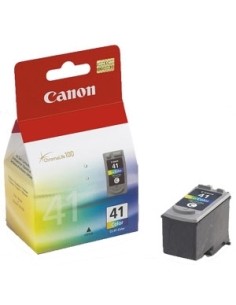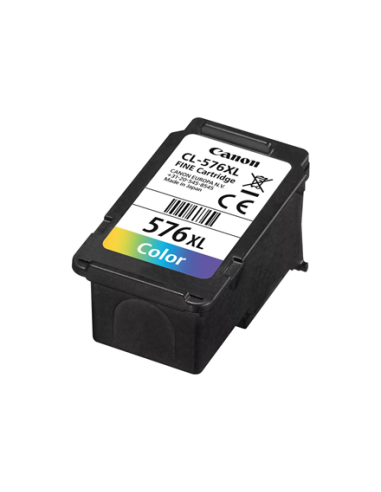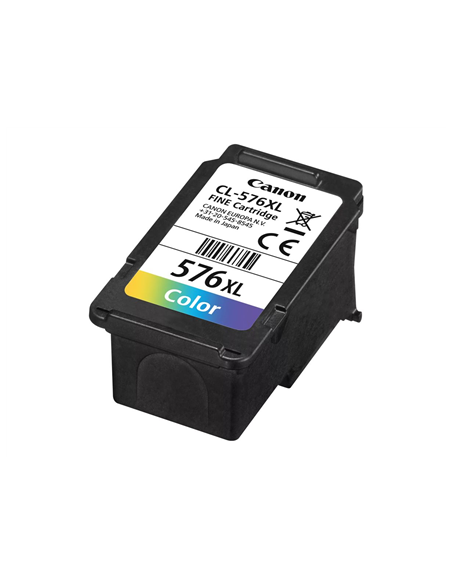
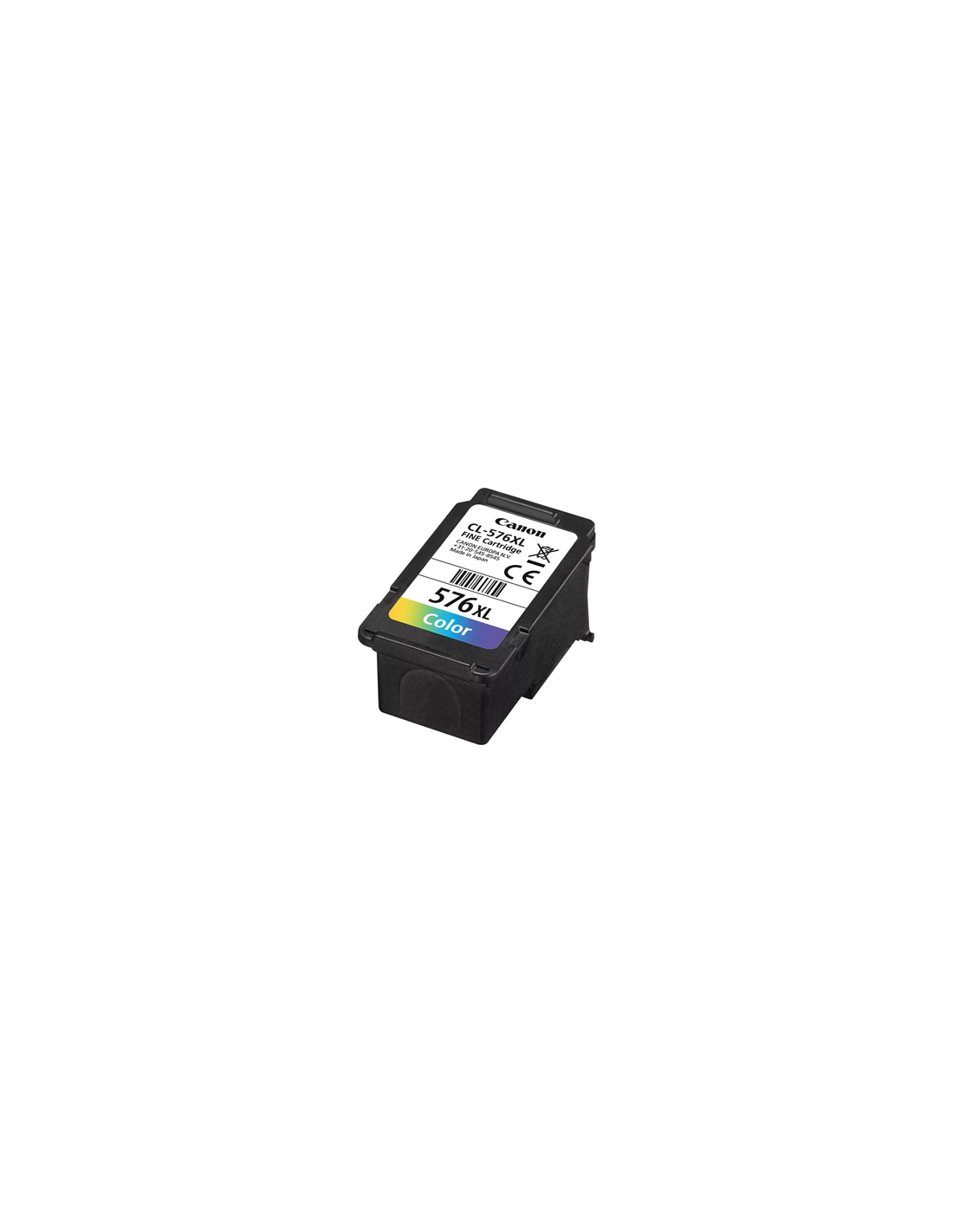
Canon ink 8288B001 CL-576XL Color C/M/Y
Canon CL-576XL High-Yield Color Ink Cartridge
Experience brilliant, high-quality prints with the original Canon CL-576XL High-Yield Color Ink Cartridge. This genuine Canon ink, featuring cyan, magenta, and yellow inks, delivers exceptional performance and long-lasting results for your compatible PIXMA printer. It's ideal for producing crisp, clear prints that pop with rich color, perfect for all your photos, documents, and creative projects.
Designed for reliability and consistent output, this high-yield color ink cartridge incorporates Canon's advanced FINE (Full-Photolithography Inkjet Nozzle Engineering) technology. Enjoy professional-looking documents and stunning photos with sharp detail and vibrant, true-to-life colors. Its high-yield capacity of up to 300 pages means less frequent replacements, offering a smart and cost-effective printing solution for busy homes and offices.
Key Features & Benefits
- High-Yield Printing: Print up to 300 pages, reducing replacement frequency and saving you money over time.
- Brilliant Color & Sharp Detail: Canon's FINE technology ensures stunningly sharp and detailed prints with vibrant, true-to-life colors.
- Reliable Performance: This genuine Canon cartridge guarantees smooth, consistent printing, free from streaks or smudges.
- Easy Installation: Simple and quick setup, just insert into your compatible PIXMA printer.
- Genuine Canon Quality: Ensure optimal performance and print quality, avoiding compatibility issues and potential printer damage.
Compatible Printers
- PIXMA TR4750i
- PIXMA TR4751i
- PIXMA TS3550i
- PIXMA TS3551i
Specifications
- Product Type: Ink Cartridge
- Printing Technology: Inkjet
- Printing Color: Color (Cyan, Magenta, Yellow)
- Ink Capacity: 12.6 ml
- Page Yield: Up to 300 pages
- Cartridge Features: Canon FINE Technology
- EAN: 4549292192643
How to Use
Installing your Canon CL-576XL ink cartridge is quick and straightforward:
- Turn off your printer.
- Open the ink cartridge access cover.
- Carefully remove the protective film from the new cartridge.
- Install the cartridge into the corresponding slot, following your printer's on-screen instructions.
- Close the ink cartridge access cover and turn on your printer.