Shopping Cart


Last items in stock

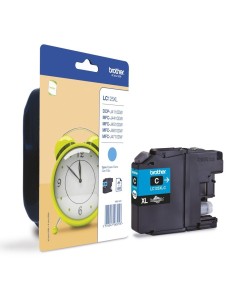
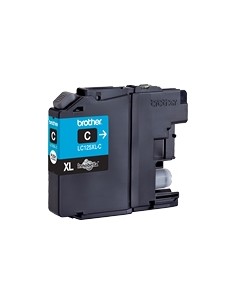
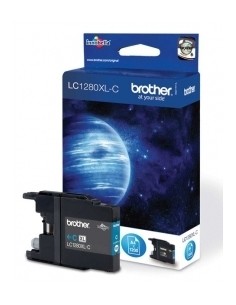
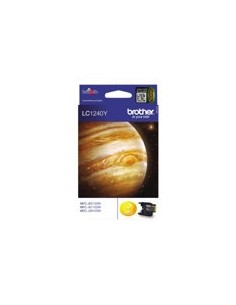
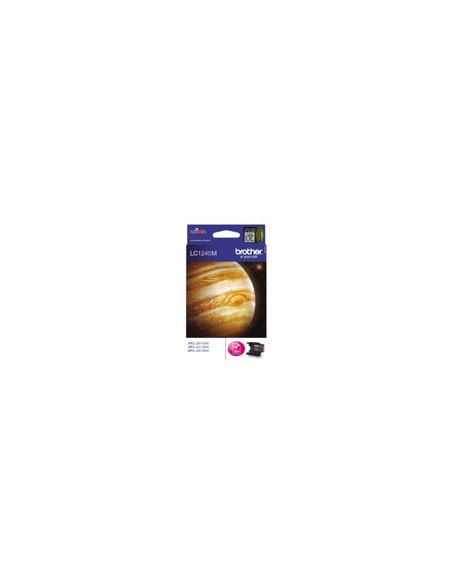
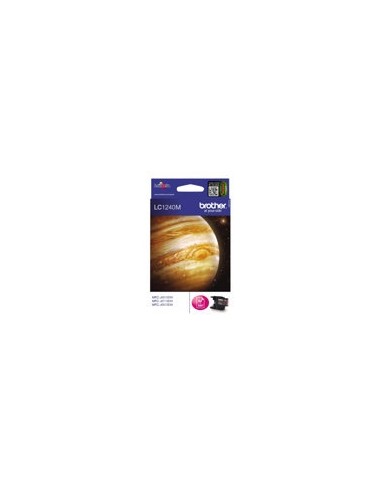
Elevate your printing experience with the genuine Brother LC1240M Magenta High-Yield Ink Cartridge. This original inkjet cartridge is engineered to deliver consistently vibrant, true-to-life magenta tones, ensuring your documents and photos stand out with professional quality. It's the ideal choice for both home offices and busy professional environments seeking reliable, high-volume color output.
Designed for efficiency, this high-capacity ink cartridge allows you to print up to 600 pages, significantly reducing the frequency of replacements and streamlining your workflow. Choosing genuine Brother ink not only guarantees brilliant, streak-free prints but also protects your Brother printer from potential damage, extending its lifespan and maintaining optimal performance. Enjoy peace of mind with an ink cartridge that works in perfect harmony with your device.
To install your Brother LC1240M magenta ink cartridge, first ensure your printer is off and unplugged. Open the ink cartridge access cover, then carefully remove the old cartridge if present. Remove the protective tape from the new LC1240M cartridge and gently insert it into its designated slot until it clicks into place. Close the cover, plug in, and power on your printer to begin printing.