Shopping Cart
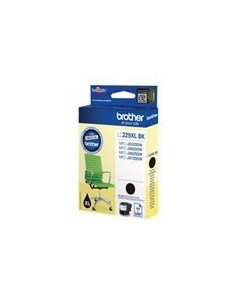
Last items in stock

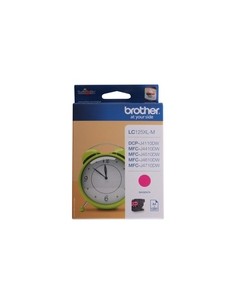
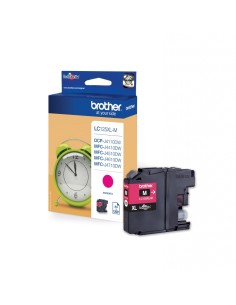
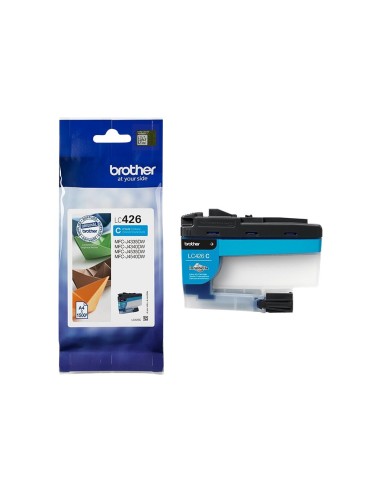
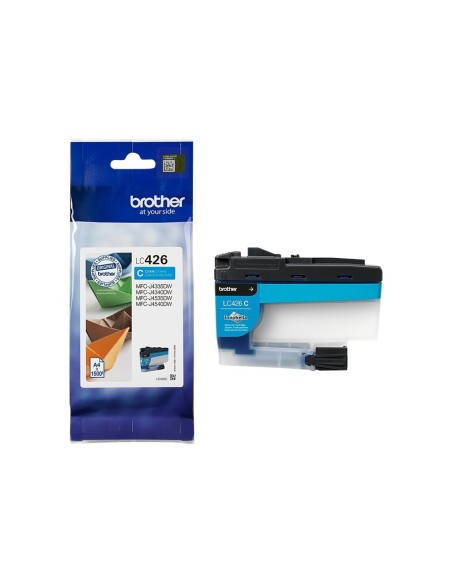
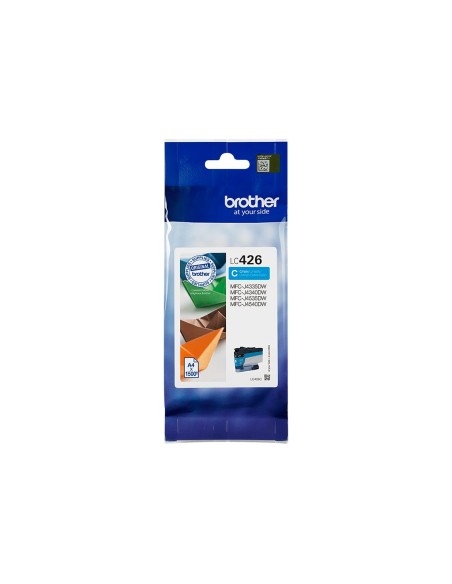
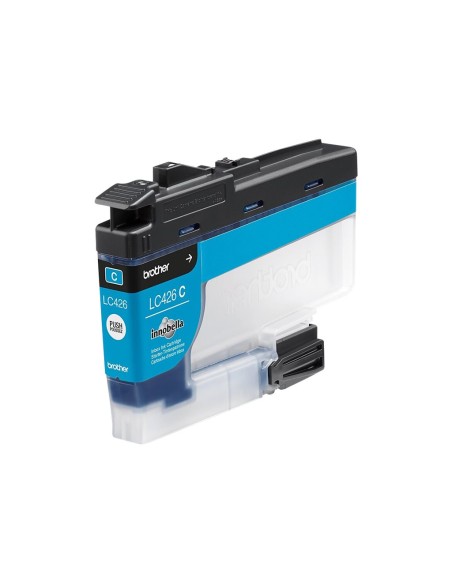
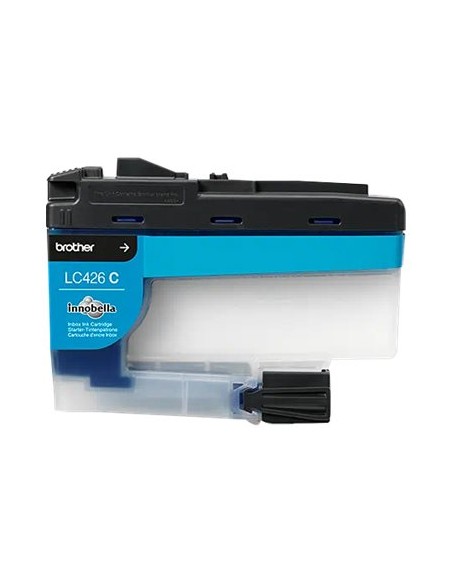
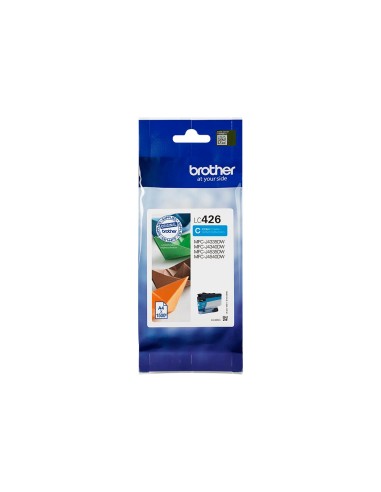
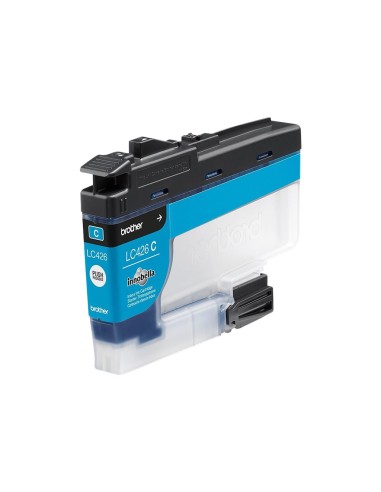
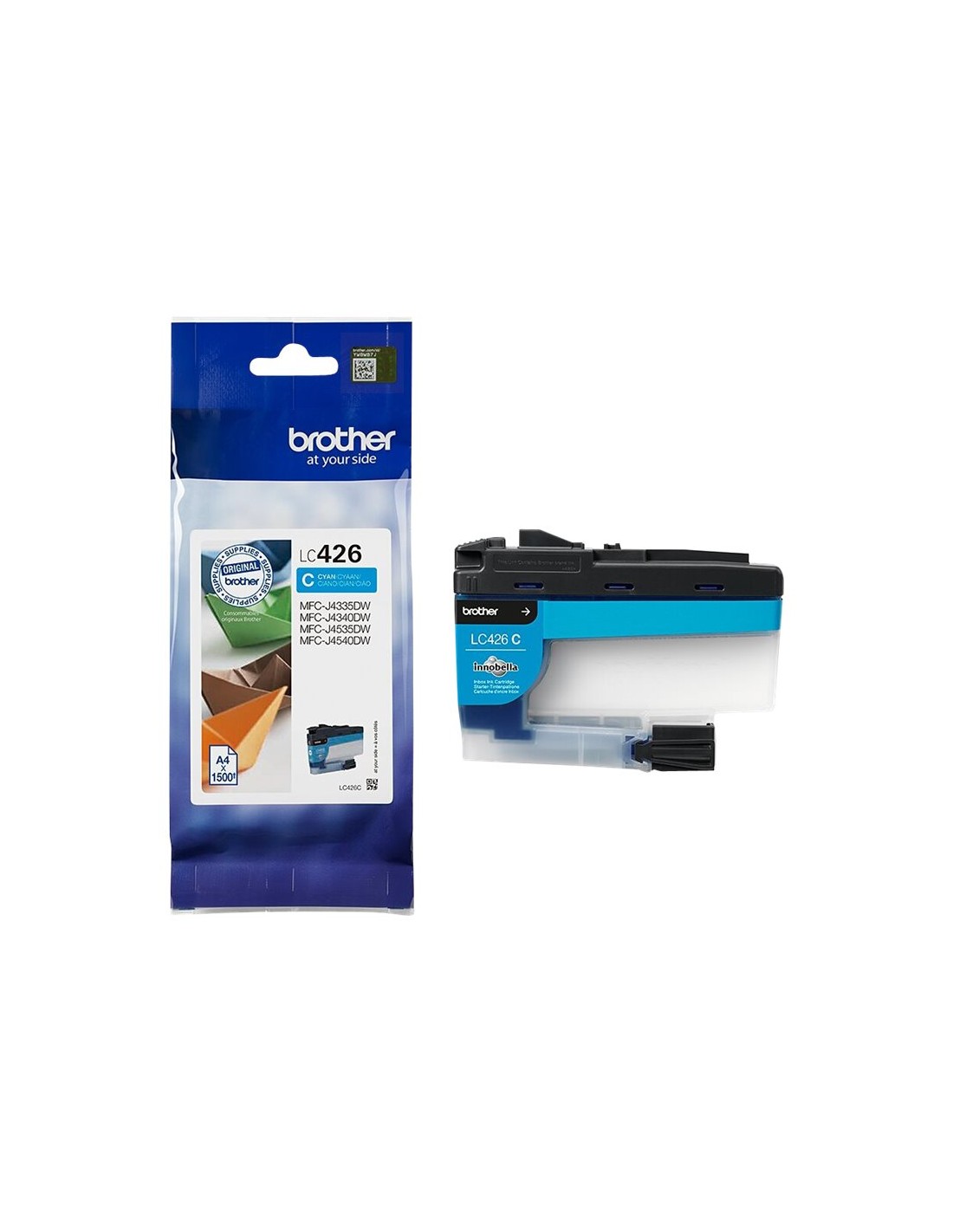
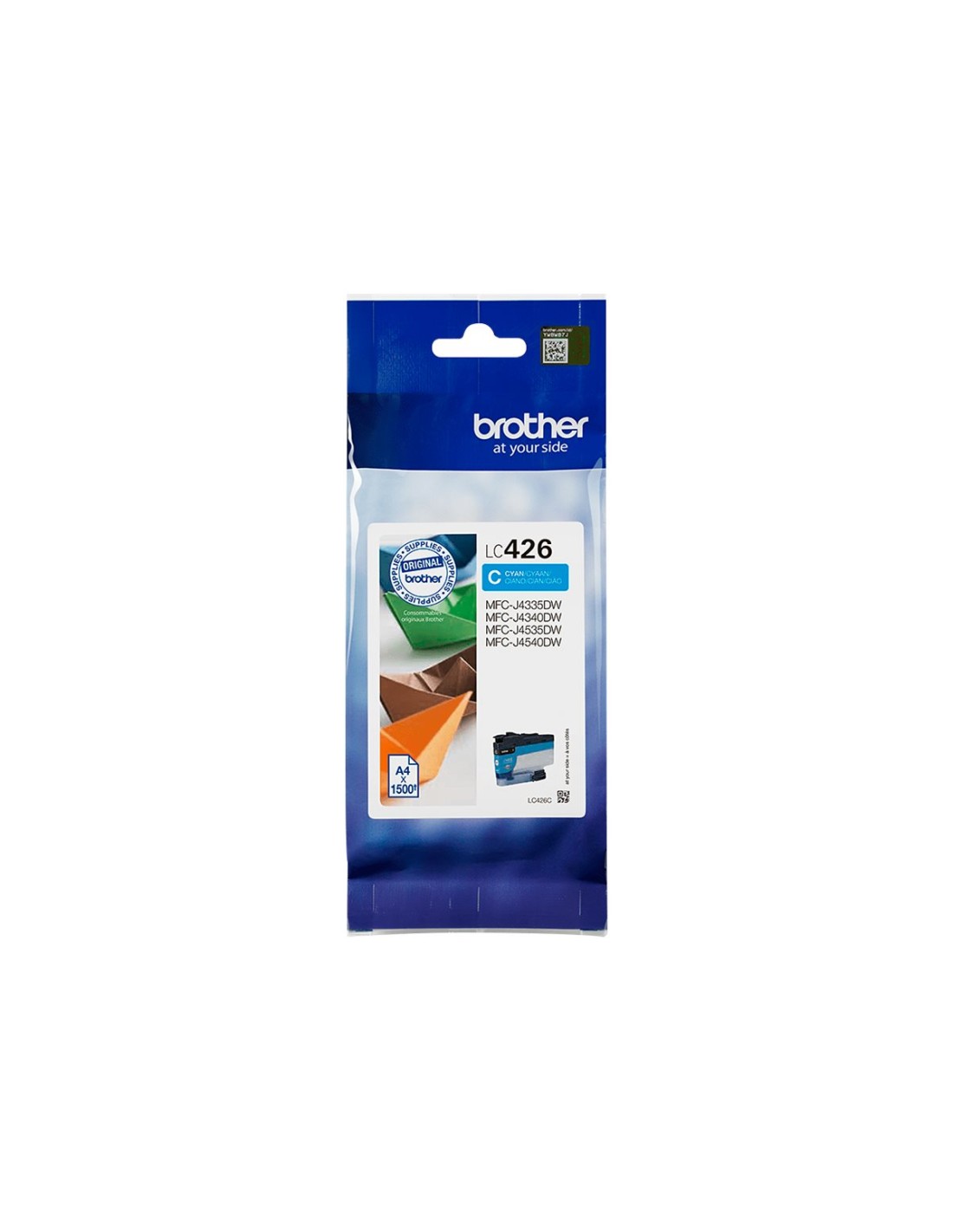
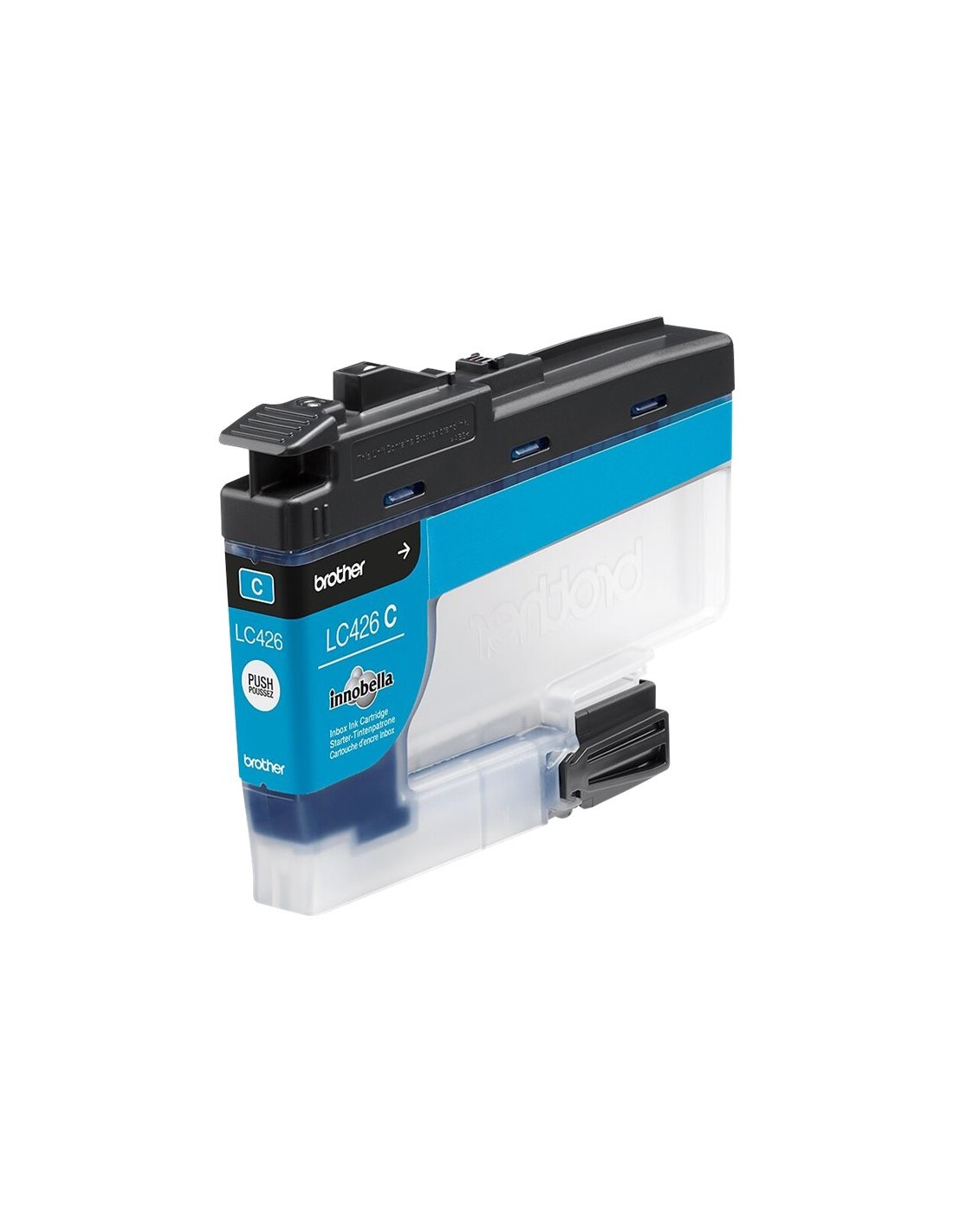
Elevate your printing experience with the Brother LC426C High-Yield Cyan Ink Cartridge. This genuine Brother ink solution is engineered to deliver outstanding print quality, producing vibrant, crisp, and true-to-life cyan hues for all your documents and photos. Designed for seamless integration with your compatible Brother printer, it ensures optimal performance and long-lasting results every time you print.
With a remarkable yield of up to 1500 pages (ISO/IEC 24711), this high-capacity ink cartridge is an exceptionally cost-effective choice for both busy home offices and professional environments. Reduce the frequency of ink changes and enjoy significant savings on your printing costs per page. Experience dependable output and brilliant color that makes your important documents and cherished memories truly stand out.
Choosing an original Brother LC426C cartridge ensures consistent, reliable performance and straightforward installation, minimizing downtime and maximizing productivity. It's the smart choice for anyone seeking superior print quality and efficiency from their ink-jet printer.
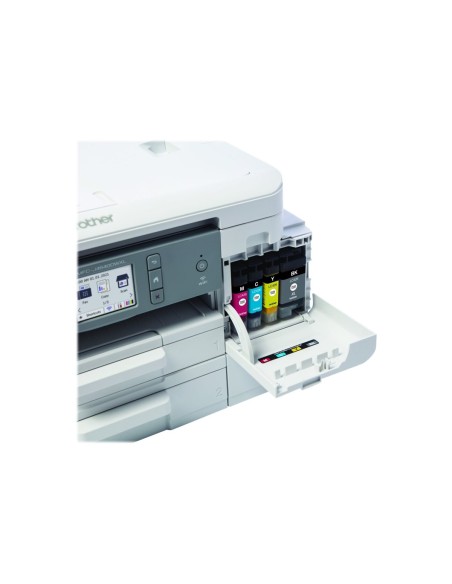
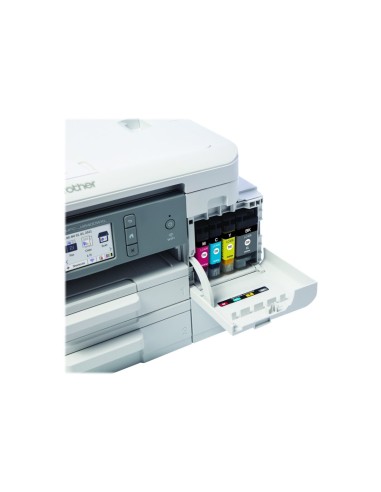
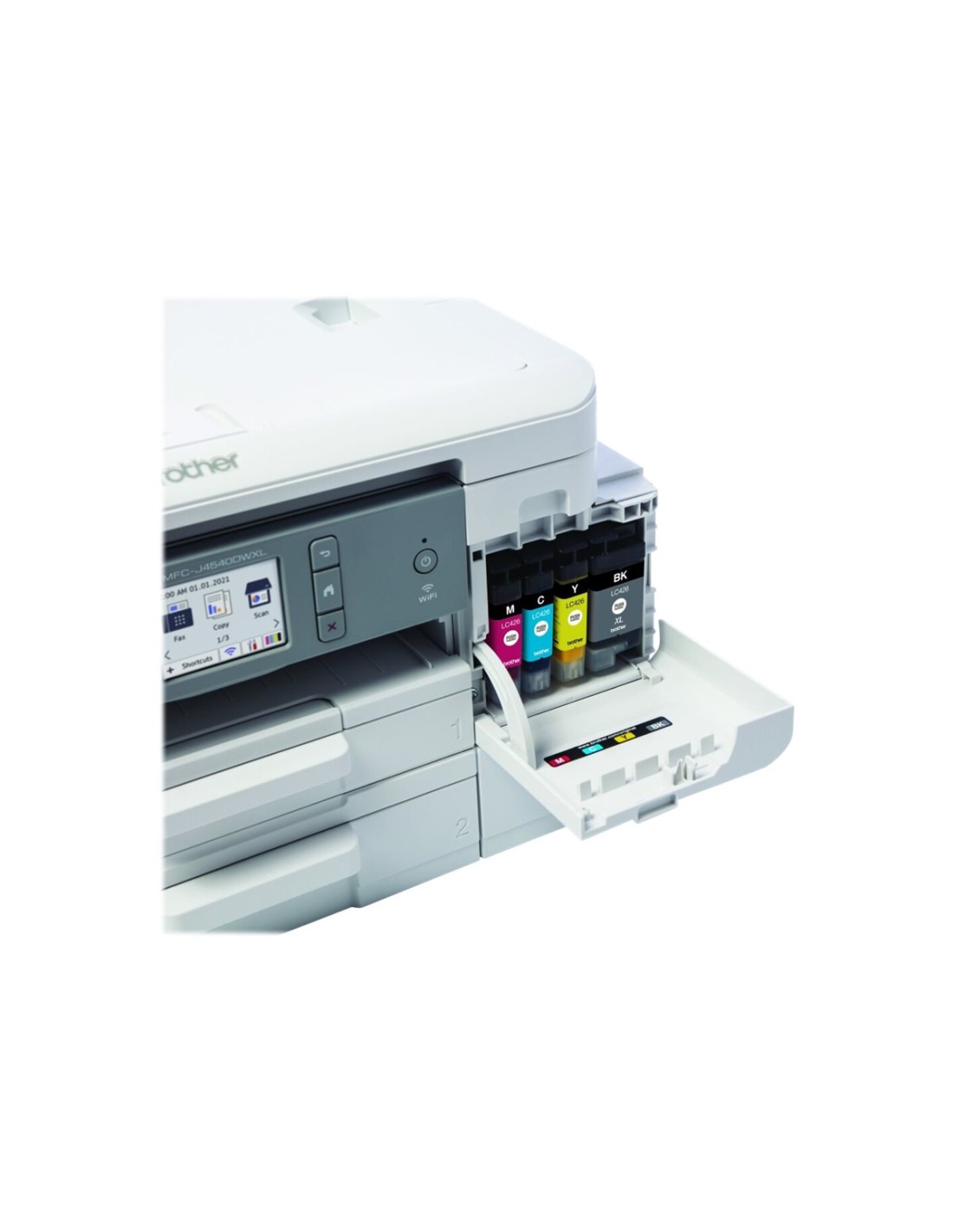
To install your Brother LC426C ink cartridge, first open the printer cover and locate the designated cyan ink cartridge slot. Carefully remove any protective tape from the new cartridge, then insert it into the slot until you hear a click. Close the printer cover and allow your printer to initialize the new cartridge.