Shopping Cart
Out-of-Stock

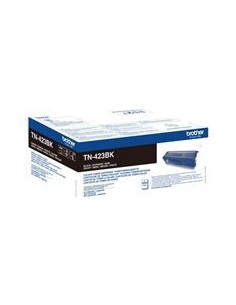
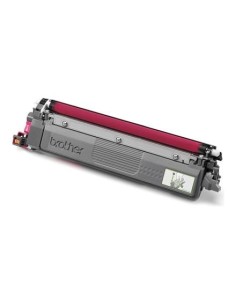
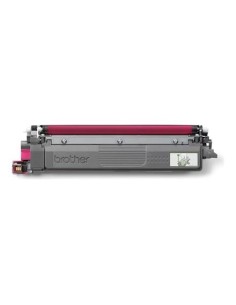
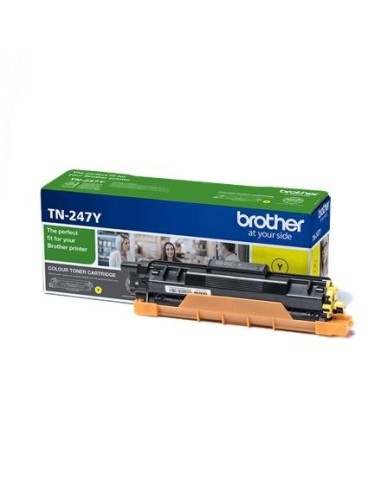
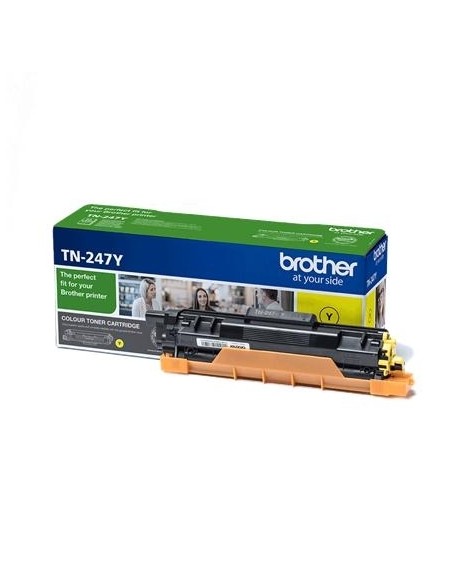
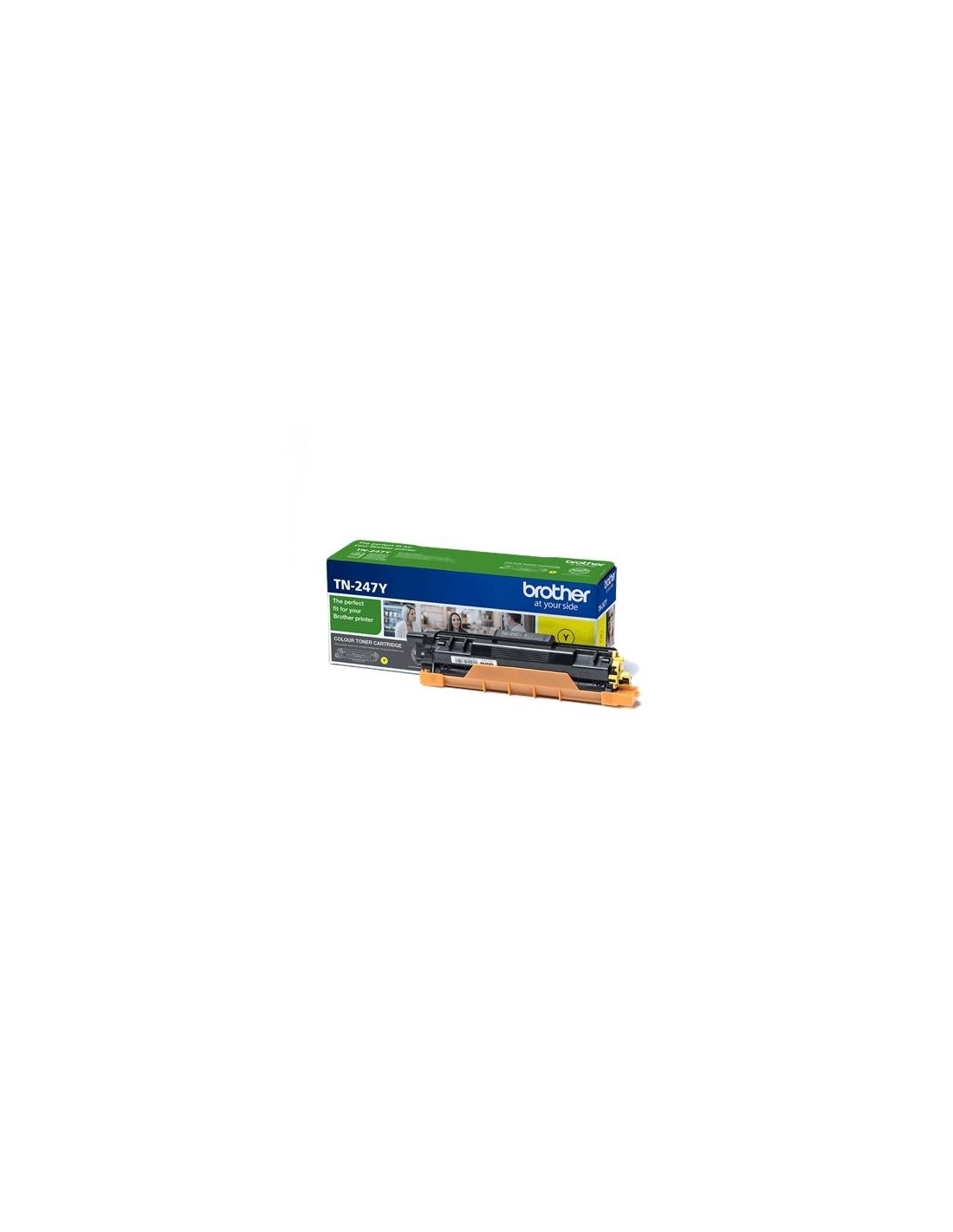
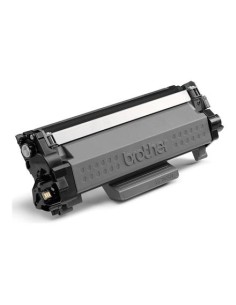
Achieve outstanding print quality and maximize your productivity with the Brother TN247Y High-Yield Yellow Toner Cartridge. Engineered by Brother, this genuine toner is designed to deliver consistently vibrant and crisp yellow prints, perfect for enhancing your documents, presentations, and creative projects. Ideal for both busy home offices and professional environments, it ensures your prints stand out with exceptional clarity and rich color.
Experience the efficiency of high-yield printing with this reliable Brother cartridge. Capable of producing up to 2300 pages*, it significantly extends the time between replacements, helping you save money and reduce downtime. The Brother TN247Y guarantees dependable performance page after page, making it a smart investment for consistent, professional results from your compatible Brother laser printer.
*Approximate page yield based on ISO/IEC 19752. Actual yield may vary depending on print settings and types of documents printed.
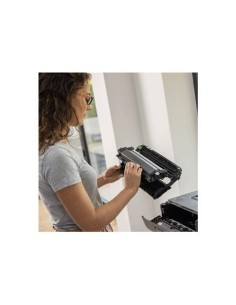
Installing your Brother TN247Y toner cartridge is a straightforward process: