Shopping Cart
Out-of-Stock

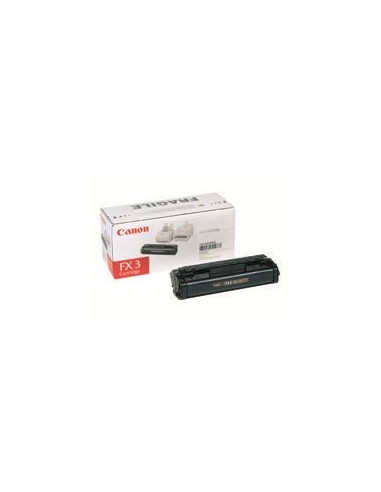
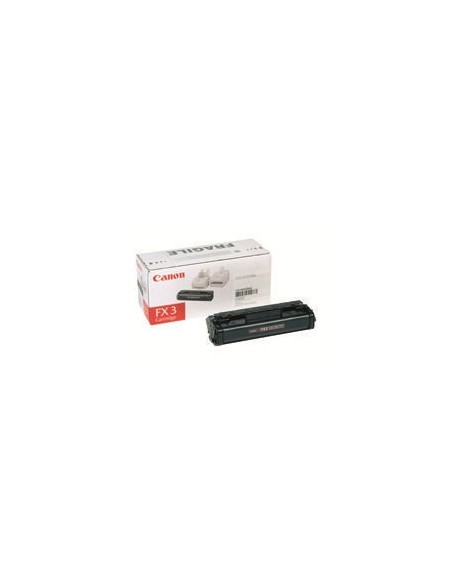
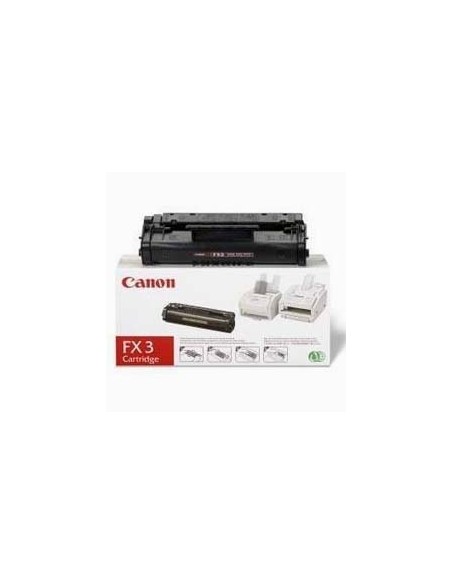
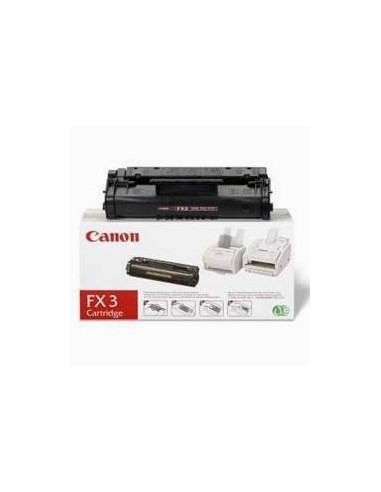
Ensure your Canon fax machine or multifunction device operates at its best with the genuine Canon FX-3 Black Toner Cartridge. This high-yield toner is engineered by Canon to deliver consistently crisp, clear, and professional-quality prints for all your important documents. Opting for an original Canon FX-3 toner helps avoid compatibility issues and ensures optimal device performance.
Experience superior print performance with this authentic Canon FX-3 toner. Its high-yield design allows you to print approximately 2500 pages, significantly reducing the frequency of replacements and saving you time and money. Enjoy sharp text and rich graphics that are perfect for faxes, reports, and everyday documents, ensuring every print reflects a professional standard.
Installation is straightforward, allowing you to quickly get back to your printing tasks. This versatile black toner cartridge is widely compatible with a range of Canon devices, including popular models like the FAX L300, Multipass L90, and others, making it a dependable choice for your printing needs in both busy office environments and home settings.
To install your Canon FX-3 toner cartridge, first turn off your Canon device and unplug it from the power source. Open the toner compartment, then carefully remove the old cartridge if present. Unwrap the new Canon FX-3 cartridge and insert it firmly into the compartment until it is properly seated. Close the toner compartment, then plug your device back in and turn it on to resume printing.