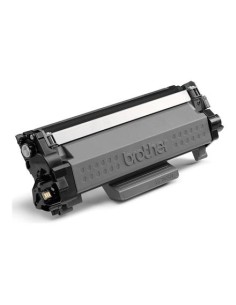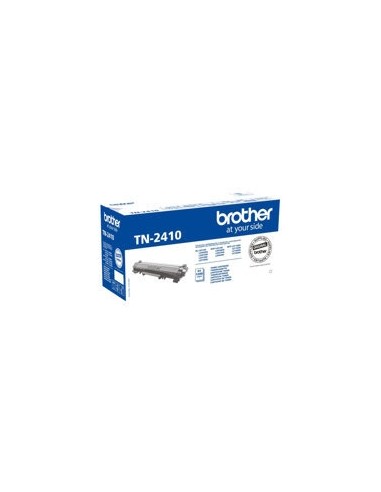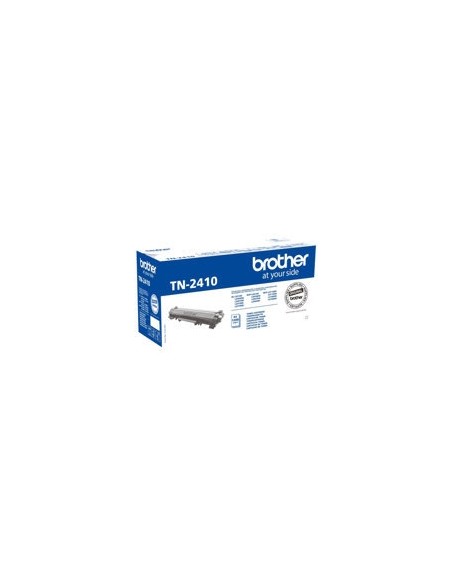
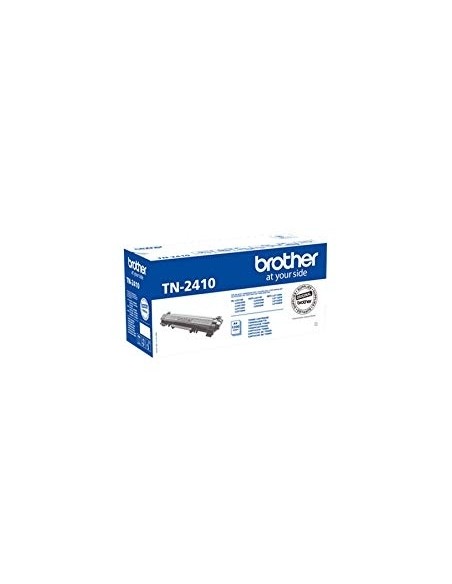
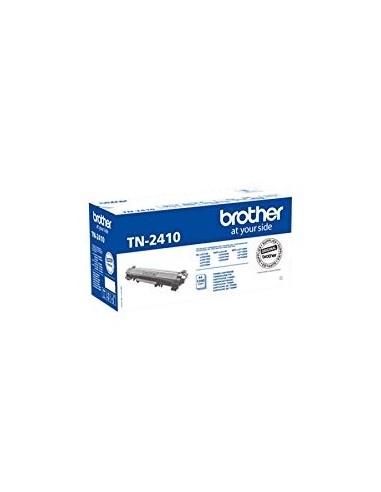
Brother toner TN-2410 black
Brother TN-2410 High-Yield Black Toner Cartridge
Ensure consistently crisp, professional-quality documents with the Brother TN-2410 High-Yield Black Toner Cartridge. This genuine Brother laser printer toner is engineered for exceptional quality and reliable performance, making it the ideal choice for busy homes and offices. Experience superior print quality with sharp text and vibrant graphics, page after page.
Designed to work seamlessly with your compatible Brother printer, this high-yield black toner cartridge delivers impressive efficiency. It allows you to print significantly more pages compared to standard cartridges, reducing the frequency of replacements and saving you time and money. Choose original Brother printer supplies for optimal print quality, long-lasting performance, and a smooth printing experience.
Key Features and Benefits
- High Page Yield: Print up to 1200 pages (based on ISO/IEC 19752 standard), significantly reducing printing costs and minimizing cartridge replacements for your laser printer.
- Superior Print Quality: Enjoy consistently sharp, clear text and vibrant graphics that make your documents look professional and impressive.
- Effortless Installation: The cartridge is designed for quick and easy replacement, allowing you to get back to printing with minimal downtime.
- Reliable Performance: Count on consistent, dependable results and an uninterrupted workflow, ensuring your printer performs at its best.
- Manufacturer Warranty: Backed by a 1-year manufacturer warranty for your peace of mind, guaranteeing product quality and support.
Specifications
- Product Type: Toner cartridge
- Printing Technology: Laser
- Printing Colour: Black
- Yield: Up to 1200 pages ISO/IEC 19752
- Manufacturer Warranty: 1-year warranty
- Compatible with: Brother DCP-L2510D, DCP-L2530DW, DCP-L2537DW, DCP-L2550DN, DCP-L2550DW, HL-L2310D, HL-L2350DW, HL-L2370DN, HL-L2375DW, MFC-L2710DN, MFC-L2710DW, MFC-L2713DW, MFC-L2730DW, MFC-L2750DW
How to Use
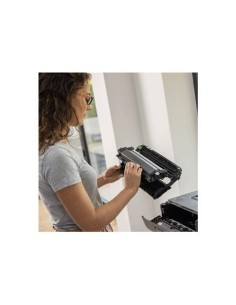
To install your new Brother TN-2410 toner cartridge, simply turn off your printer and open the toner cartridge access door. Carefully remove the old cartridge, then unpackage the new one and insert it until it clicks securely into place. Close the access door, turn on your printer, and you're ready to print.