Shopping Cart
Last items in stock

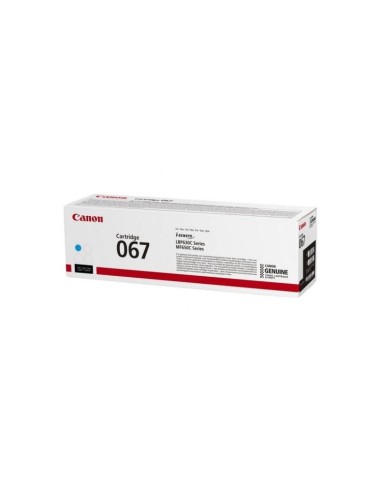
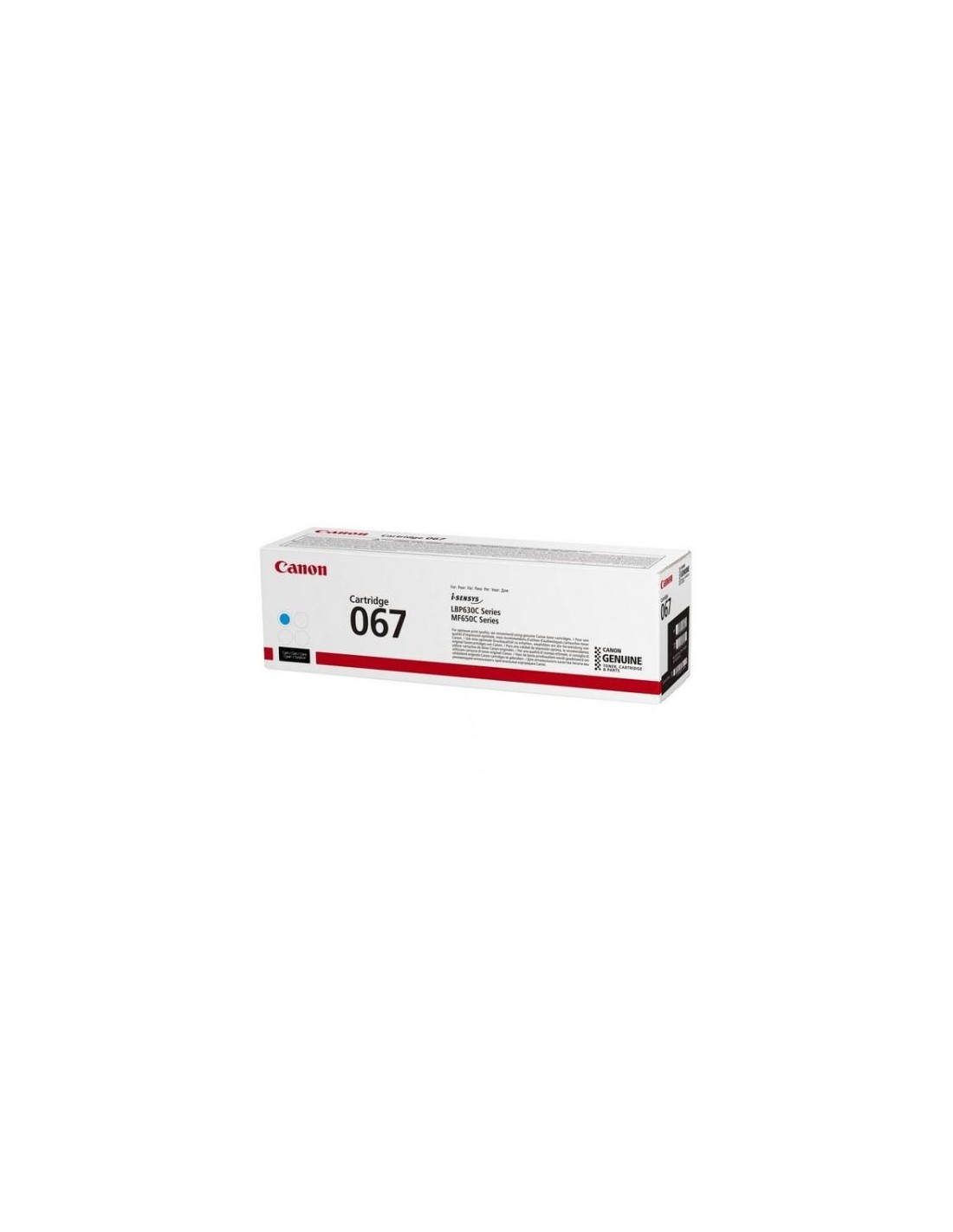
Achieve crisp, vibrant prints with the Canon Toner Cartridge 067H High Yield Cyan. This genuine Canon toner cartridge is meticulously designed for Canon i-SENSYS MF651Cw laser printers, ensuring exceptional print quality and reliable, long-lasting performance. Ideal for any setting from a busy office to a home or small business, this original cyan toner delivers professional-looking documents and presentations with rich, true-to-life colors and remarkably sharp text.
Experience superior print quality and seamless operation with this authentic Canon toner. With its high yield capacity, you can print up to 2350 pages, significantly reducing the frequency of toner replacements and cutting down on overall printing costs. This makes the Canon 067H high yield cyan cartridge a smart, cost-effective investment for consistent, high-quality output.
Beyond its impressive yield and vibrant color output, this toner cartridge offers straightforward, effortless installation. Canon toner cartridges are also designed with environmental standards in mind, utilizing recycled materials to support more sustainable printing practices.