Shopping Cart
Out-of-Stock

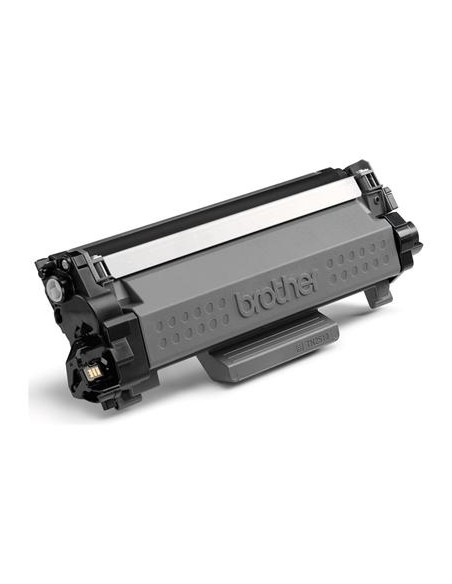
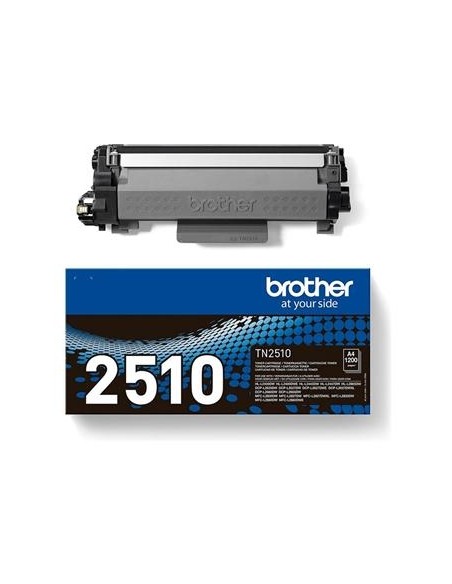
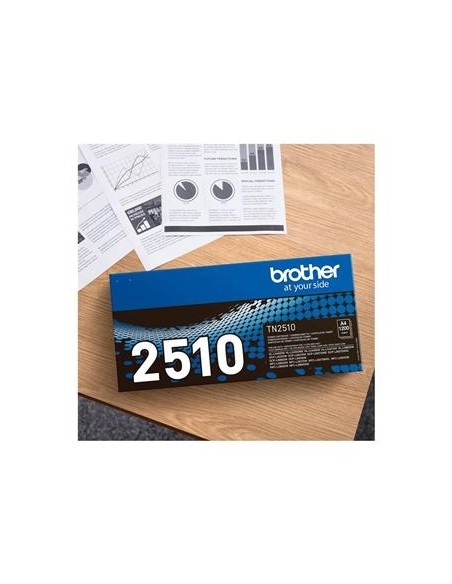
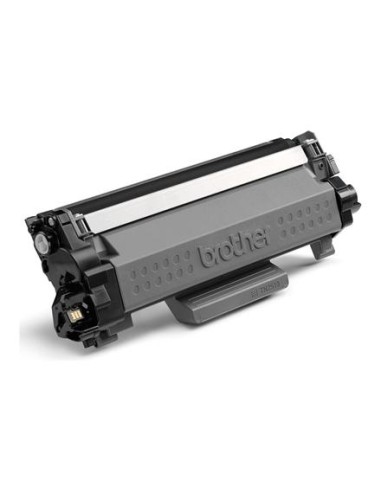
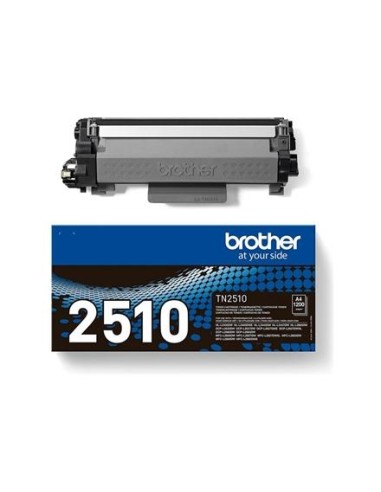
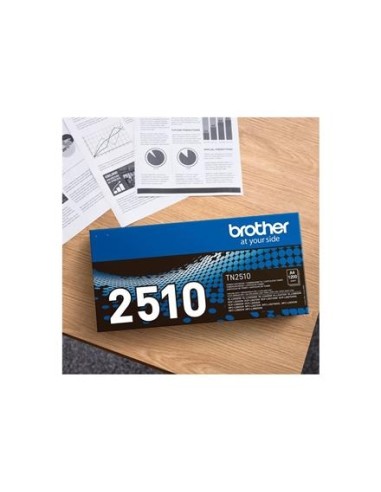
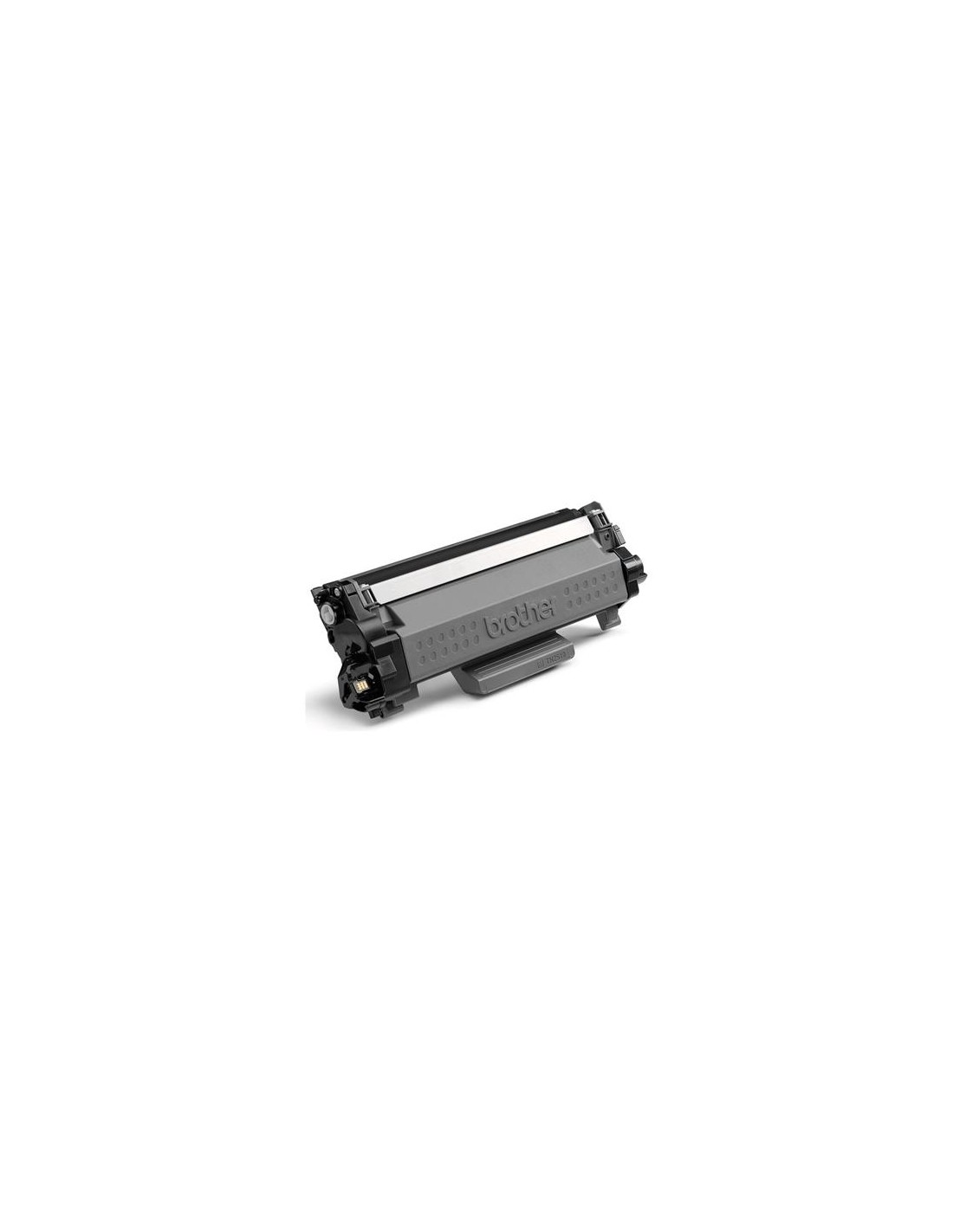
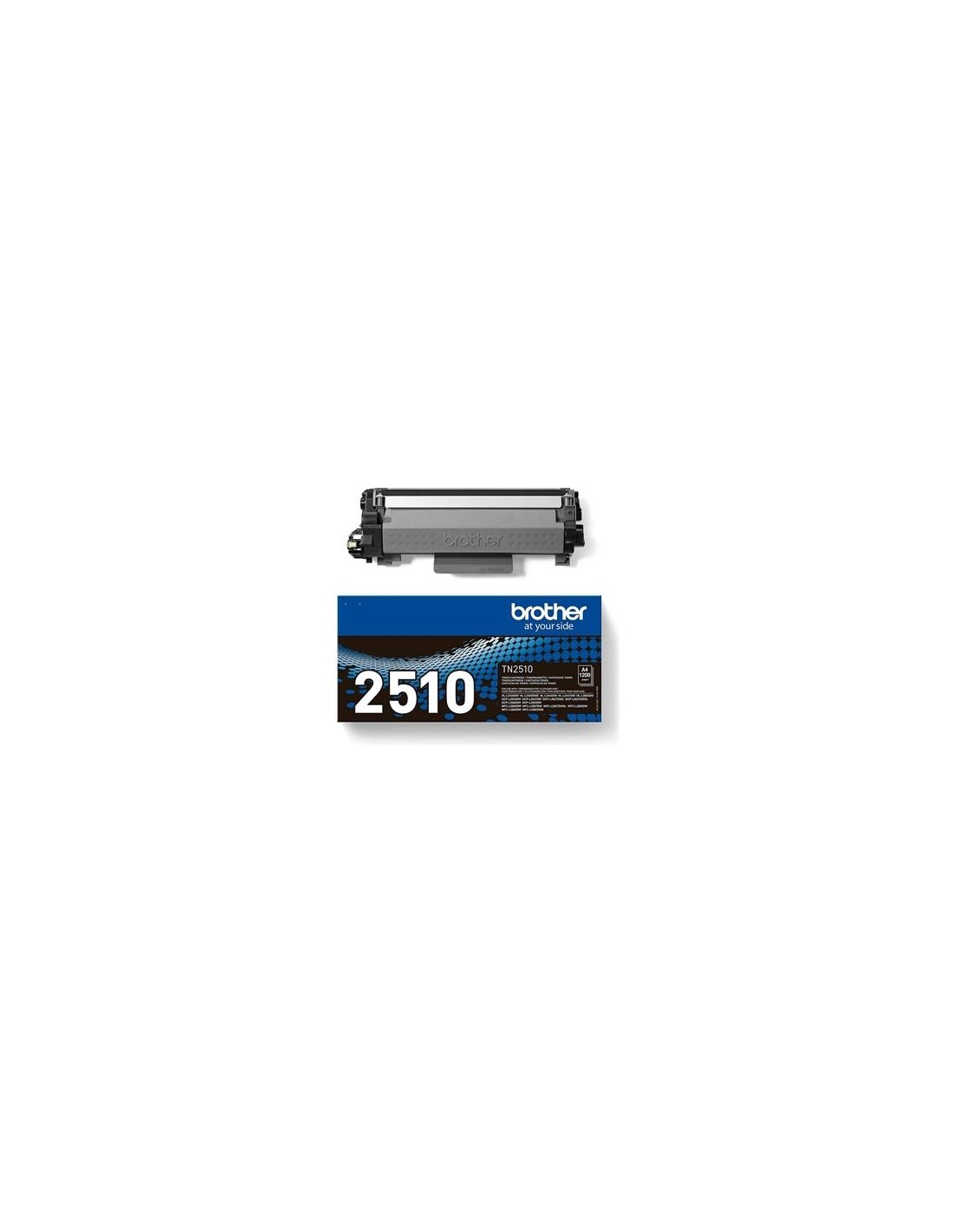
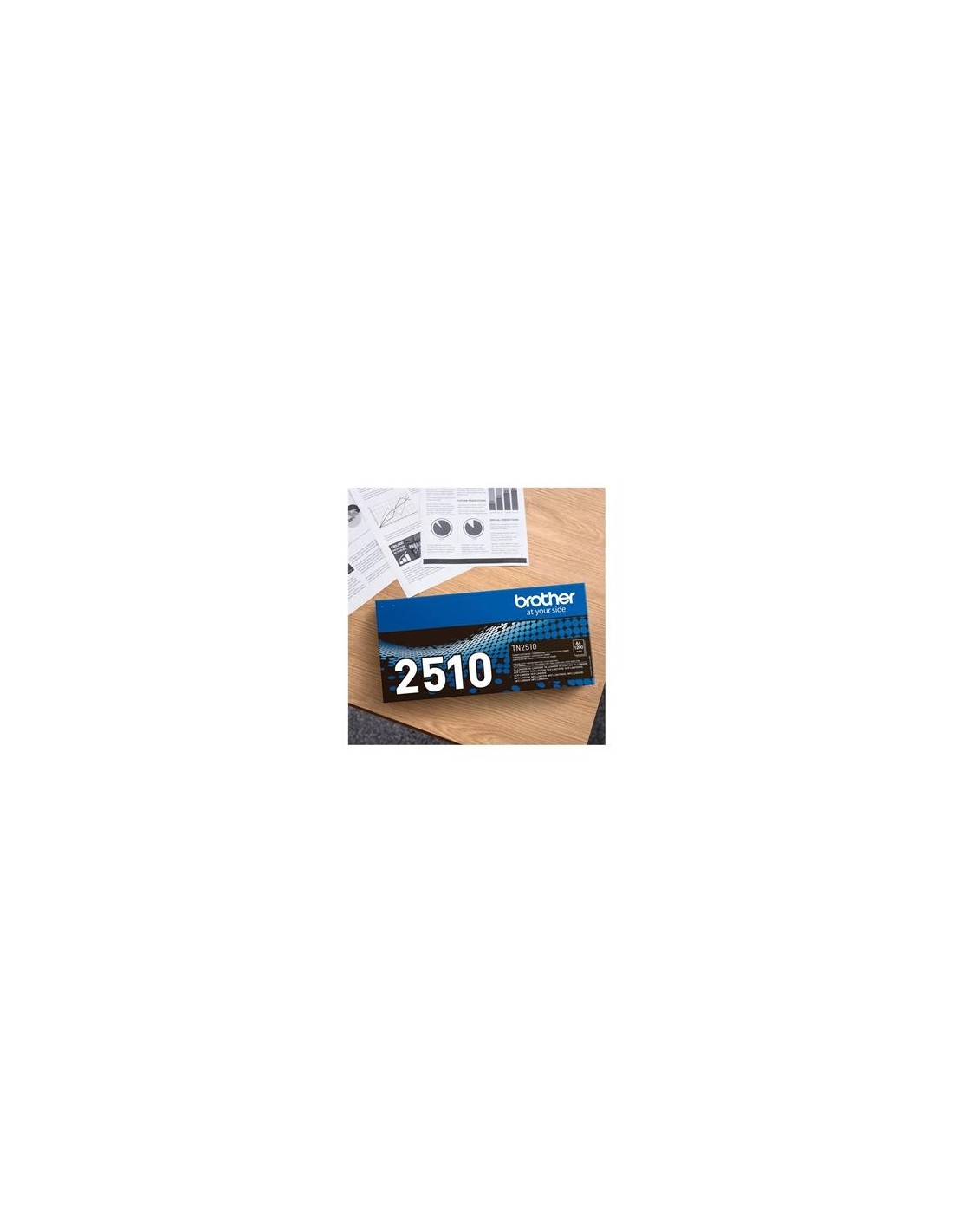
Elevate your printing experience with the Brother TN2510 High-Yield Black Toner Cartridge, designed to deliver exceptional results for your laser printer. This genuine Brother toner cartridge is the perfect solution for busy homes and offices looking to maximize efficiency and save on printing costs. You can expect professional-quality documents with every print, from crisp text to sharp images, ensuring your presentations and reports always look their best.
With an impressive page yield of up to 1200 pages (based on ISO/IEC 19752 standards), the TN2510 significantly reduces the frequency of toner replacements, offering both convenience and value. Engineered for optimal performance and reliability, this high-capacity toner ensures consistent, high-quality output and reliable operation, print after print. Choosing a high-yield toner is also an eco-friendly option, as it helps reduce waste and minimize your environmental footprint.
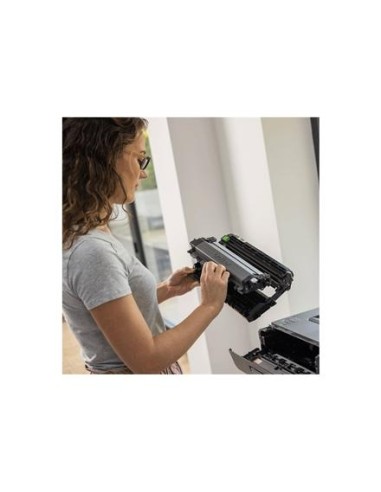
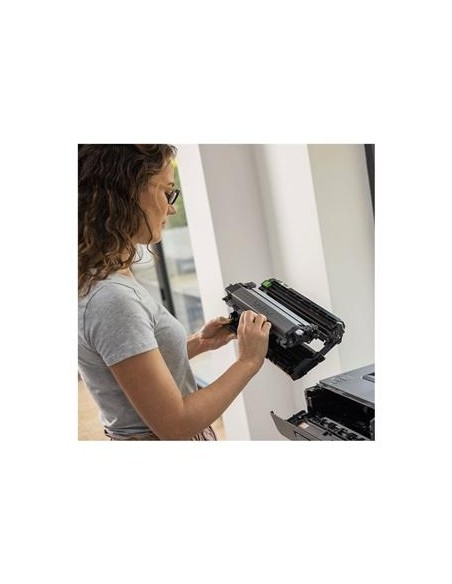
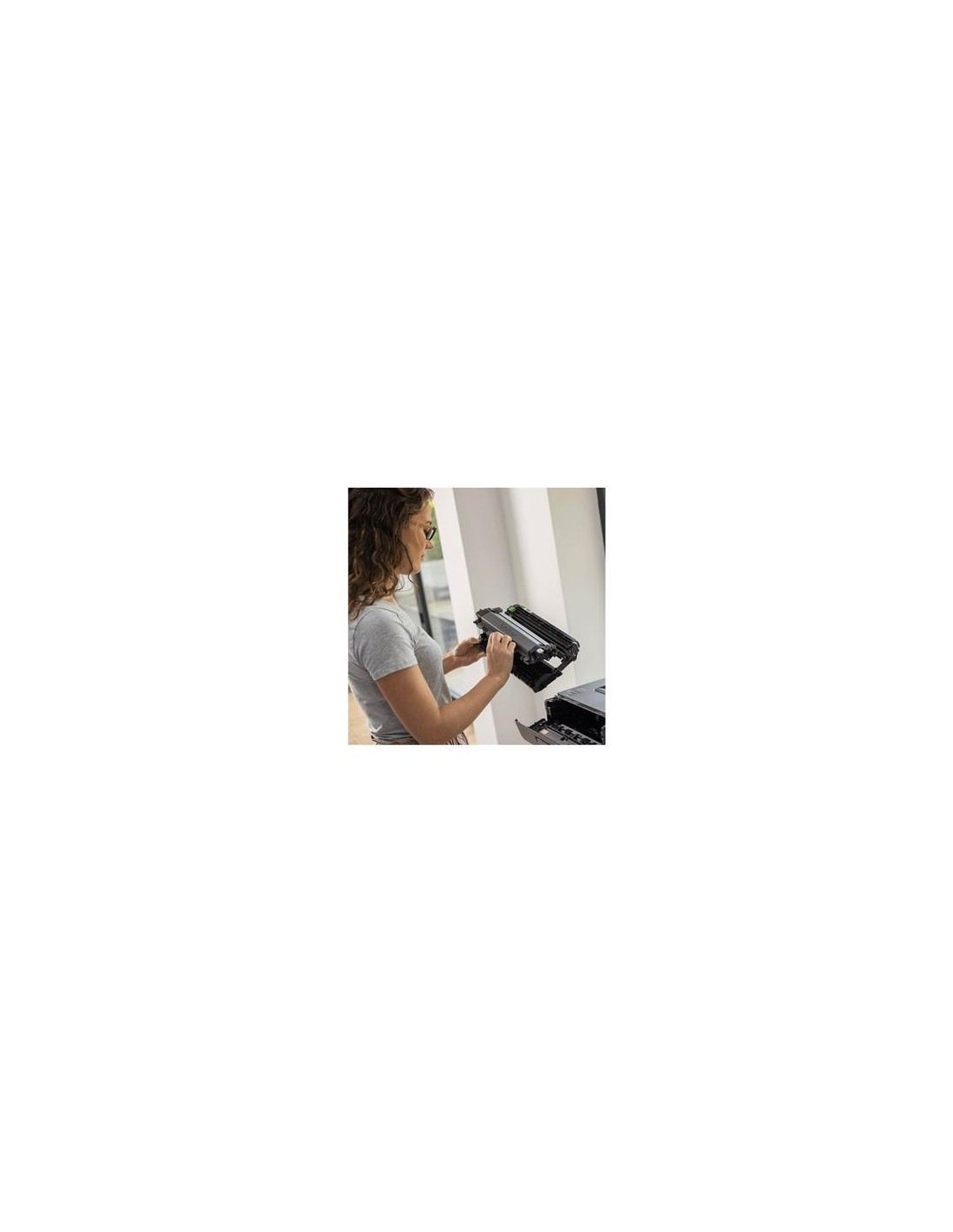
This Brother TN2510 toner cartridge is compatible with various Brother laser printers, including DCP-L2620DW, DCP-L2627DWE, DCP-L2627DWXL, DCP-L2660DW, HL-L2400DWE, HL-L2445DW, HL-L2447DW, MFC-L2800DW, MFC-L2827DWXL, and MFC-L2860DW. Installation is simple and straightforward: