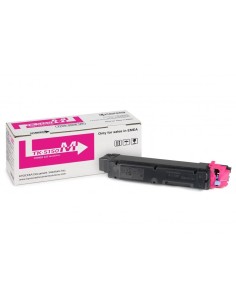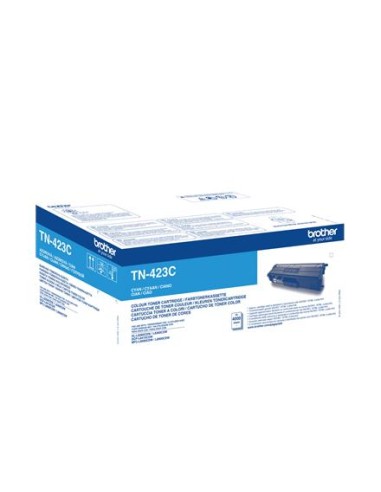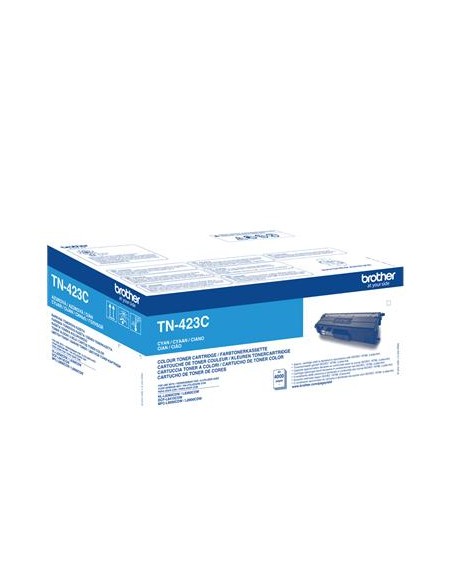
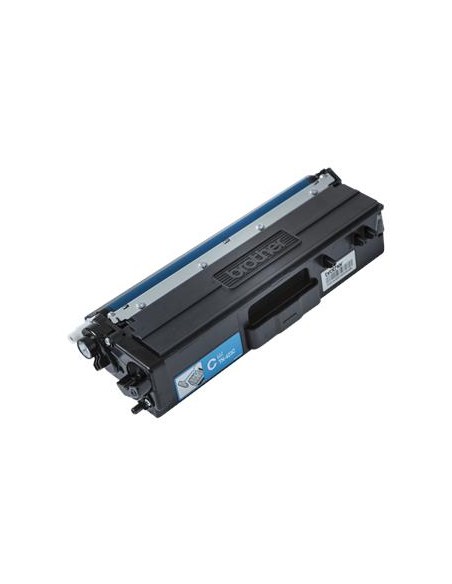
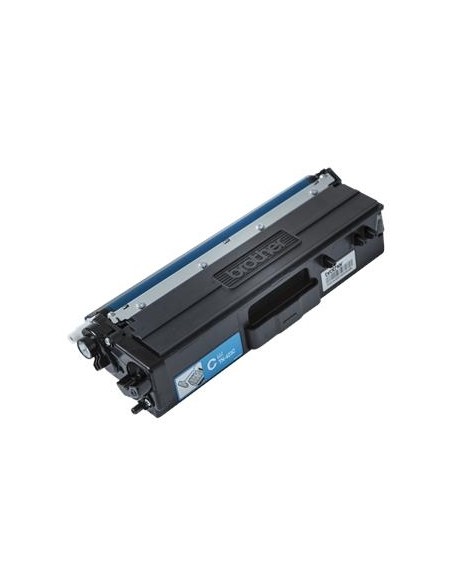
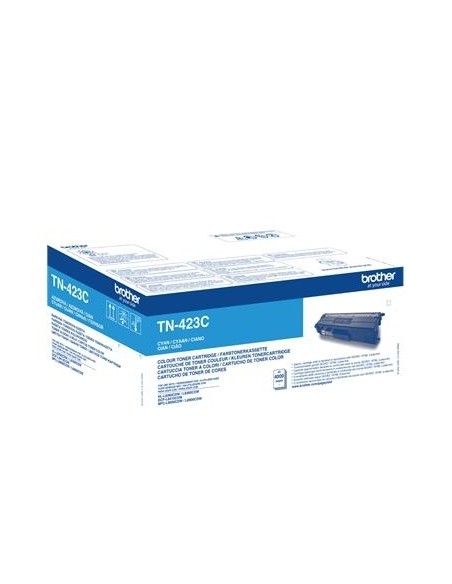
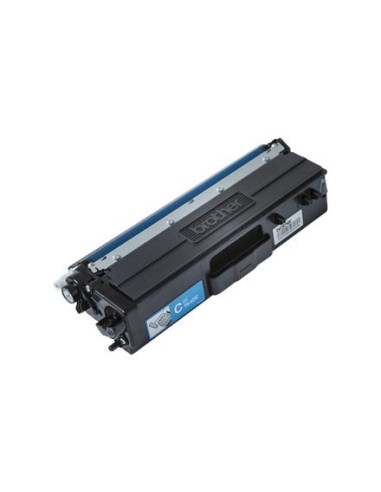
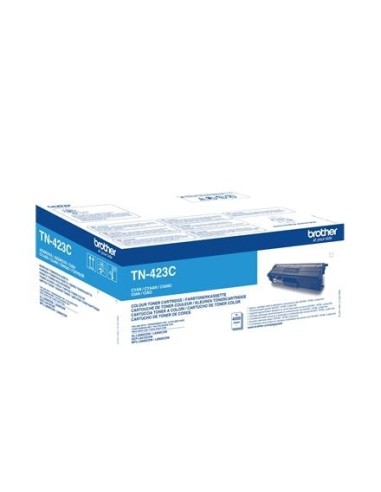
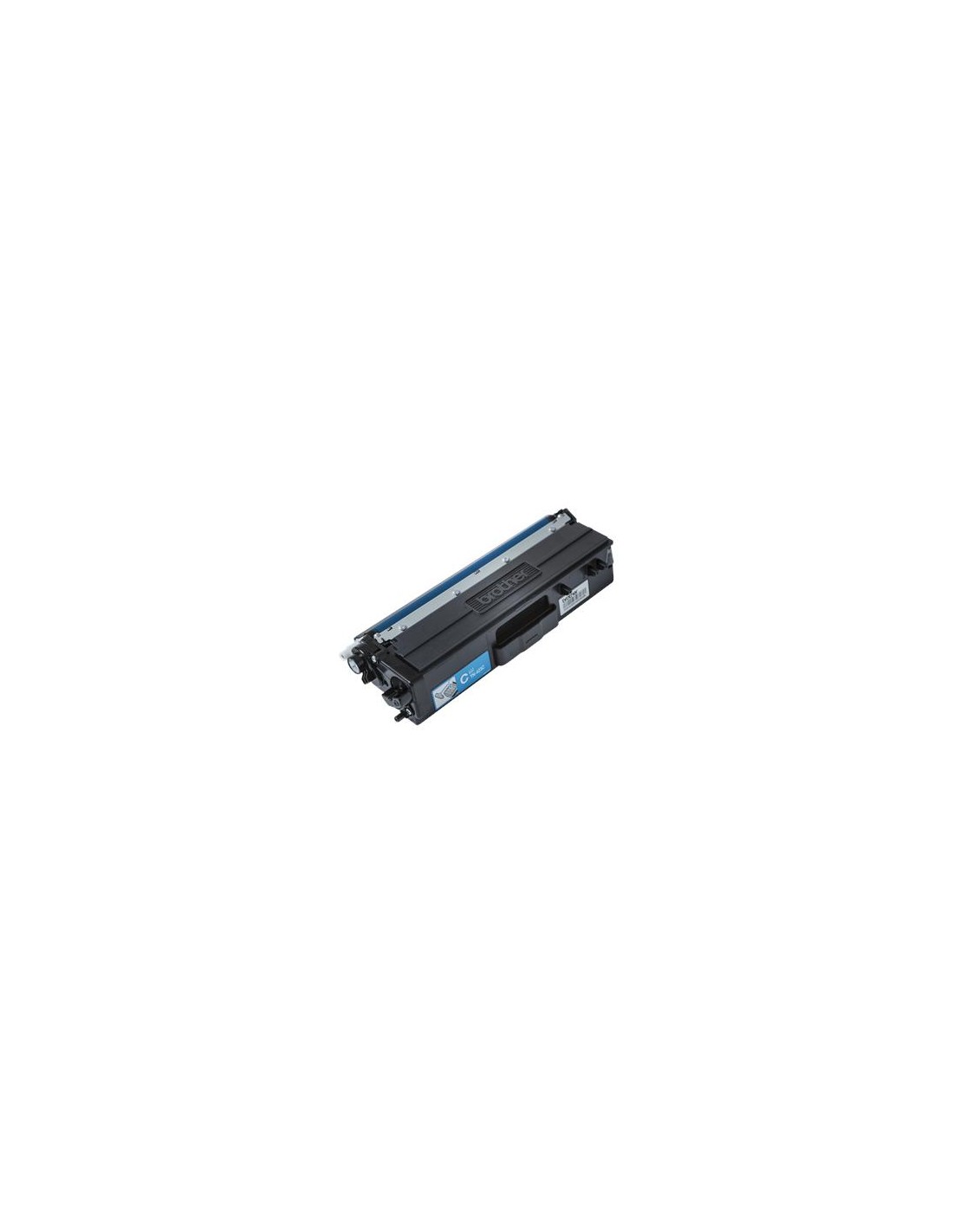
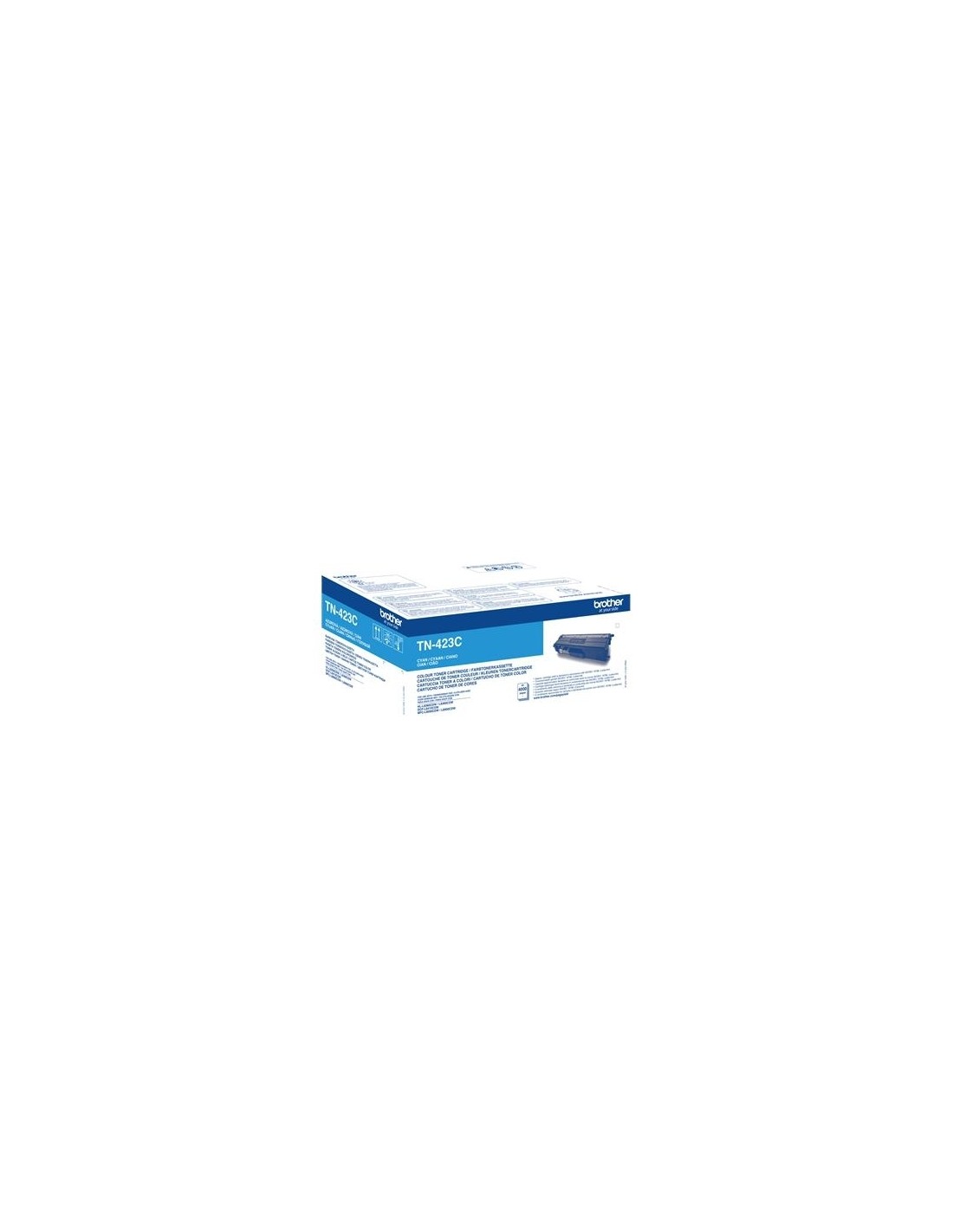
Tooner Brother TN-423C sinine (4000lk)
Maximize your printing efficiency and achieve outstanding results with the Brother TN-423C Cyan High-Yield Toner Cartridge. This genuine Brother laser toner is engineered to deliver vibrant, crisp, and consistently accurate cyan prints, making it the perfect choice for professional documents, captivating presentations, and impactful marketing materials.
Designed for high-volume printing environments, this high-yield toner cartridge significantly reduces the frequency of replacements, helping busy offices and businesses minimize downtime. You can rely on its superior quality and dependable performance to ensure smooth operation and impressive output every time, providing long-term cost savings on your printing supplies.
Specifications
- Product Type: Toner cartridge
- Printing Technology: Laser
- Printing Colour: Cyan
- Cartridge Yield: High-Yield (Jumbo Yield)
- Yield: Up to 4000 pages (based on ISO/IEC 19798 standard)
- Compatible with:
- Brother DCP-L8410CDW
- Brother DCP-L8410CDWT
- Brother HL-L8260CDW
- Brother HL-L8360CDW
- Brother HL-L8360CDWMT
- Brother MFC-L8690CDW
- Brother MFC-L8900CDW
How to Install
- Turn off your printer and unplug it from the power source.
- Open the printer's toner access door.
- Carefully remove the empty toner cartridge.
- Remove the protective seal from the new Brother TN-423C toner cartridge.
- Insert the new cartridge into the designated slot, ensuring it's properly seated.
- Close the toner access door.
- Plug the printer back in and turn it on.
- Wait for the printer to initialize and complete the setup process.