Shopping Cart
Out-of-Stock

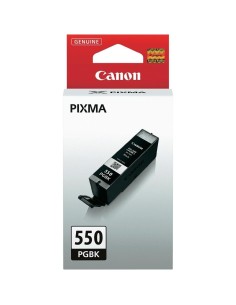
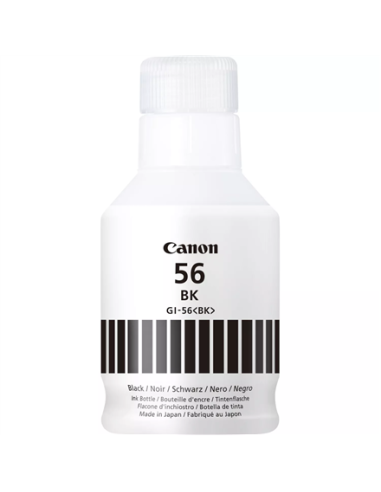
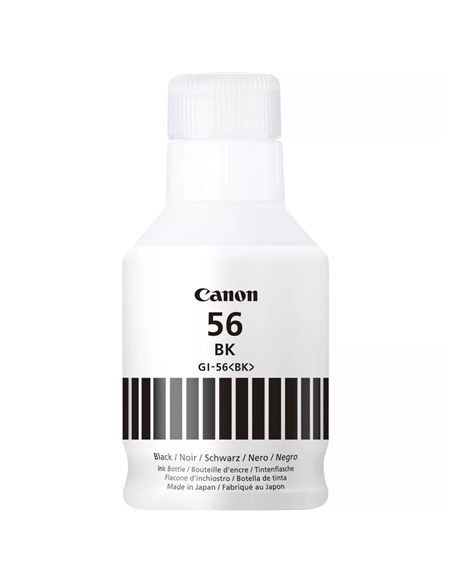
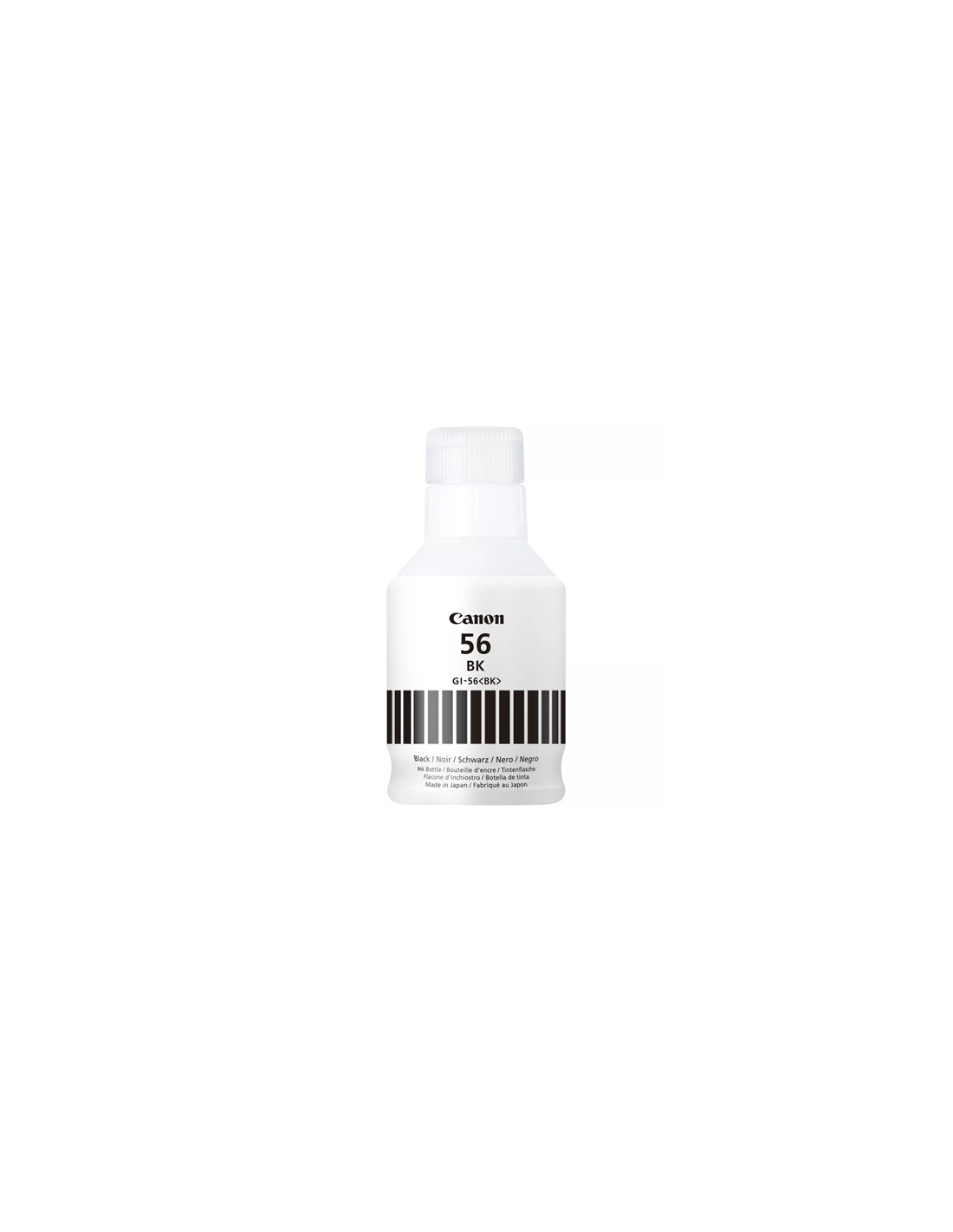
Unlock superior printing performance with the Canon GI-56BK High-Yield Black Ink Bottle. This genuine Canon ink solution is engineered to deliver crisp, sharp text and deep, rich blacks, making it perfect for documents, reports, and stunning photo prints. Designed for seamless integration with compatible Canon PIXMA and MAXIFY ink tank printers, this high-capacity ink bottle ensures reliable performance and helps prevent print head clogging, providing consistent, professional-quality results every time.
Experience exceptional value with this cost-effective ink solution. The high-yield design allows you to print thousands of pages from a single bottle, significantly reducing the frequency of ink replacements and lowering your overall printing costs. Its innovative, spill-free bottle design makes refilling your printer quick, clean, and incredibly simple, ensuring a hassle-free printing experience for both home users and small offices.
Ensure your Canon PIXMA or MAXIFY printer is turned off before refilling. Open the ink tank cover, carefully remove the protective seal from the ink bottle, and insert the nozzle into the designated black ink tank. Slowly squeeze the bottle until the ink reaches the maximum fill line, then remove the bottle and close the ink tank cover. Turn your printer on and allow it to initialize before resuming printing tasks.