Shopping Cart
Out-of-Stock

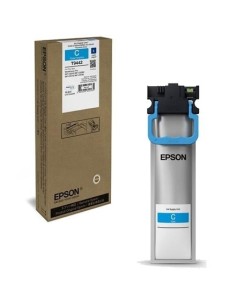
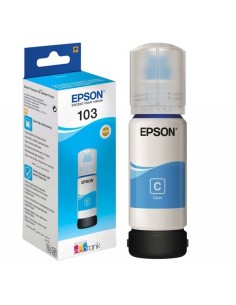
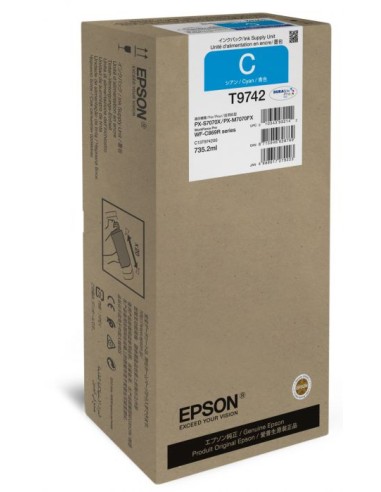
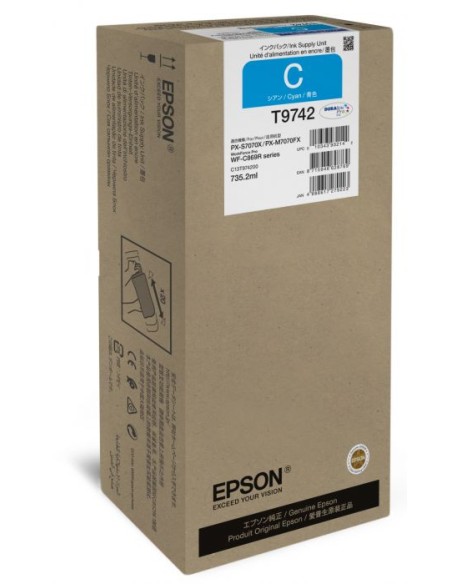
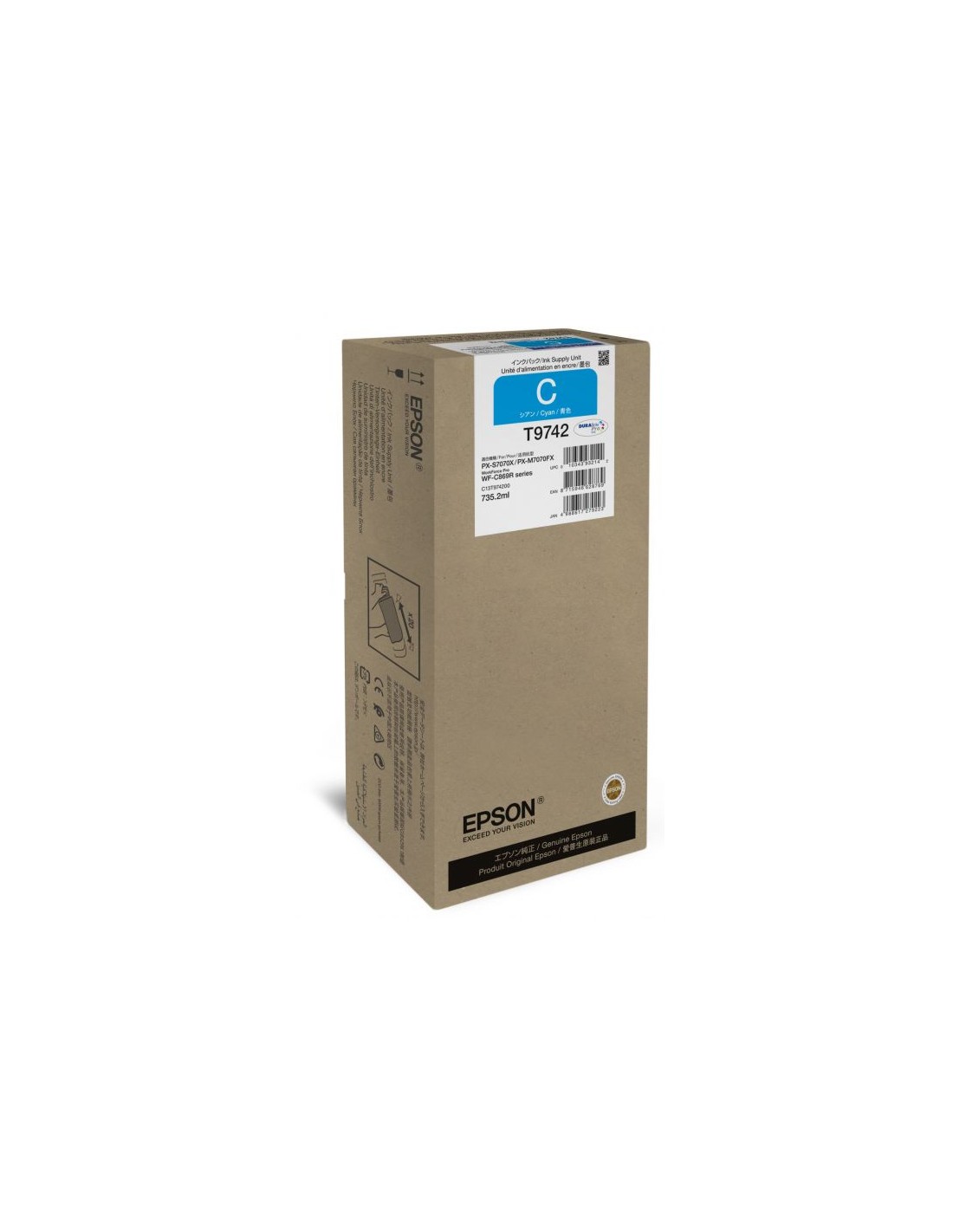
The original Epson T9742 XXL Cyan Ink Cartridge is the ideal choice for your Epson printing needs. Engineered to deliver remarkably vibrant, rich, and saturated colors, this high-quality ink ensures your documents and photos come to life with exceptional detail and realism.
With its generous **XXL volume**, this high-capacity ink cartridge allows for extensive printing without the inconvenience of frequent replacements, making it a smart and efficient solution for both home and office environments. Experience consistent, fade-resistant prints that maintain their brilliance over time.
Benefit from the reliable performance and superior output quality that only genuine Epson consumables can provide. This original **cyan ink cartridge** guarantees optimal compatibility with your Epson printer, ensuring stable operation and prolonged print head life, while also offering an economical cost per page for your everyday printing tasks.
Follow these simple steps to install your new Epson T9742 XXL Cyan ink cartridge: