Shopping Cart
Out-of-Stock

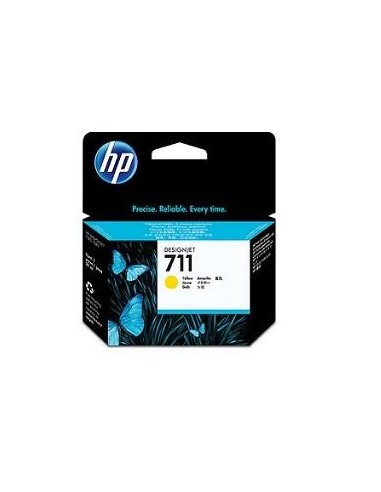
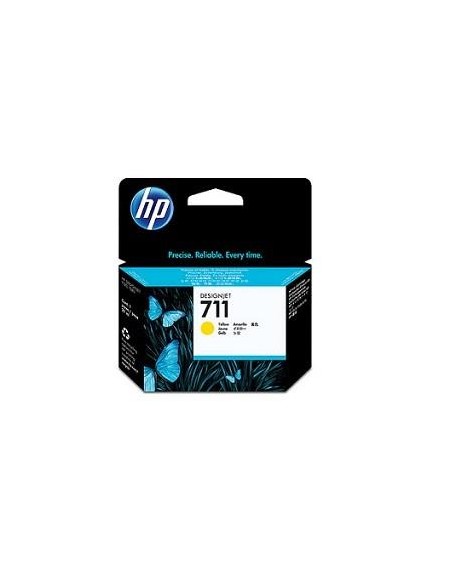
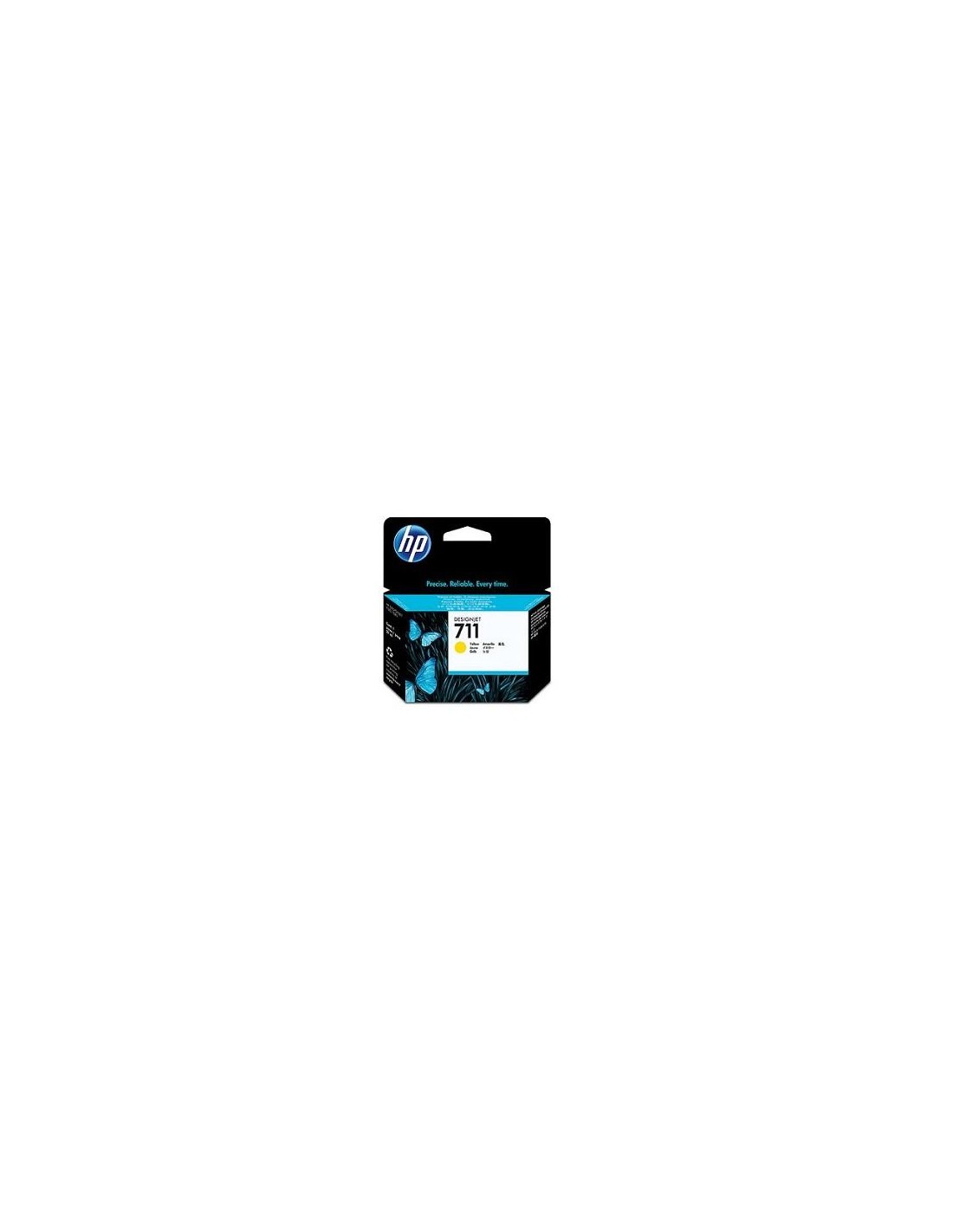
Achieve outstanding print quality and vibrant colors with the genuine HP 711 (CZ132A) Yellow Ink Cartridge. Specifically engineered for your HP DesignJet T120 and T520 ePrinters, this OEM ink cartridge ensures reliable performance and exceptional color accuracy for all your large-format printing needs. Whether you're producing architectural drawings, detailed posters, or other professional documents, this high-capacity cartridge delivers consistent, high-quality results.
Designed for optimal compatibility and seamless integration, this high-capacity 29ml yellow ink cartridge offers a generous print volume, reducing the frequency of replacements. Experience rich, accurate yellow tones that enhance the clarity and detail of your prints, giving them a professional edge. Opt for genuine HP ink to protect your printer and guarantee the longevity and vibrancy of your printed materials.
Replacing your HP 711 Yellow Ink Cartridge is straightforward. Begin by turning off your HP DesignJet T120 or T520 printer. Open the ink cartridge access door, then carefully remove the empty yellow cartridge. Prepare the new HP 711 (CZ132A) cartridge by removing its protective tape before inserting it into the designated slot until it clicks into place. Finally, close the access door, turn on your printer, and allow it to initialize.