Shopping Cart

Last items in stock

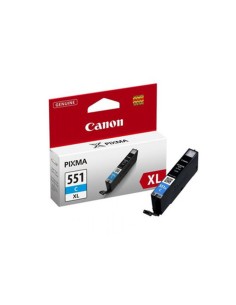
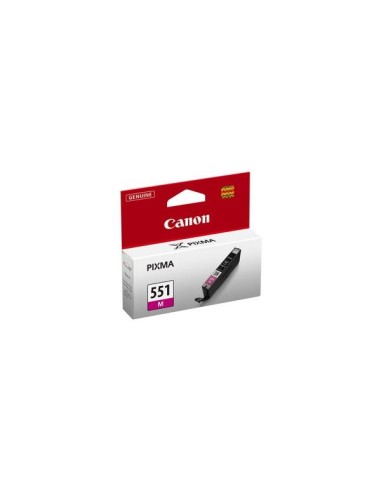
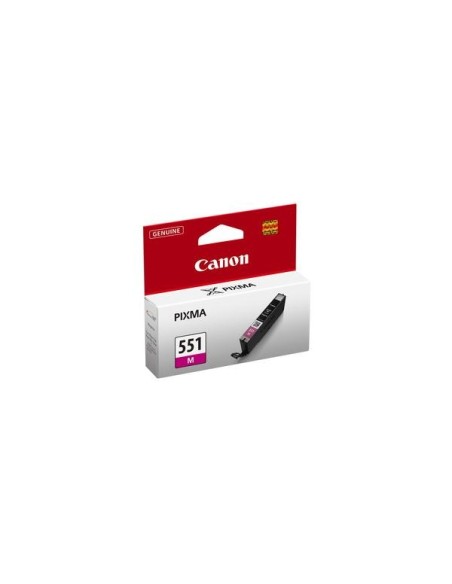
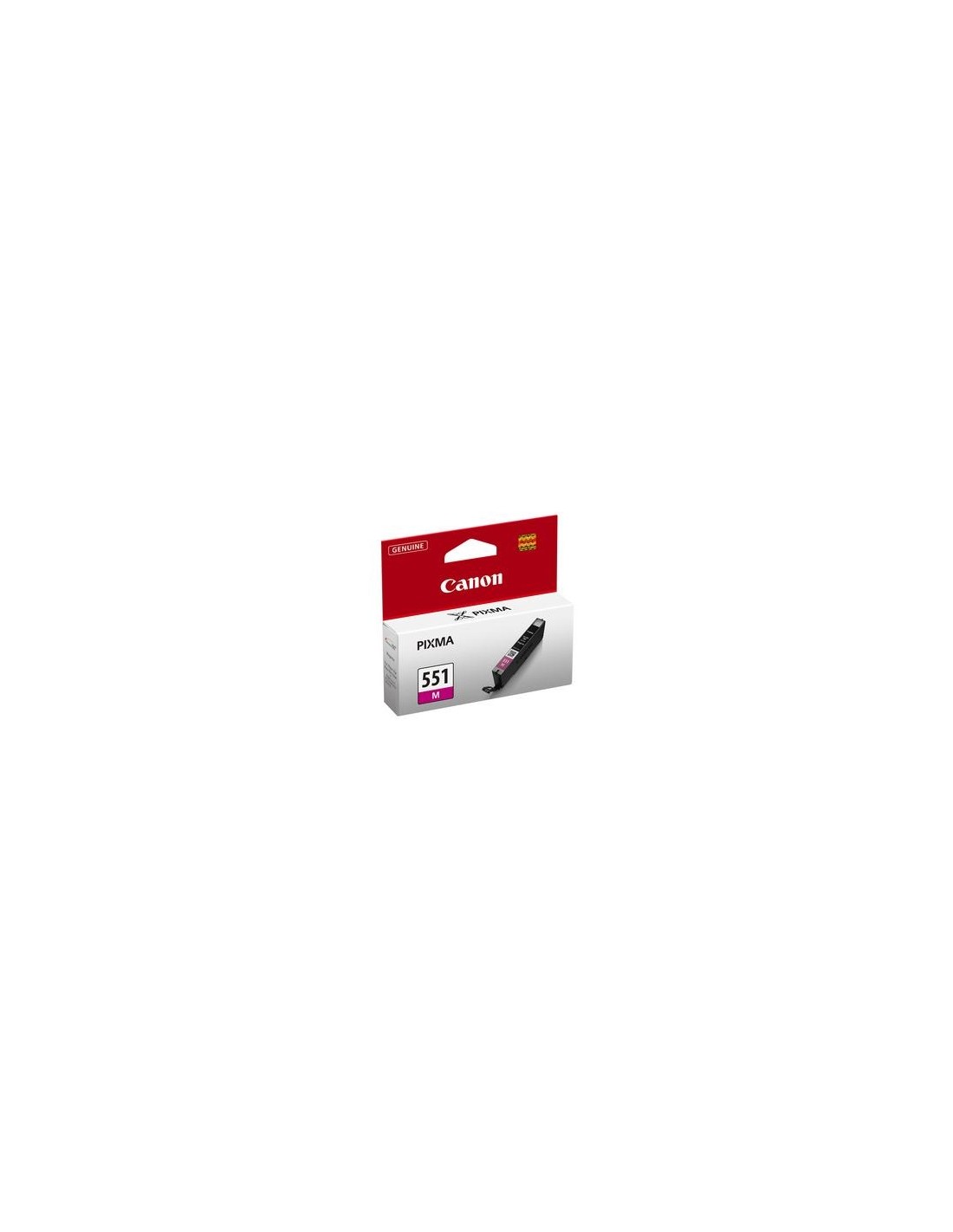
Unlock the full potential of your Canon PIXMA printer with the original Canon CLI-551M Magenta ink cartridge. Engineered to deliver vibrant color reproduction and exceptional clarity, this genuine ink ensures every print boasts rich, true-to-life magenta hues. Ideal for cherished photos, important documents, and everyday printing needs, this standard-capacity ink tank integrates seamlessly with your Canon PIXMA printer, guaranteeing consistent, professional-quality results every time.
Experience reliable performance and stunning visuals with Canon's advanced ChromaLife100+ technology. The CLI-551M cartridge produces long-lasting, fade-resistant prints, preserving your precious memories and critical information for years to come. Choosing an original Canon ink cartridge not only ensures superior print quality but also protects your printer's warranty and maintains optimal functionality.
This standard-capacity magenta ink cartridge offers excellent value for money, printing approximately 298 pages. Its easy, plug-and-play installation makes ink replacement hassle-free, allowing you to quickly resume printing high-quality, vivid images and crisp, detailed text. Invest in genuine Canon ink for a seamless printing experience and truly remarkable output.
To install your Canon CLI-551M Magenta ink cartridge, simply remove it from its packaging, gently pull off the protective cap, and insert it into the corresponding slot in your compatible Canon PIXMA printer until it clicks into place. Close the printer's ink cartridge cover to begin printing.