Shopping Cart
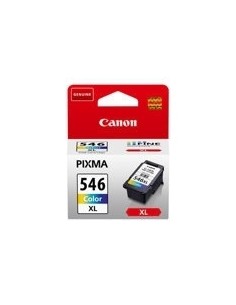

Last items in stock

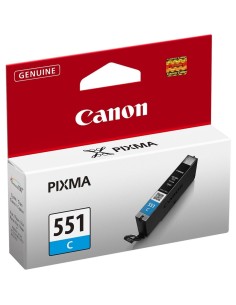
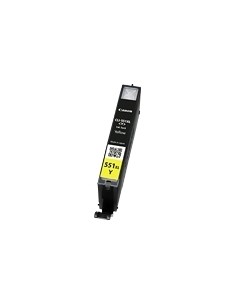
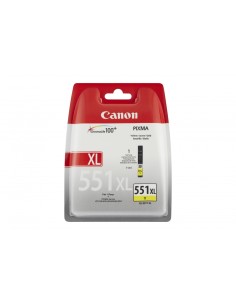
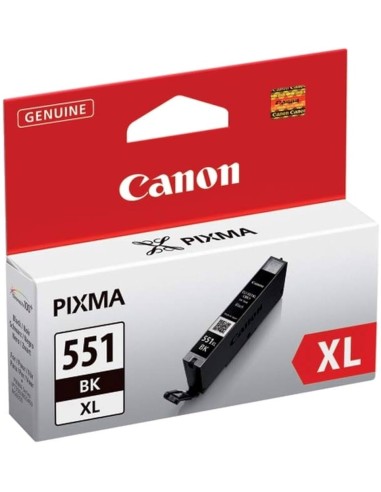
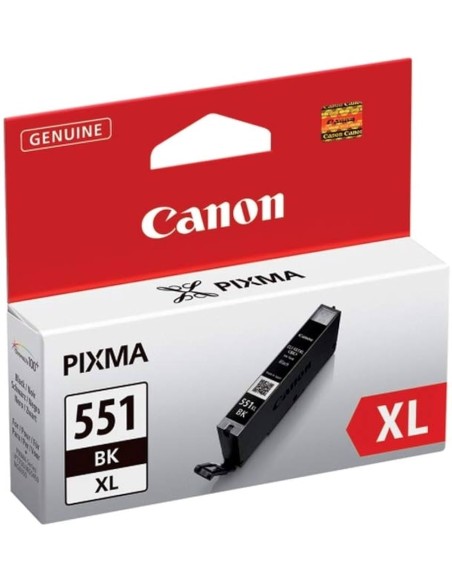
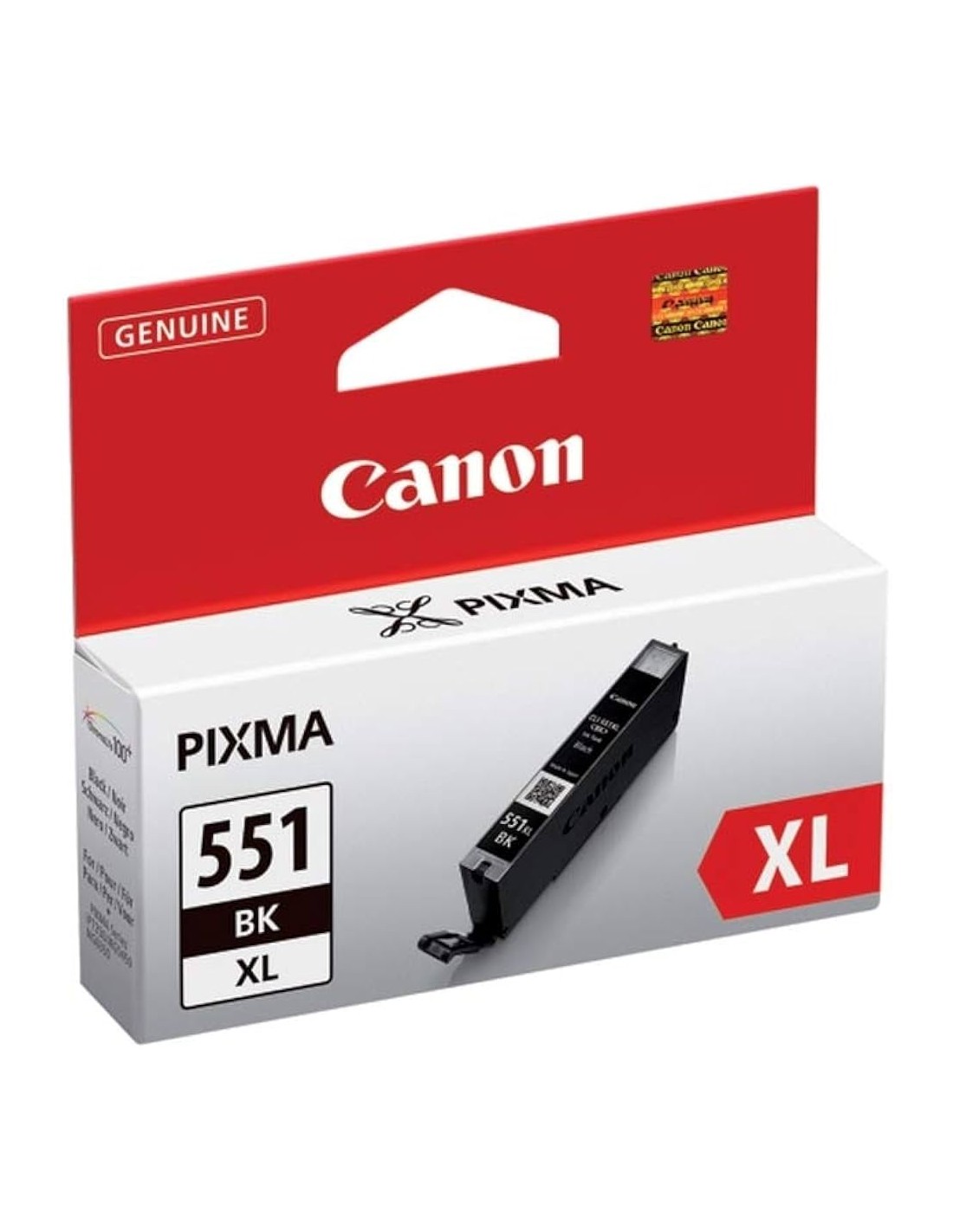
Unlock superior print quality and extended performance with the genuine Canon CLI-551XLBK High-Yield Black Ink Cartridge. Engineered specifically for a wide range of Canon PIXMA printers, this XL cartridge delivers consistently crisp, professional-looking documents and stunning, vibrant photos. Choose this authentic Canon ink to ensure your prints truly stand out.
Designed for efficiency, the CLI-551XLBK black ink cartridge allows you to print more for less. Its high-yield capacity means fewer cartridge changes, saving you time and reducing your overall printing costs. Featuring Canon's renowned ChromaLife100+ technology, your prints will be fade-resistant, maintaining their original quality and vividness for years to come. Experience reliable results and a seamless printing process every time with this original Canon solution.