Shopping Cart
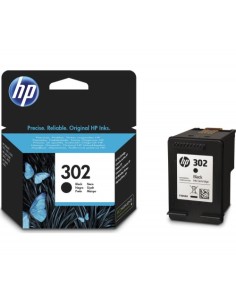
Out-of-Stock

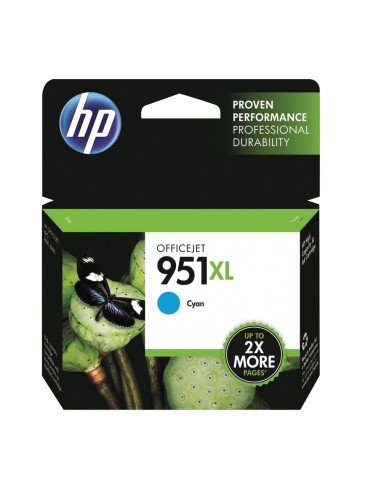
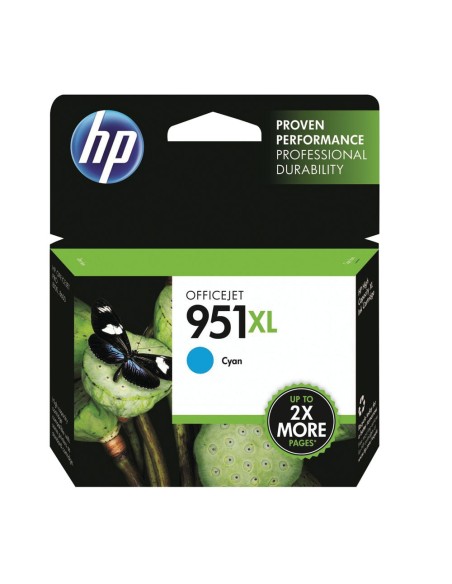
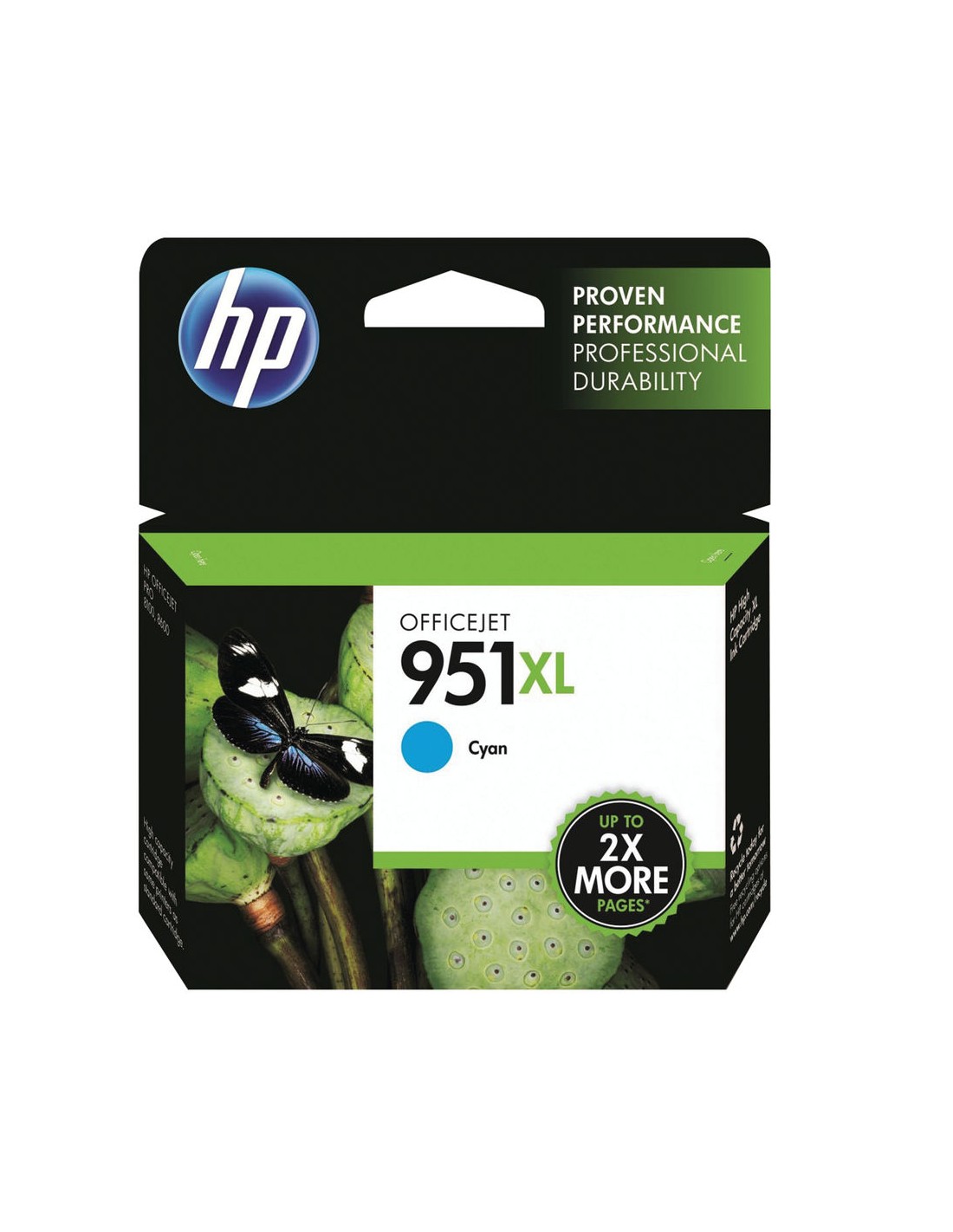
Achieve brilliant, professional-quality prints with the HP 951XL Cyan High-Yield Ink Cartridge. This original HP ink is specifically engineered to deliver vibrant, crisp cyan hues, perfect for bringing your photos to life and ensuring your important documents stand out. Trust in genuine HP supplies for superior color accuracy and impressive clarity on every page.
Designed for efficiency, this high-yield cartridge offers a substantial page yield, reducing the frequency of replacements and providing a lower cost per page. It's an ideal choice for busy offices or individuals seeking reliable, consistent performance and significant savings on printing costs. Experience seamless integration and optimal printer functionality when you choose authentic HP ink cartridges.
The HP 951XL cyan ink cartridge ensures dependable results and helps maintain the longevity of your printer. Its easy installation process allows for quick changes, minimizing downtime and keeping your productivity high. Enjoy exceptional vibrancy and fade resistance, making your printed materials last longer.
To install your HP 951XL Cyan ink cartridge, simply remove the old cartridge from your printer. Peel off the protective tape from the new cartridge, then insert it into the correct slot until it clicks securely into place. Close the printer cover and follow any on-screen prompts to begin printing.