Shopping Cart
Out-of-Stock

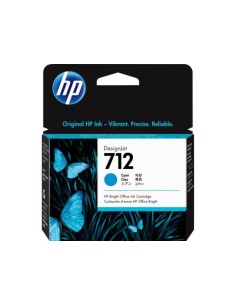
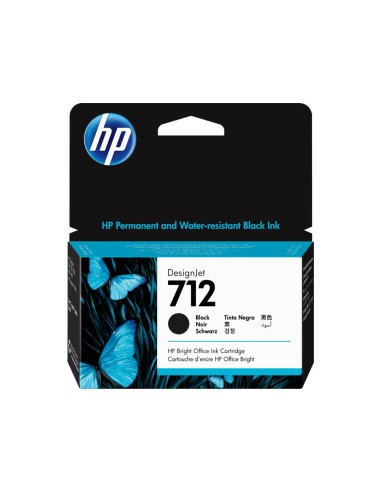
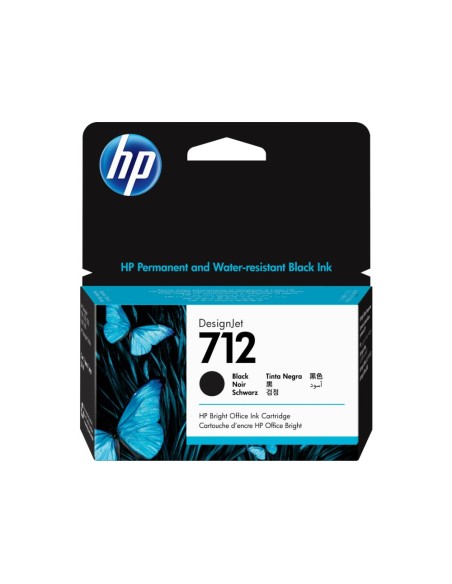
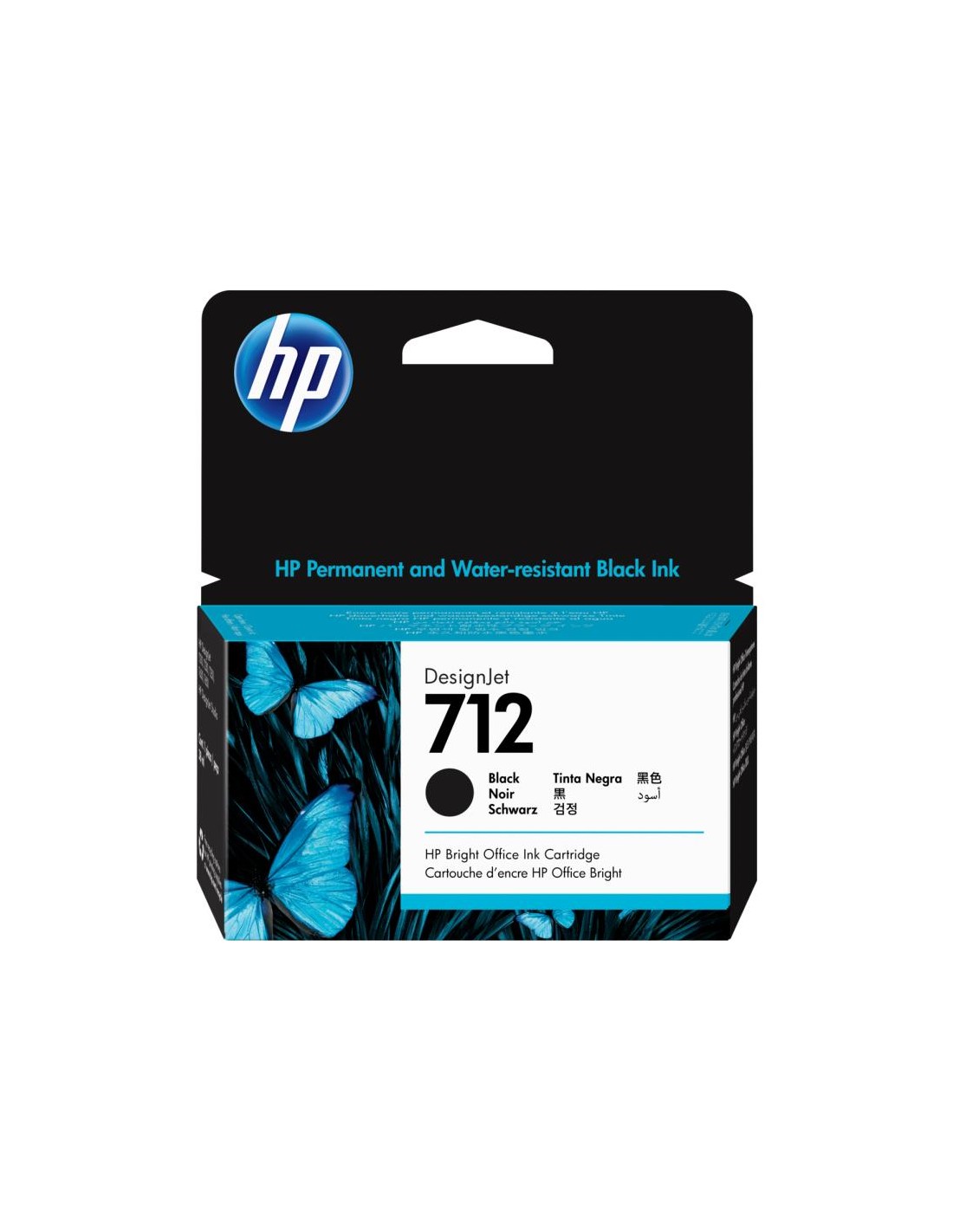
Ensure superior print quality for all your professional projects with the genuine HP 712 Black Ink Cartridge (38ml). This authentic HP ink cartridge is meticulously engineered to work seamlessly with your HP DesignJet T210, T230, T250, T630, T650, and DesignJet Studio printers, delivering consistently excellent results every time. It's the ideal choice for demanding professionals seeking reliable performance and outstanding print output.
Experience deeply saturated blacks and crisp, sharp lines that bring your drawings, technical documents, posters, and photos to life. Designed for durability, the prints produced with this original HP ink are fade-resistant, maintaining their pristine appearance over time. Opting for genuine HP ink cartridges not only guarantees vibrant, detailed output but also protects your valuable DesignJet plotter, ensuring its optimal performance and extending its lifespan.
To install your new HP Designjet Black Ink Cartridge, first power off your printer. Open the ink cartridge access cover, then carefully remove the empty cartridge. Insert the new HP 712 black ink cartridge, ensuring it clicks correctly into place. Close the access cover, then power on your printer to resume printing tasks.