Shopping Cart
Out-of-Stock

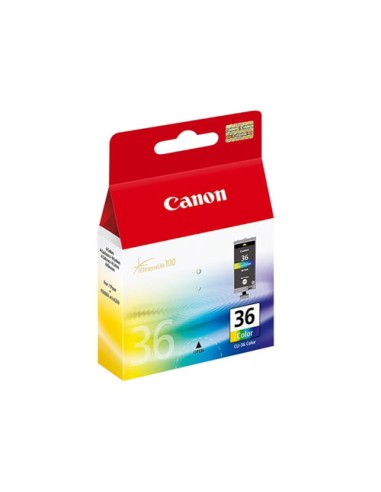
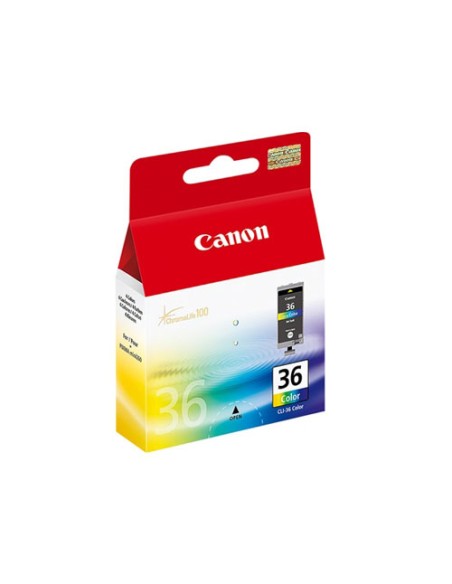
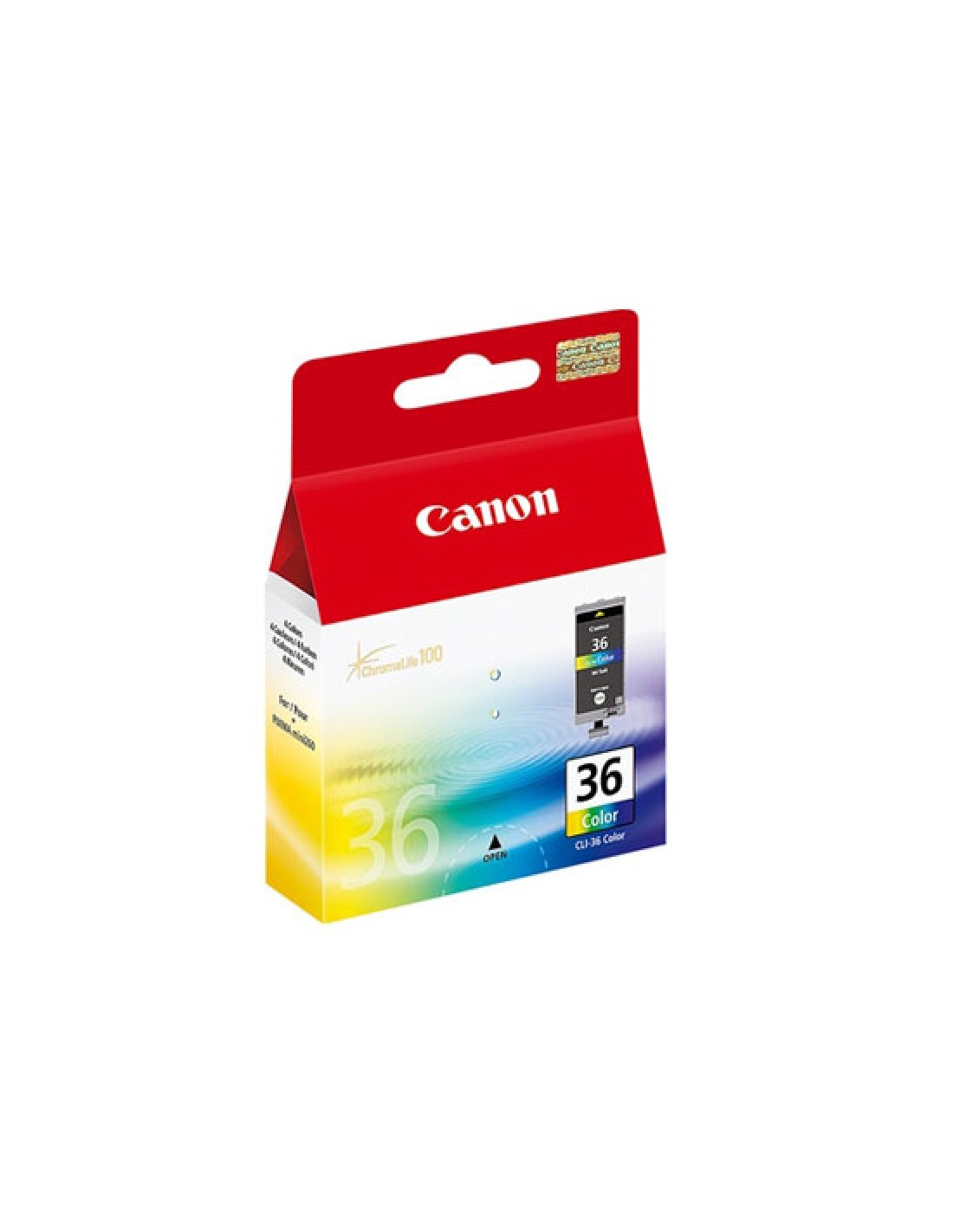
Unlock vibrant, high-quality prints with the original Canon CLI-36 Color Ink Cartridge. Specifically engineered for Canon PIXMA printers, this genuine cartridge ensures exceptional results and impressive print longevity. It's your reliable solution for vivid and durable prints, perfect for both personal projects and professional needs.
Featuring Canon's advanced ChromaLife100 technology, your photos and important documents will resist fading, preserving their true-to-life colors for years to come. This versatile cartridge contains cyan, magenta, yellow, and black inks, providing a full spectrum of rich, detailed colors and sharp lines. With a generous 12ml ink capacity, it delivers approximately 249 pages (ISO/IEC 24711 standard), offering great value for your printing tasks and ensuring consistent, professional-quality output with hassle-free replacement.
To install your new Canon CLI-36 ink cartridge, first turn off your printer and open the ink cartridge compartment. Gently remove the old cartridge, then insert the new Canon CLI-36 cartridge, ensuring it is securely in place. Close the printer cover, turn on your printer, and allow it to initialize.