Shopping Cart

Last items in stock

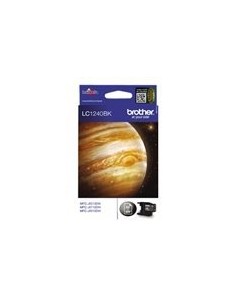
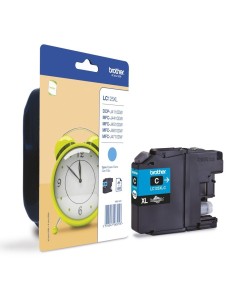
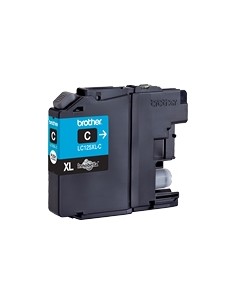
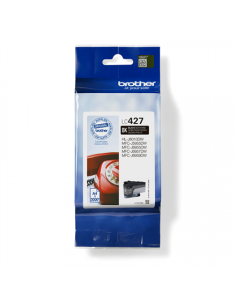
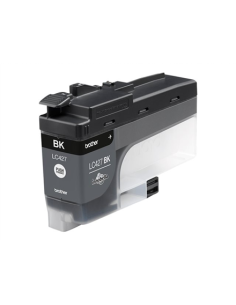
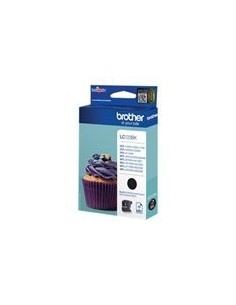
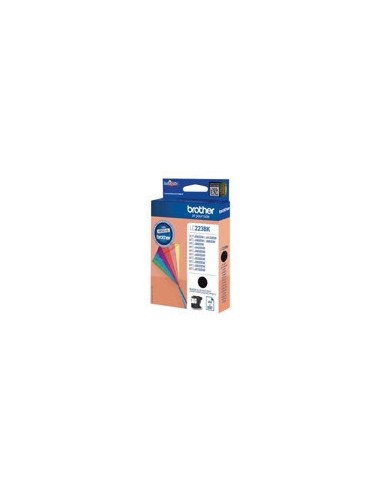
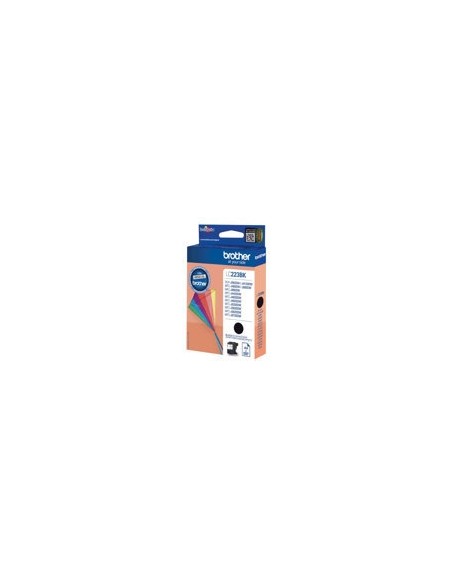
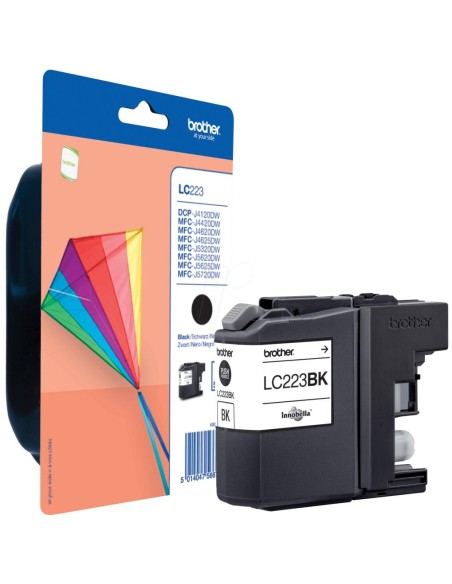
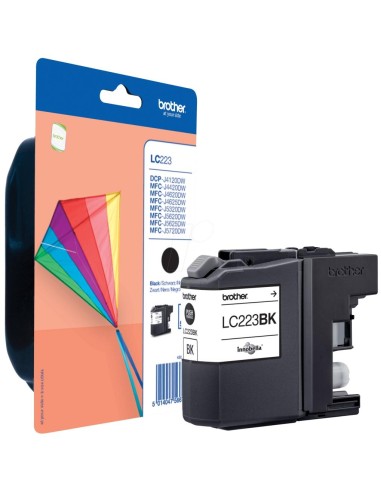
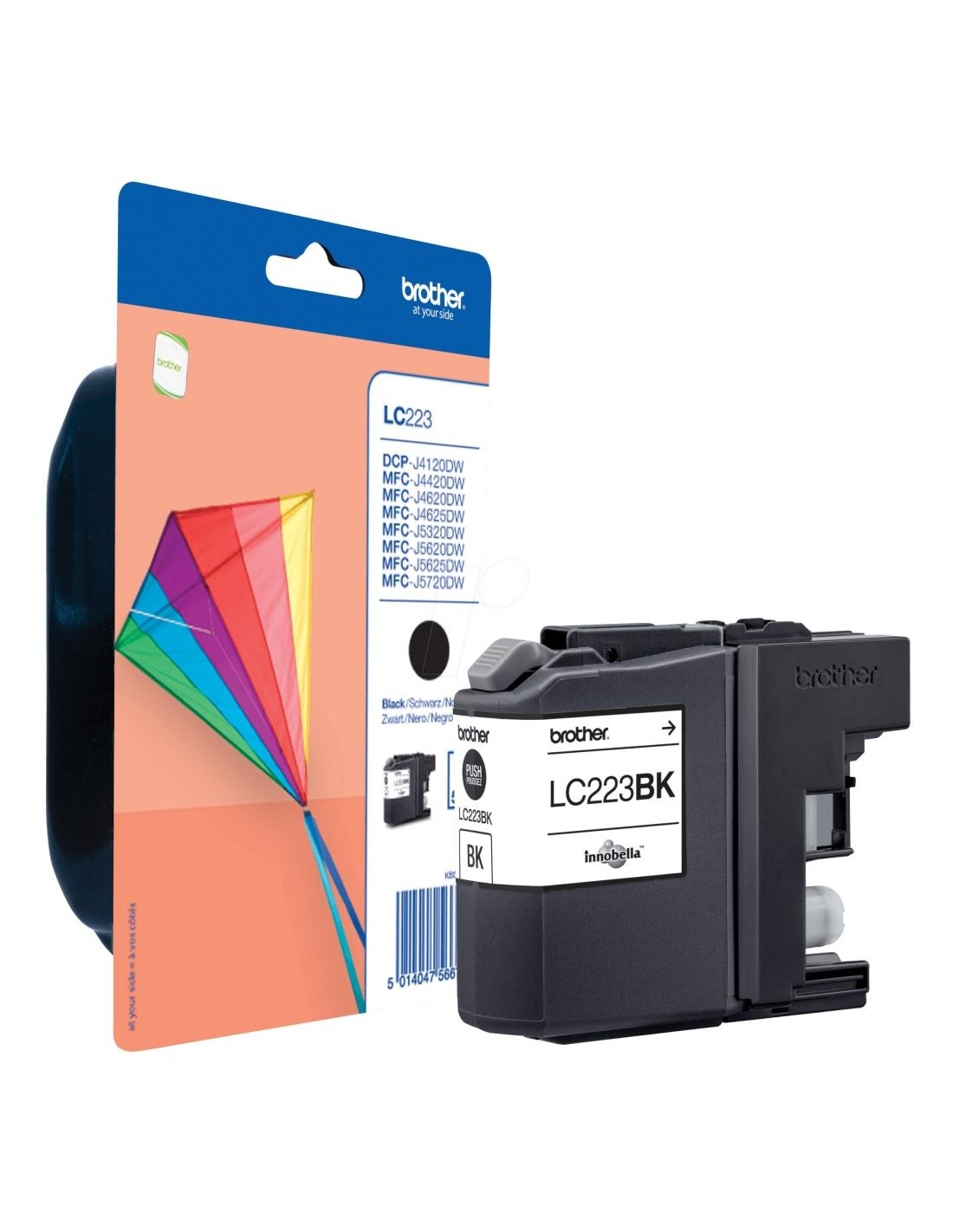
Achieve consistently crisp, professional prints with the genuine Brother LC223BK high-yield black ink cartridge. Expertly engineered for seamless integration with a variety of Brother inkjet printers, this original ink cartridge delivers exceptional print quality and outstanding reliability for all your printing needs.
Utilizing Brother Innobella Technology, this black ink produces incredibly sharp, clear text and graphics that resist fading, ensuring your documents and images maintain their brilliance over time. Its high-yield capacity allows you to print significantly more pages, reducing the frequency of ink changes and boosting your overall printing efficiency, making it a cost-effective choice for both home and office environments.
The Brother LC223BK provides a lower cost per page compared to standard cartridges, making it an ideal solution for reports, presentations, and everyday documents. Using genuine Brother supplies also helps extend the life of your printer and prevents compatibility issues, ensuring reliable performance every time.
To install your new Brother LC223BK ink cartridge, first power off your Brother printer. Open the ink cartridge access door, carefully remove the empty cartridge, and then peel off the protective tape from the new LC223BK cartridge. Insert the new cartridge until it clicks into place, close the access door, and finally, power on your printer.