Shopping Cart
Last items in stock

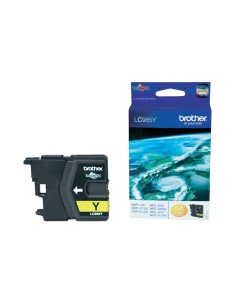
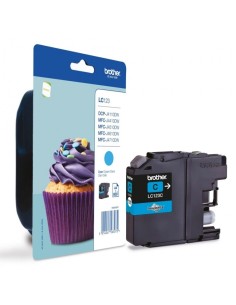
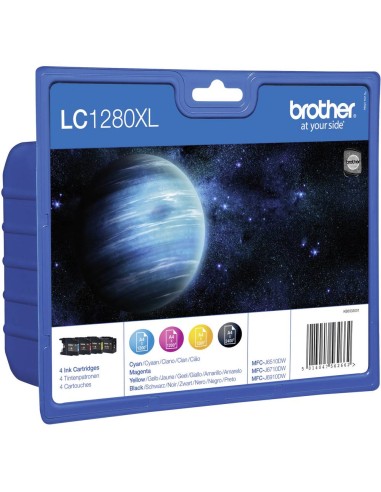
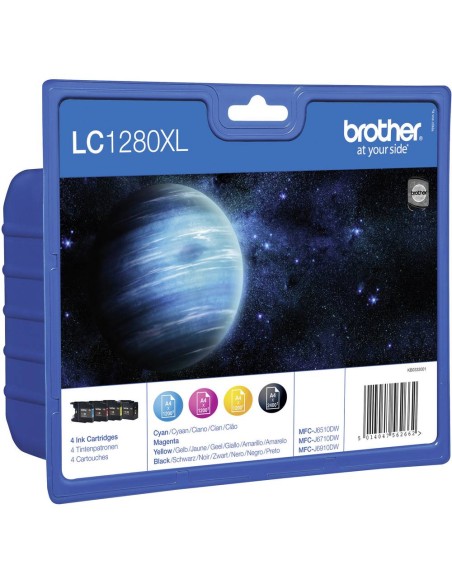
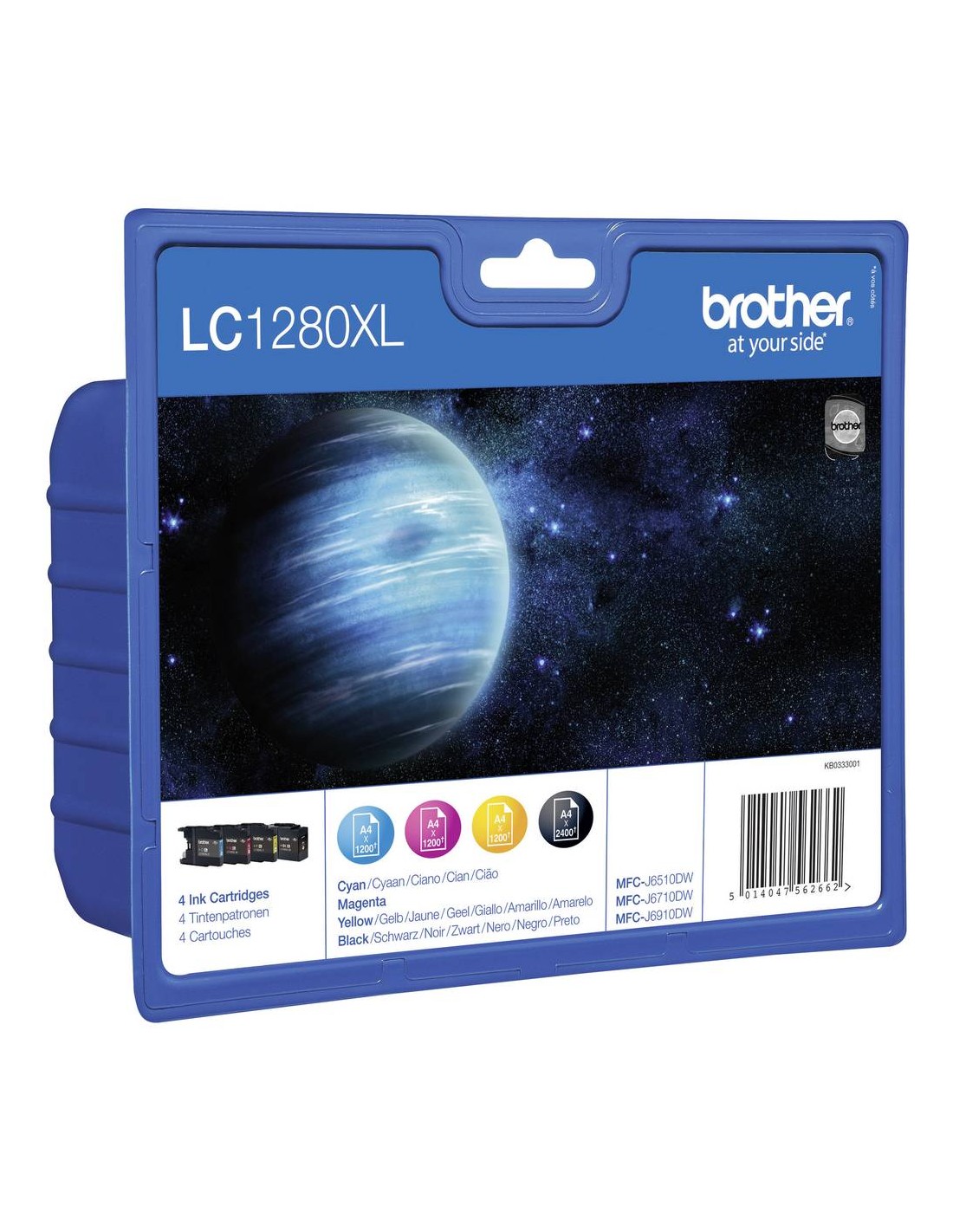
Elevate your printing experience with the Brother LC1280XL High-Yield Ink Cartridge Value Pack. This essential pack provides all four high-capacity ink cartridges—black, cyan, magenta, and yellow—delivering vibrant colors and crisp text for all your documents and photos. Designed for seamless compatibility with a range of Brother MFC inkjet printers, this value pack ensures superior print quality and outstanding reliability, making it ideal for both home and office use.
Experience dramatic savings and reduced printing costs thanks to the high-yield design of these genuine Brother ink cartridges. The black cartridge offers an impressive yield of up to 2400 pages, while each color cartridge (cyan, magenta, yellow) provides up to 1200 pages. This translates to fewer ink changes and more uninterrupted printing, boosting your productivity and offering an economical choice for high-volume tasks.
Beyond cost-effectiveness, these genuine Brother ink cartridges guarantee optimal printer performance and professional-quality results every time. Enjoy vibrant graphics and sharp details without the compatibility issues often associated with non-genuine alternatives. Using authentic Brother supplies helps prevent printhead clogging and extends your printer's lifespan. The straightforward installation process ensures you can quickly replace cartridges and get back to printing with minimal downtime.
To install, simply open your printer's cover, remove the empty cartridges, and insert the new Brother LC1280XL cartridges ensuring proper alignment. Close the printer cover and check the ink levels on your printer's display.