Shopping Cart
Out-of-Stock

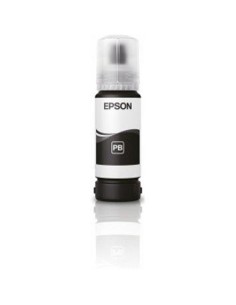
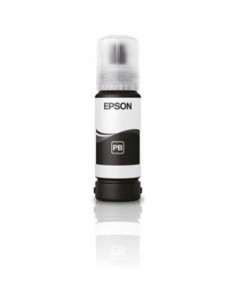
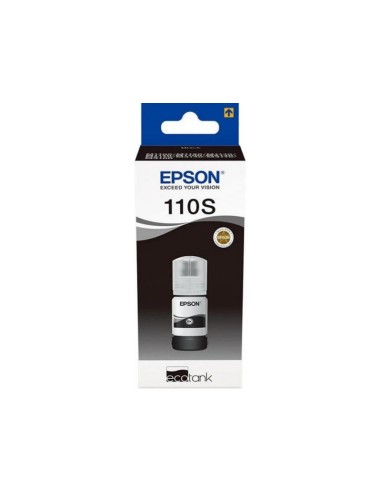
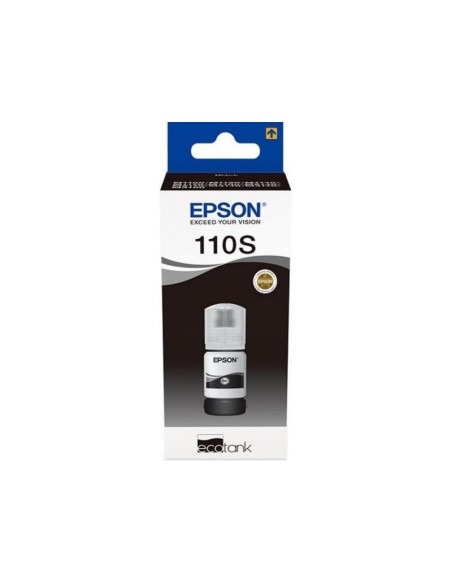
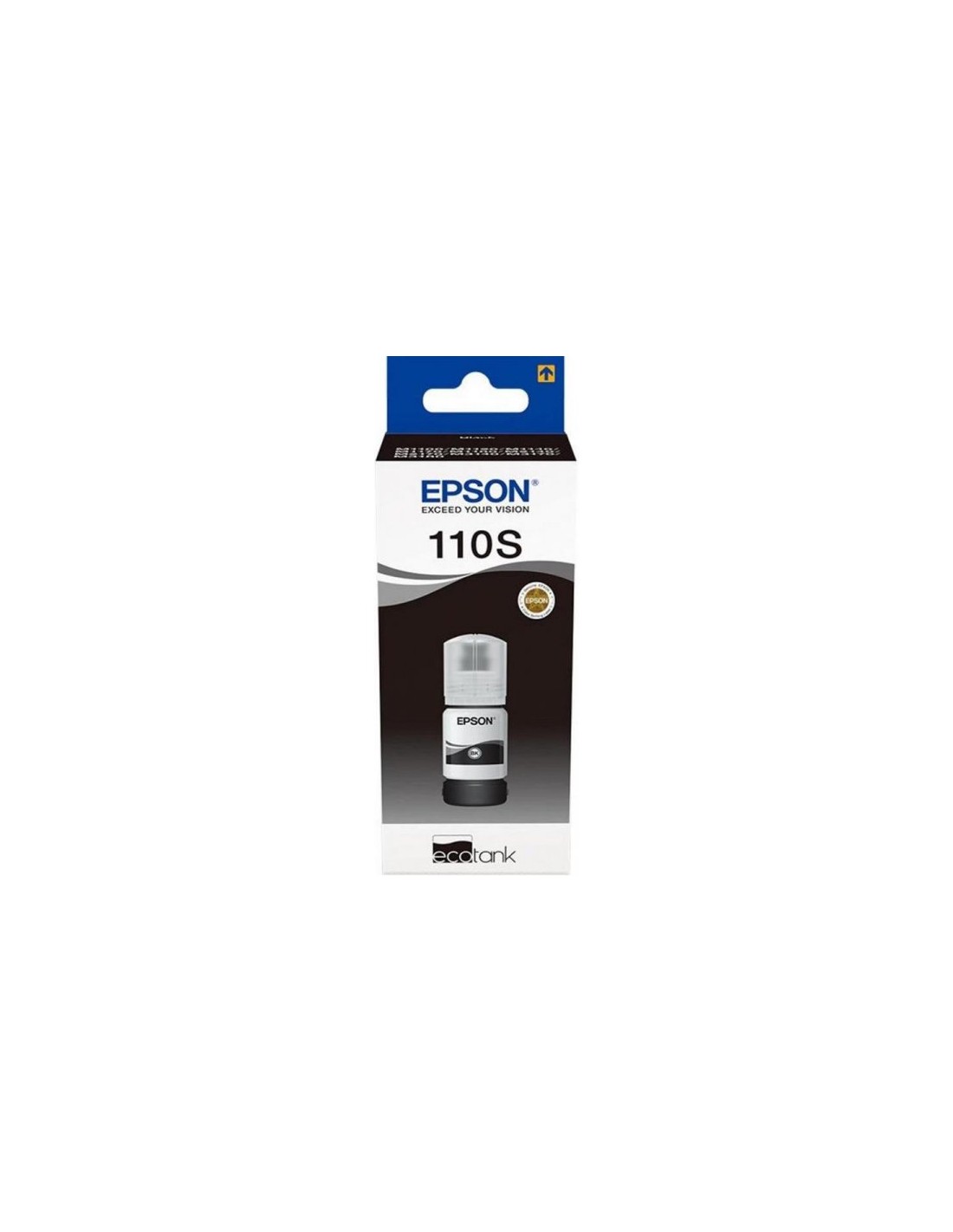
Ensure superior performance and exceptional print quality for your compatible Epson EcoTank printer with the genuine Epson EcoTank 110S Black Pigment Ink Bottle. Specifically designed for Epson EcoTank MX1XX series and other M-series printers, this high-yield ink delivers crisp, professional-quality documents and vibrant images. Experience the rich, deep blacks that only authentic Epson pigment ink can provide, ensuring every print looks its absolute best.
This large capacity refill ink bottle offers remarkable value, allowing you to print up to 2000 pages and significantly reduce your printing costs per page compared to traditional cartridges. The innovative EcoTank system makes replenishing your printer's ink tank quick, clean, and mess-free. Choosing genuine Epson ink not only guarantees optimal print results but also protects your printer's warranty and supports a more sustainable environment by minimizing waste from disposable cartridges.
To refill your printer, power on the device and ensure the ink tank is accessible. Carefully open the Epson EcoTank 110S Black ink bottle. Refer to your printer's manual for the correct refill procedure for the black ink tank, then securely close the tank and check for leaks. Finally, perform a test print to confirm proper ink installation.