Shopping Cart
Out-of-Stock

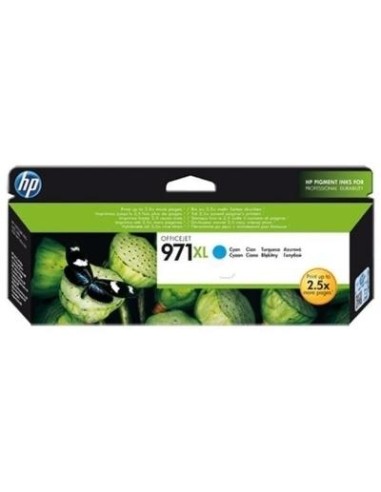
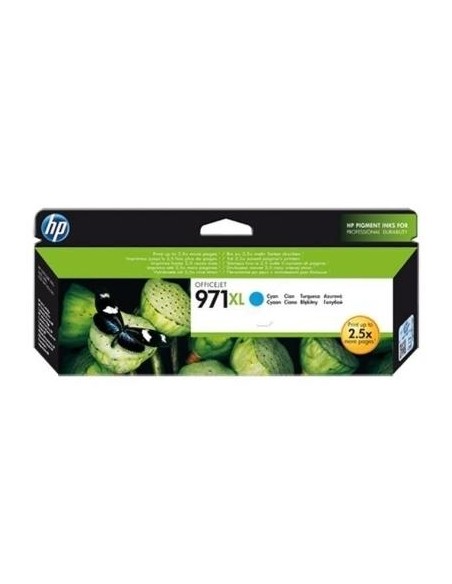
Maximize your printing efficiency and minimize your costs with the HP 971XL High-Yield Cyan Ink Cartridge. This genuine HP ink cartridge delivers exceptional value and reliable performance, making it an ideal choice for busy homes and offices that demand high-quality prints and superior cost savings.
Experience vibrant, crisp prints and significant cost savings per page compared to standard-yield cartridges. Designed for high-volume printing, this high-capacity ink cartridge allows you to print up to 6600 pages, drastically reducing the frequency of ink changes and improving your workflow efficiency. Achieve professional-looking documents and stunning presentations with rich, vivid cyan colors and sharp, clear text.
Opting for original HP ink ensures optimal printer performance, reliable results, and long-lasting printouts. Avoid compatibility issues and maintain peak printer efficiency with this cost-effective solution for all your inkjet printing needs. Its easy installation process means you can effortlessly replace your old cartridge and get back to printing in no time.
To install, carefully remove the HP 971XL Cyan ink cartridge from its packaging and peel off the orange protective tape. Align the cartridge with the corresponding slot in your HP Officejet Pro X Series printer and gently push it in until it clicks into place, then ensure the cartridge door is securely closed. You are now ready to print.