Shopping Cart
Last items in stock

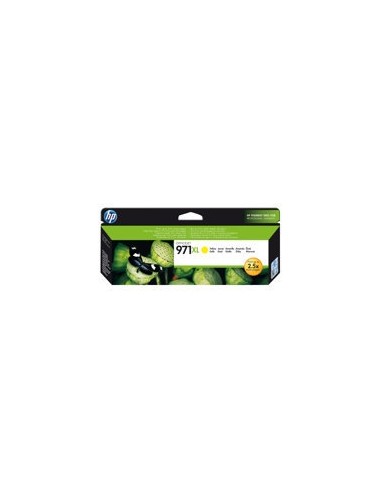
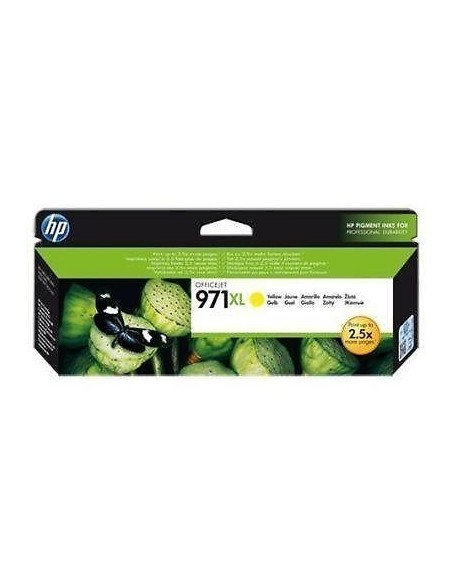
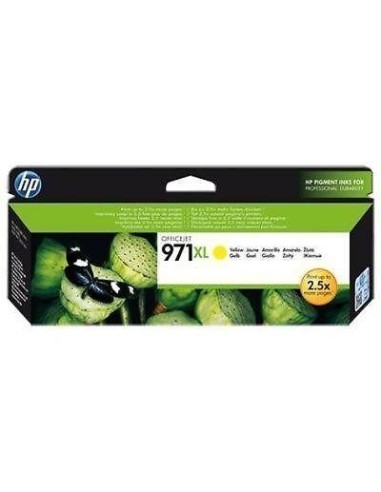
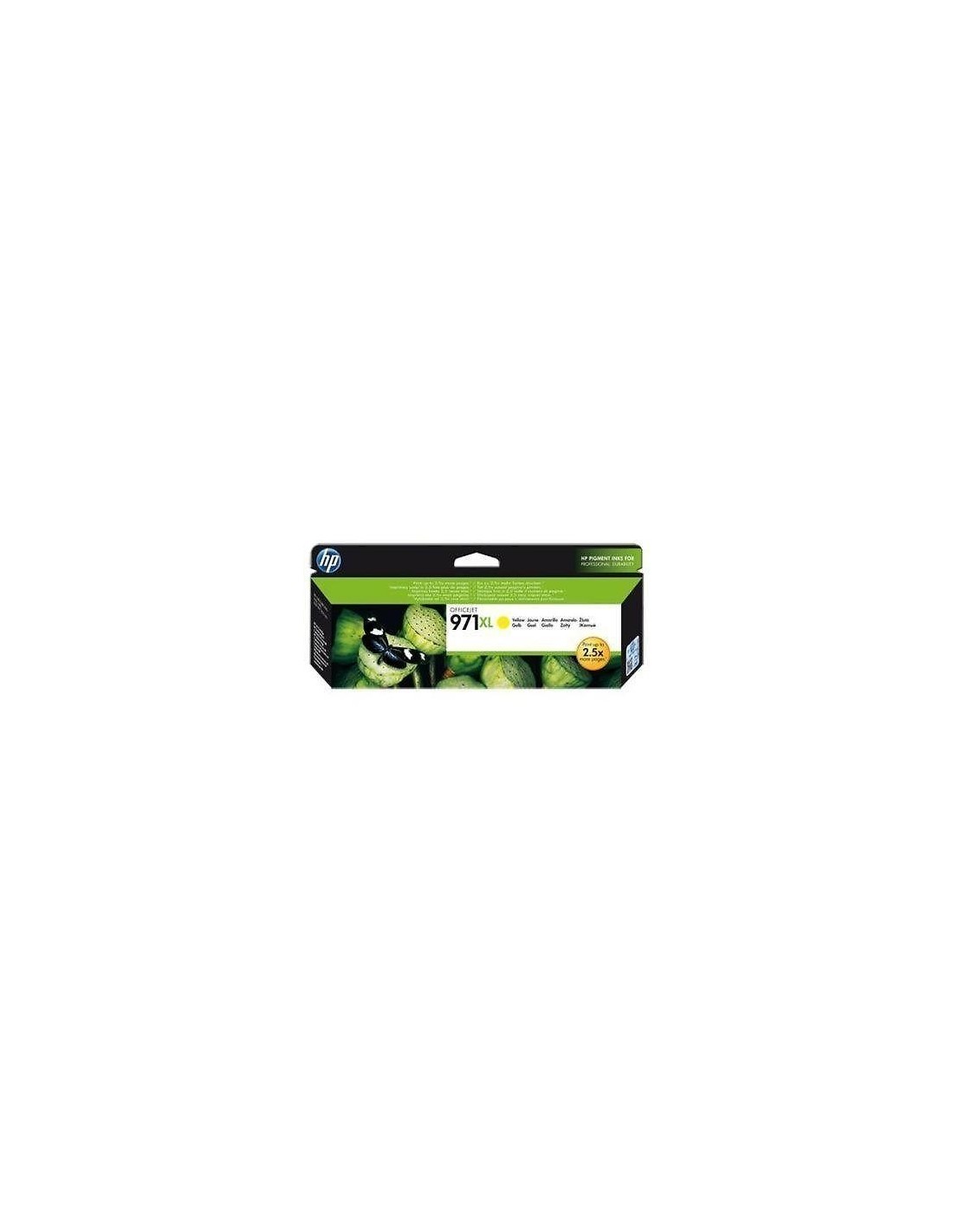
Unlock vibrant, professional-quality prints and significant cost savings with the HP 971XL High Yield Yellow Ink Cartridge. This genuine HP ink cartridge is specifically engineered for high-volume printing environments, delivering consistent, sharp yellow tones that bring your documents, marketing materials, and photos to life. Experience exceptional value for your money as you print up to an impressive 6600 pages from a single cartridge, minimizing interruptions and optimizing your workflow for your HP Officejet Pro printer.
Designed for efficiency and reliability, this original HP cartridge guarantees superior performance and consistent results for all your printing needs. Its easy installation process ensures a smooth setup, making it an ideal choice for busy offices or any setting requiring dependable, high-quality yellow output. Invest in an authentic HP solution to ensure the longevity of your printer and maintain excellent print quality over time with this long-lasting yellow ink.
To install your HP 971XL Yellow Ink Cartridge, ensure your printer is turned on and ready. Open the printer's access door to the ink cartridge compartment and carefully remove any old cartridges. Remove the protective tape from the new HP 971XL cartridge, insert it into the designated slot until it clicks, and then close the access door. Your printer will automatically recognize the new cartridge.