Shopping Cart
Out-of-Stock

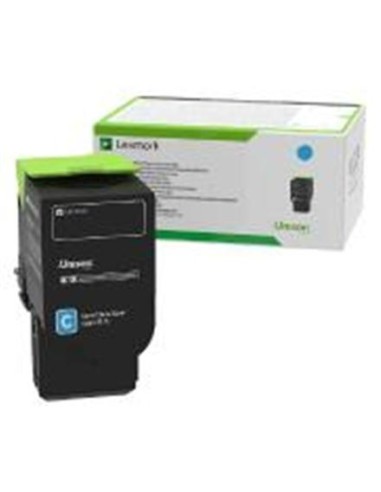
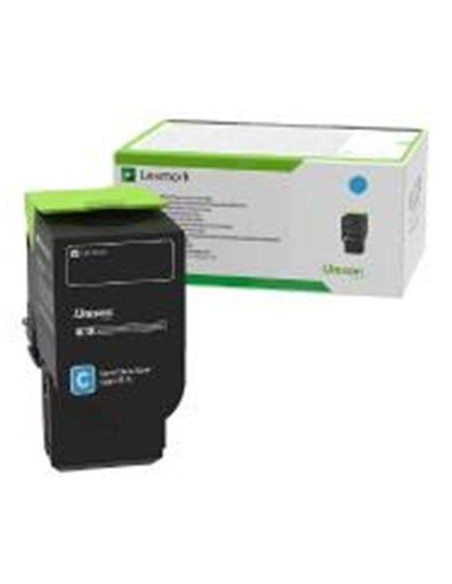
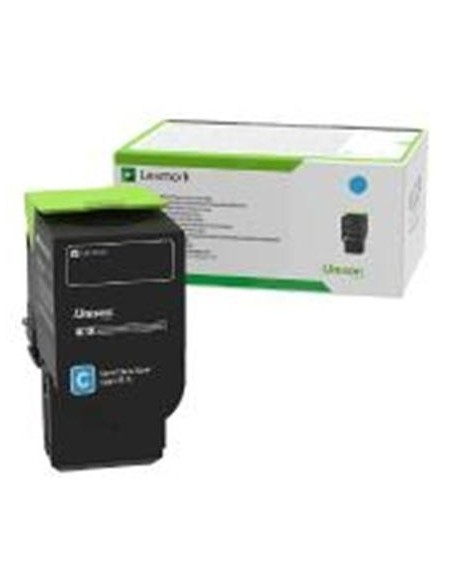
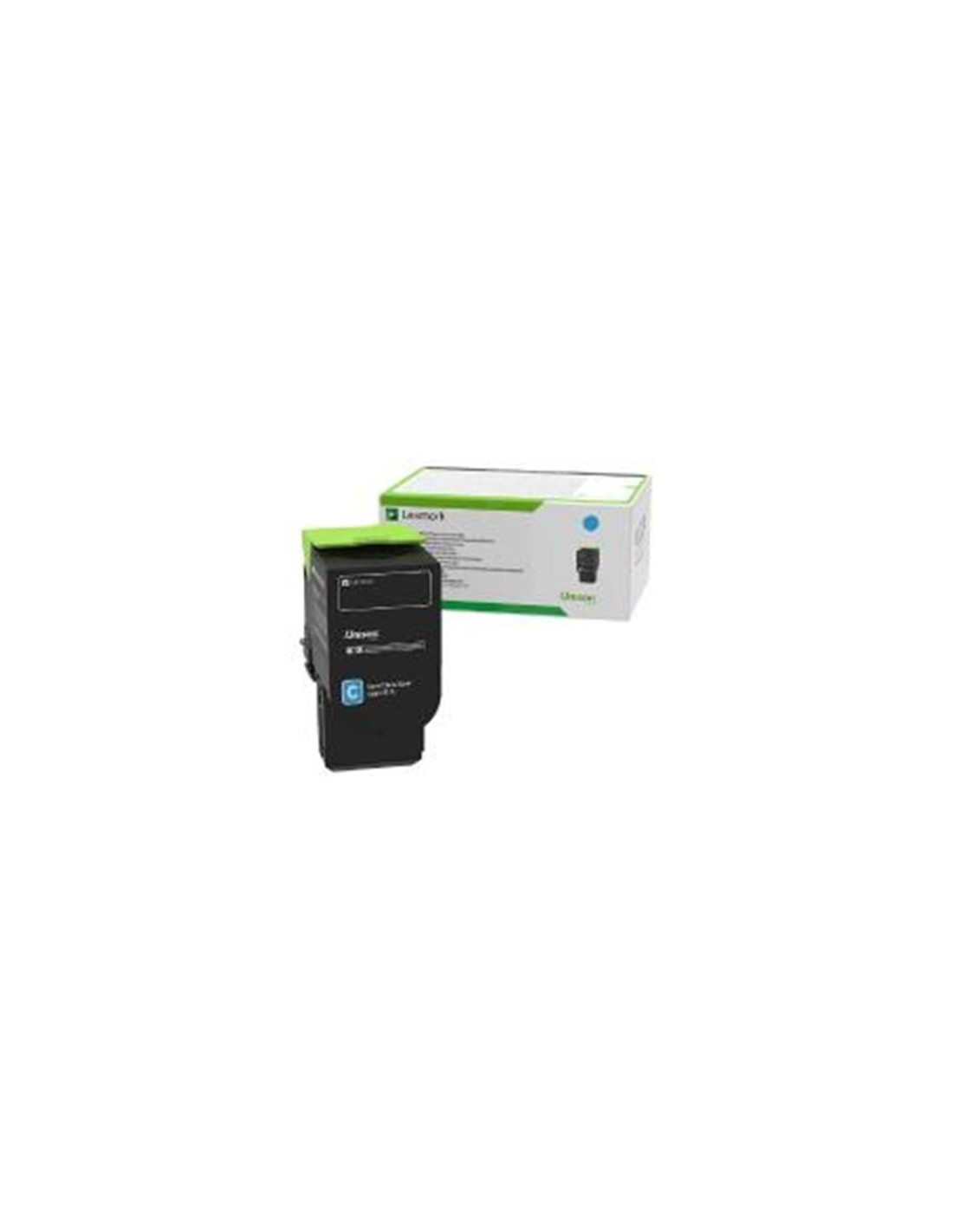
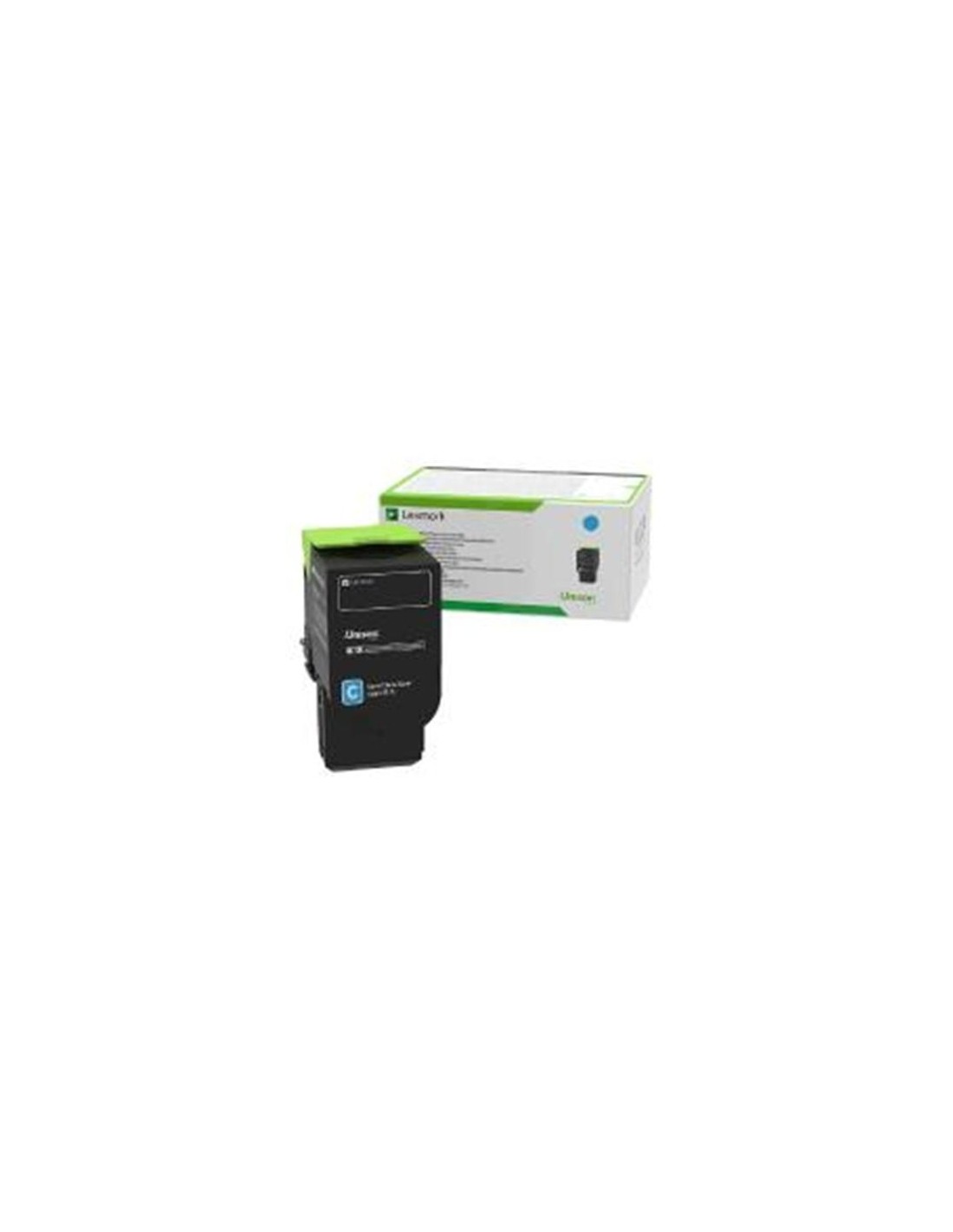
Elevate your print output with the Lexmark 78C2XCE Cyan Extra High Yield Toner Cartridge, engineered to deliver vibrant, professional documents with exceptional consistency. This premium toner cartridge is an ideal solution for busy offices and demanding print environments, ensuring outstanding color reproduction and sharp text. Designed for seamless integration, it provides reliable performance across a range of compatible Lexmark laser printers.
Featuring Lexmark's advanced Unison Toner Technology, this cartridge guarantees superior print quality page after page. Its extra high yield capacity allows you to print up to 5,000 pages (based on ISO/IEC 19798), significantly reducing the need for frequent replacements and lowering your overall operating costs. Enjoy less downtime and increased productivity with this high-performance cyan toner.
Committed to sustainability, the Lexmark 78C2XCE cartridge is part of the Lexmark Cartridge Collection Program, making responsible recycling simple and convenient. Installation is quick and easy, ensuring a hassle-free replacement process so you can get back to printing with minimal interruption. Experience brilliant color accuracy and consistent results every time you print.
To install your new Lexmark 78C2XCE toner cartridge, first power off your printer and unplug the power cord. Open the cartridge access door, carefully remove the old cartridge, and then gently insert the new one into the designated slot until it is firmly seated. Close the access door, plug in the power cord, and turn on your printer. The printer will then initialize the new cartridge, and you can follow any on-screen instructions.