Shopping Cart

Out-of-Stock

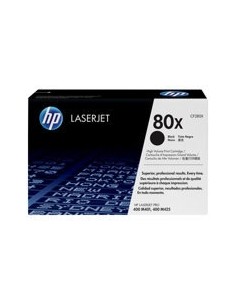
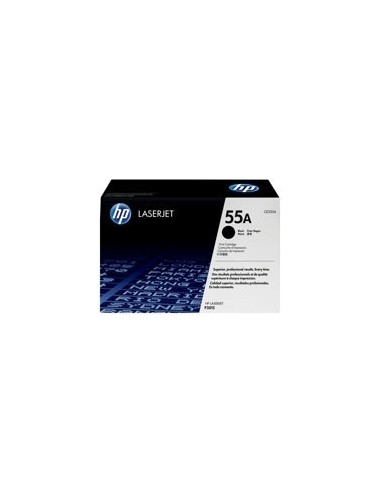
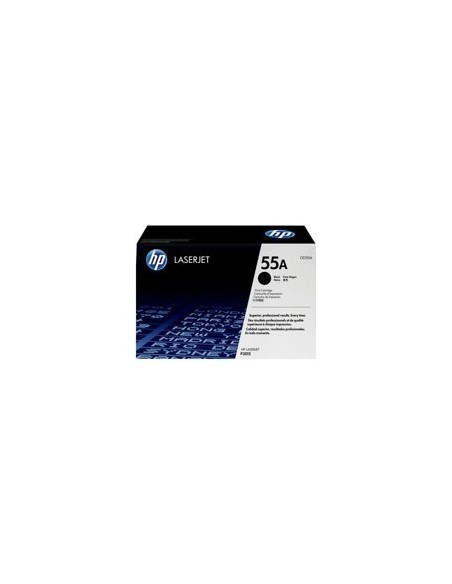
Ensure your documents stand out with the HP 55A Black LaserJet Toner Cartridge (CE255A), a high-yield solution designed for exceptional quality and reliability. This genuine HP toner cartridge delivers crisp, professional-grade black prints, making it the perfect choice for busy offices and environments with demanding print volumes. Experience consistent performance that minimizes interruptions and keeps your workflow smooth.
Engineered with HP's advanced toner technology, this cartridge consistently produces sharp, clear text and rich, deep black tones, ensuring all your documents, reports, and marketing materials reflect a professional image. Its robust design guarantees reliable operation, page after page, so you can count on flawless results every time you print.
Beyond superior print quality, the HP 55A High Yield cartridge offers significant cost savings. Its impressive page yield of up to 6,000 pages means fewer cartridge replacements, translating to lower printing costs per page over time. Installation is quick and hassle-free, allowing you to get back to printing with minimal downtime. Choose original HP toner for unmatched quality, superior reliability, and peace of mind.