Shopping Cart
Out-of-Stock

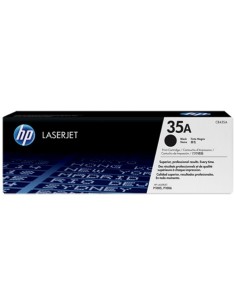
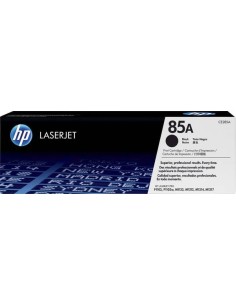
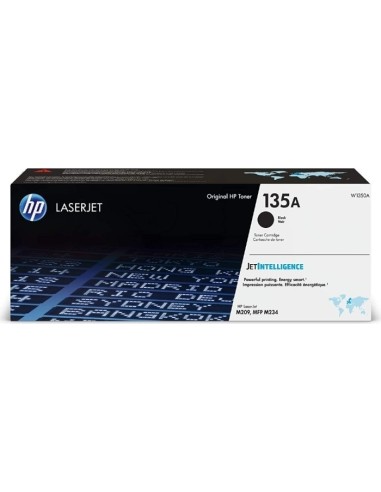
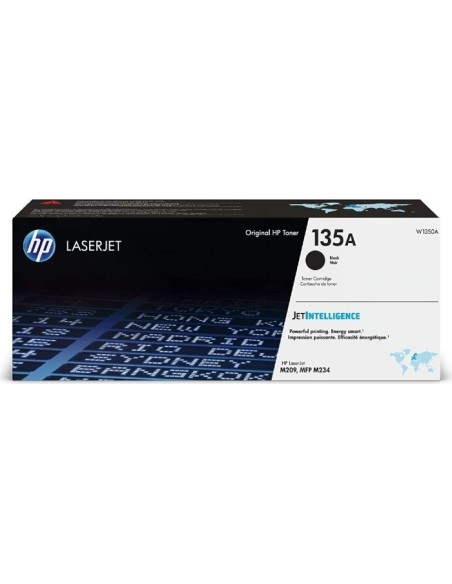
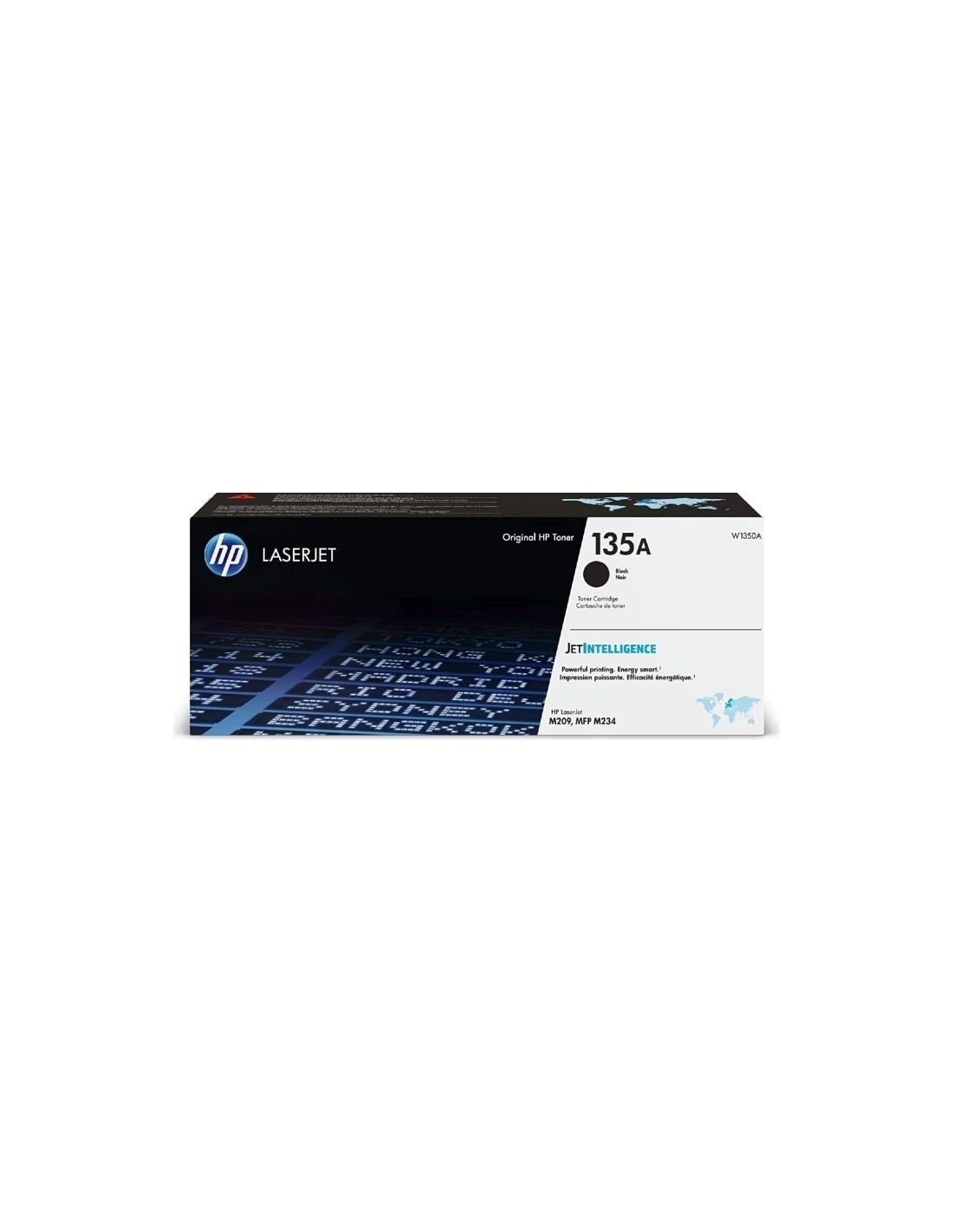
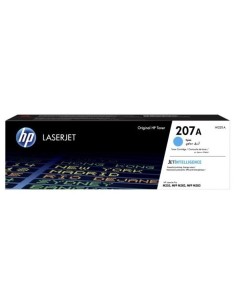
Achieve crisp, professional-quality documents with the HP 135A Black Original LaserJet Toner Cartridge. This genuine HP toner cartridge (W1350A) is meticulously engineered to provide exceptional print quality and reliable performance, ensuring seamless integration with your HP LaserJet printer. Experience sharp, black text and graphics that resist fading, making your important documents look their best every time.
Designed for worry-free printing, the HP 135A Black cartridge minimizes interruptions and maximizes your productivity. With an impressive page yield of up to 1600 pages (approximate yield based on ISO/IEC 19798), you'll reduce the frequency of replacements and save money in the long run. Choosing an Original HP cartridge guarantees optimal printer performance and consistent, high-quality results, avoiding the risks associated with non-genuine alternatives.
Installation is quick and straightforward, allowing you to easily replace your old cartridge and get back to printing. Enjoy cost-effective printing with this reliable black laser toner, delivering professional results at an affordable price per page.