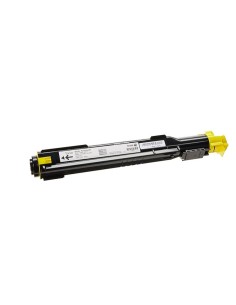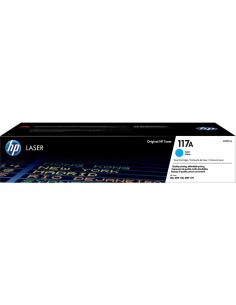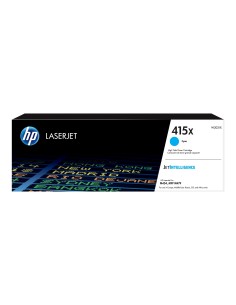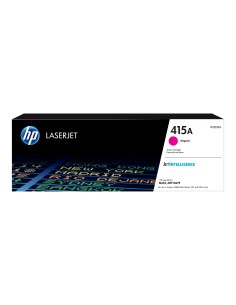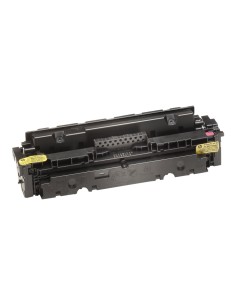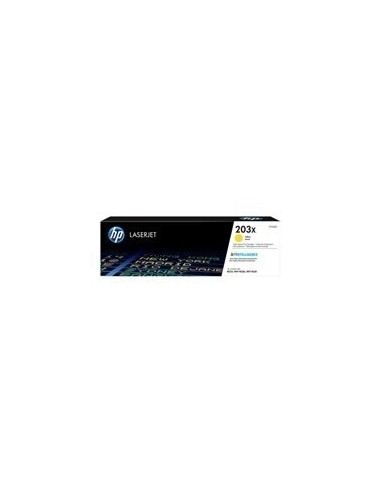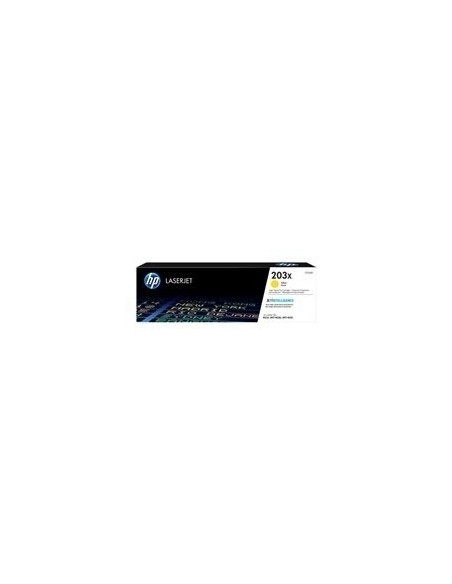

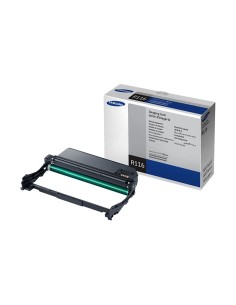
HP toner CF542X Nr.203X yellow
HP 203X High-Yield Original Yellow LaserJet Toner Cartridge (CF542X)
The HP 203X High-Yield Original Yellow LaserJet Toner Cartridge (CF542X) is expertly engineered to maintain peak printing performance and deliver vibrant, professional results. Ideal for busy offices and workgroups, this genuine HP toner ensures consistent, high-quality color output, making it an essential component for producing impactful documents and presentations that truly stand out.
Experience significant cost savings and minimized interruptions with this high-capacity toner, designed to print up to 2,500 pages according to ISO/IEC 19798 standards. HP's original toner formula guarantees crisp, sharp text and brilliant, consistent yellow hues, providing unmatched reliability and efficiency. Enjoy straightforward installation and contribute to environmental sustainability with this dependable and eco-conscious toner cartridge for your HP LaserJet printer.
Specifications
- Product Type: Toner cartridge
- Printing Technology: Laser
- HP Sub-brand: LaserJet
- Printing Colour: Yellow
- Cartridge Yield: High Yield
- Yield: Up to 2500 pages ISO/IEC 19798
Compatibility
The HP 203X yellow toner cartridge is ideally suited for the following HP LaserJet printer series:
- HP Color LaserJet Enterprise MFP M680 series
- HP Color LaserJet Enterprise MFP M681 series
- HP Color LaserJet Enterprise MFP M682 series
- HP Color LaserJet Enterprise MFP M683 series
- HP Color LaserJet Enterprise MFP M685 series
- HP Color LaserJet Enterprise MFP M686 series
- HP Color LaserJet Enterprise MFP M750 series
- HP Color LaserJet Enterprise MFP M751 series
- HP Color LaserJet Enterprise MFP M752 series
Installation Guide
Installing your toner cartridge is quick and easy:
- Switch off the printer and disconnect it from the power supply.
- Open the printer's toner cartridge access door.
- Carefully remove the old toner cartridge.
- Remove the protective film from the new HP 203X yellow toner cartridge (CF542X).
- Insert the new cartridge into its designated slot, ensuring it is properly seated.
- Close the toner cartridge access door.
- Connect the printer to the power supply and switch it back on.