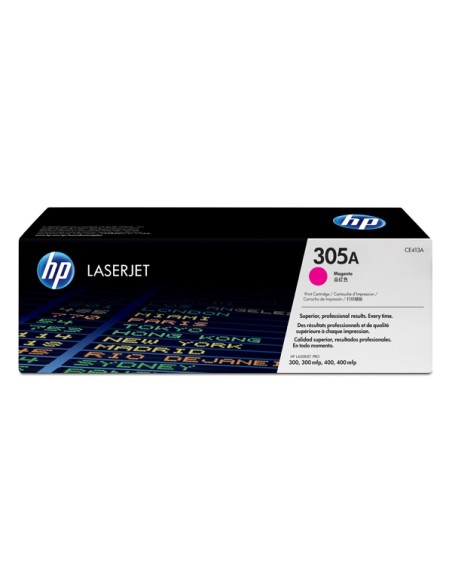
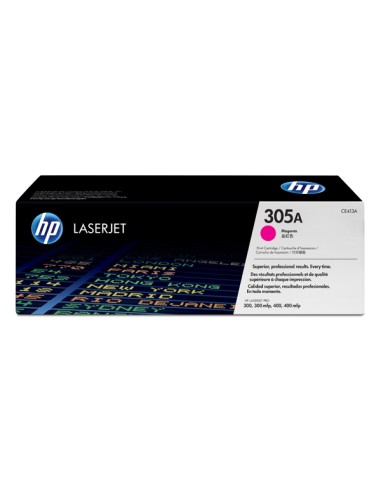
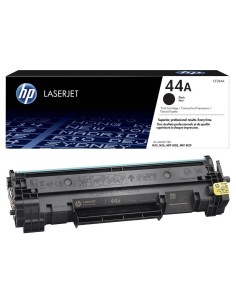
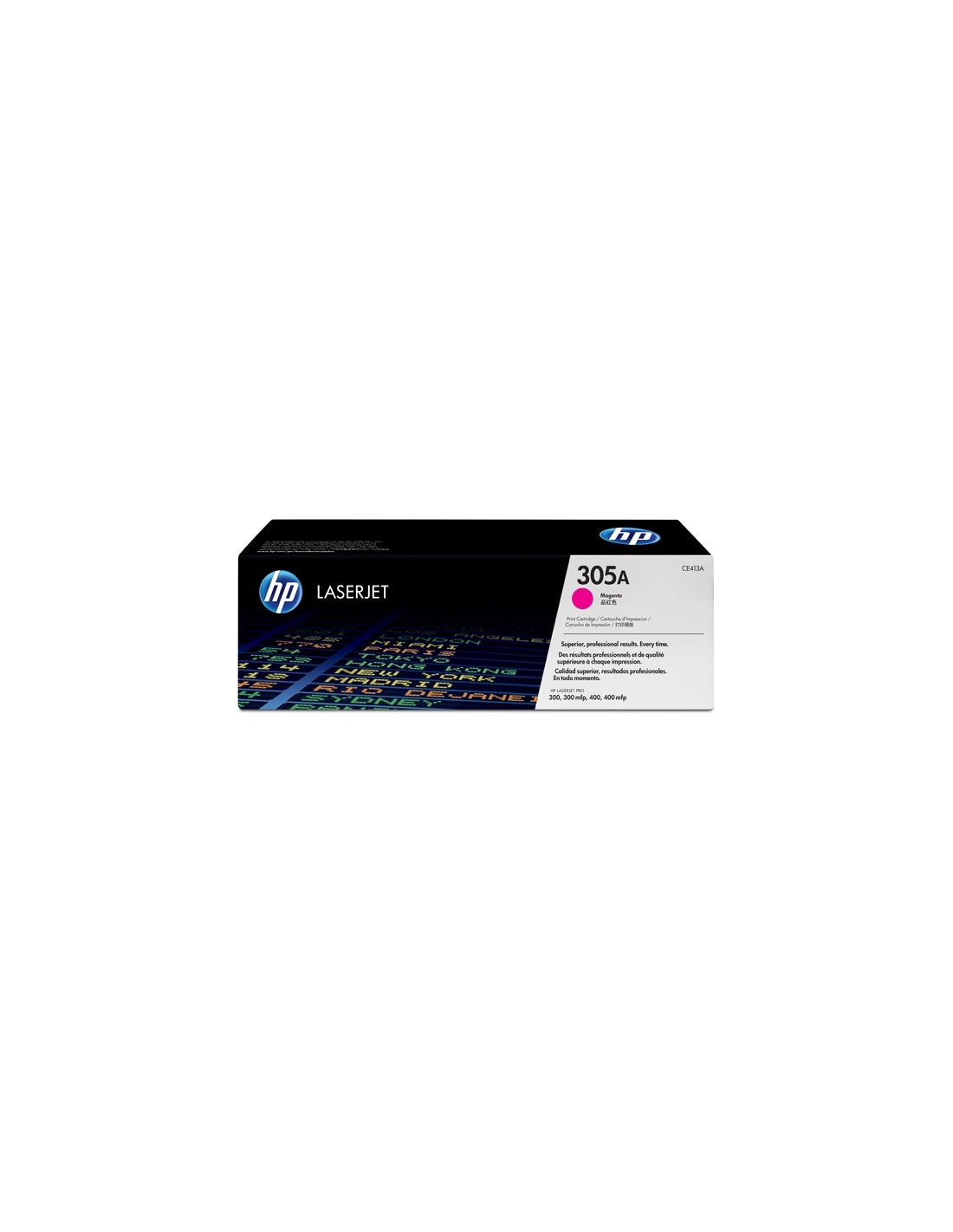
HP 305A Magenta High-Yield Toner Cartridge (CE413A)
Elevate your printing experience with the genuine HP 305A Magenta High-Yield Toner Cartridge (CE413A). Engineered by HP for exceptional performance and reliability, this original toner delivers consistently sharp text, crisp graphics, and rich, saturated magenta colors. It’s the ideal solution for users of HP LaserJet Pro printers seeking professional-quality output for documents, presentations, and marketing materials.
Designed for high-volume printing, this high-capacity toner cartridge allows you to print up to 2600 pages, significantly reducing the frequency of replacements. This high-yield solution not only maximizes your productivity by minimizing downtime but also ensures a lower cost per page compared to standard-yield cartridges, making it a smart and economical choice for your office or home.
Experience seamless printing with this easy-to-install cartridge, requiring no special tools or expertise. Count on consistent, high-quality results from a toner cartridge built for optimal performance and dependable operation. Furthermore, HP is committed to sustainability, designing this cartridge with environmentally responsible materials and manufacturing processes.
This HP 305A Magenta toner cartridge is compatible with the following HP LaserJet Pro printers:
- LaserJet Pro 300 Color M351a
- LaserJet Pro 400 Color M451dn
- LaserJet Pro 400 Color M451dw
- LaserJet Pro 400 Color M451nw
- LaserJet Pro MFP M375nw
- LaserJet Pro MFP M475dn
- LaserJet Pro MFP M475dw
Specifications
- Product Type: Toner cartridge
- Printing Technology: Laser
- HP Sub-brand: LaserJet
- Printing Colour: Magenta
- Yield: Up to 2600 pages (based on ISO/IEC 19798 standard)
How to Use
Installing your new HP 305A Magenta toner cartridge is straightforward. Simply open the printer's toner access door, remove the old cartridge, and then carefully remove the new cartridge from its packaging and protective seal. Insert the new cartridge into the printer, ensuring it's correctly seated, close the access door, and follow any on-screen prompts from your printer for optimal performance.