Shopping Cart
Out-of-Stock

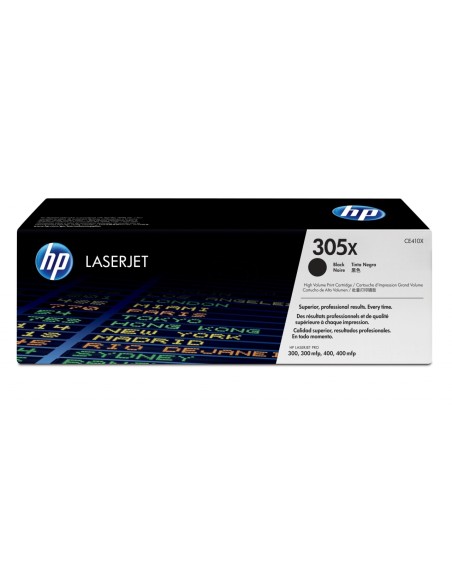
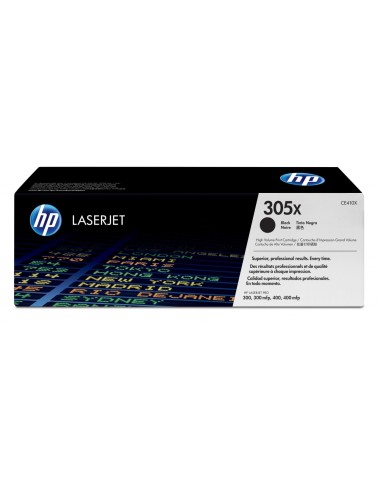
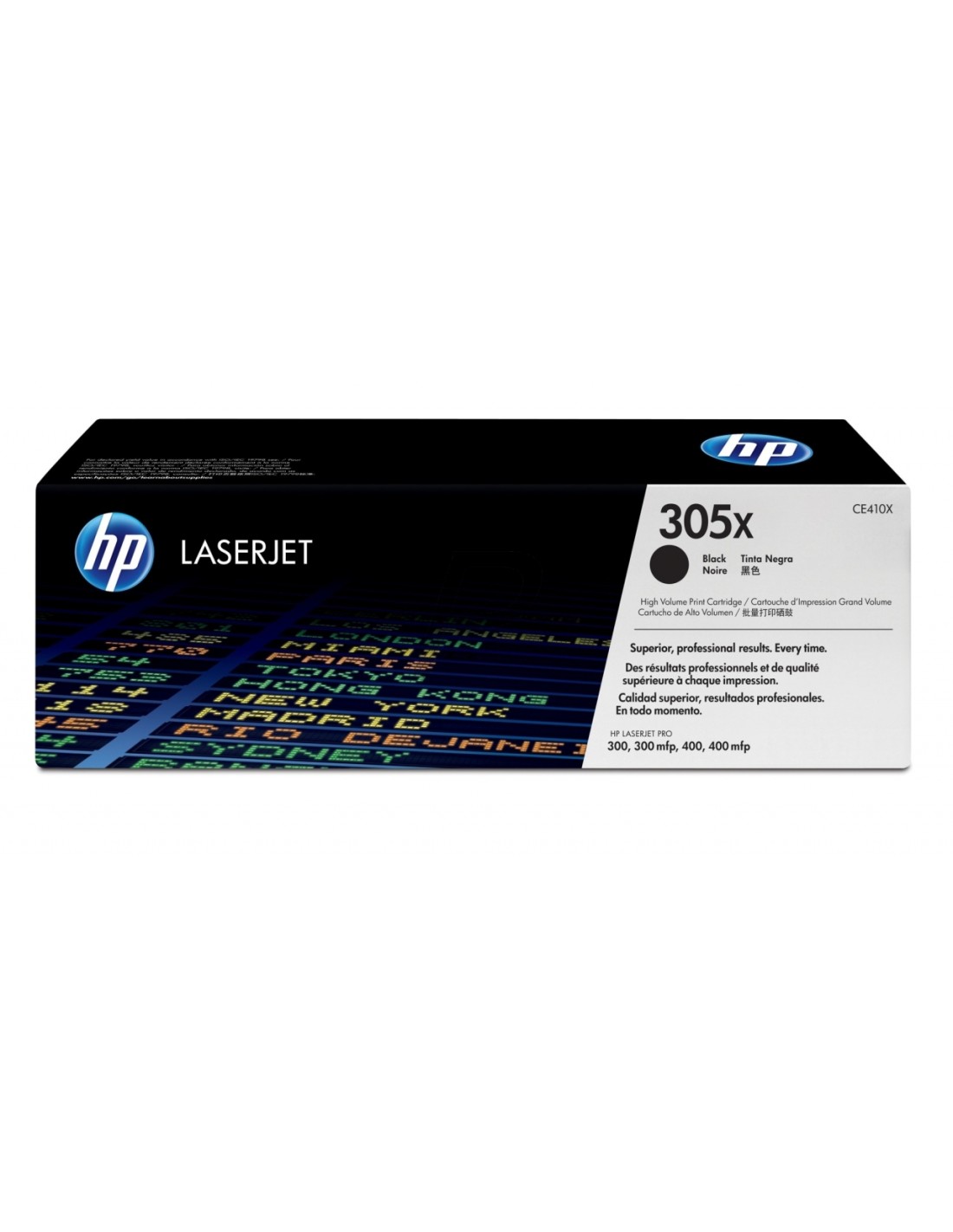
Maximize your printing efficiency and achieve outstanding results with the genuine HP 305X High Yield Black Toner Cartridge (CE410X). This original HP toner is engineered for seamless integration with your HP LaserJet Pro printer, delivering crisp, professional documents and superior black text every time. It’s the ideal choice for businesses and individuals seeking reliable performance and exceptional print quality for all their daily printing needs.
Designed for cost-effectiveness, this high-yield toner cartridge significantly reduces your printing costs per page by allowing you to print up to 4000 pages. Enjoy fewer cartridge replacements and an uninterrupted workflow, making it perfect for high-volume printing environments. The HP 305X ensures consistently sharp text and vibrant graphics, creating professional-looking documents that make a lasting impression.
Experience the peace of mind that comes with genuine HP quality. This black toner cartridge is compatible with HP Smart printing technology, ensuring optimal printer performance and dependable results. Avoid compatibility issues and print quality compromises often associated with non-original supplies. Its easy installation process means minimal downtime, allowing you to quickly get back to your important work.
To install the HP 305X toner cartridge, open the front cover of your HP LaserJet Pro printer and remove the empty cartridge. Carefully remove the new HP 305X toner from its protective packaging, align it with the slot inside the printer, and gently insert it until it clicks into place. Finally, close the printer cover to complete the installation.