Shopping Cart
Last items in stock

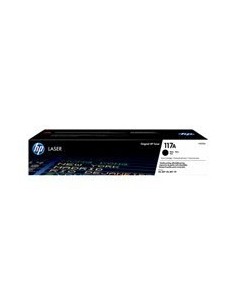
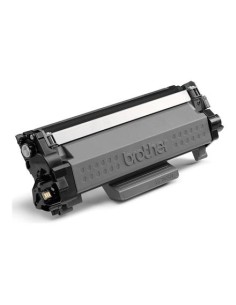
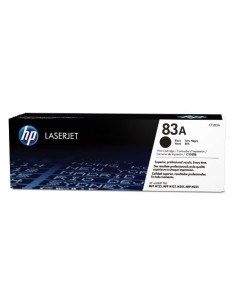
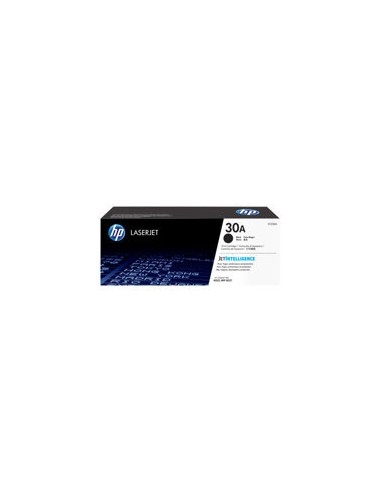
Maximize your printing productivity with the genuine HP LaserJet 30A High-Yield Black Toner Cartridge. This original HP toner is specifically engineered to deliver exceptional print quality and reliable performance for your HP LaserJet Pro printer. Expect crisp, sharp text and vibrant graphics for all your documents, presentations, and marketing materials, ensuring professional-looking results every time.
Designed for efficiency and value, this HP 30A toner cartridge offers an impressive page yield of up to 1600 pages (based on ISO/IEC 19752 standard). This high capacity minimizes printing costs and reduces the frequency of cartridge changes, saving you valuable time and money. Experience consistent, professional-grade prints from the first page to the last, making it ideal for busy offices and demanding printing tasks.
The HP 30A (CF230A) toner cartridge ensures seamless integration and optimal performance with a range of HP LaserJet Pro printers. It is perfectly compatible with the HP LaserJet Pro M203 Series (M203d, M203dn, M203dw) and the HP LaserJet Pro MFP M227 Series (M227fdn, M227fdw, M227sdn), guaranteeing reliable operation and brilliant output.
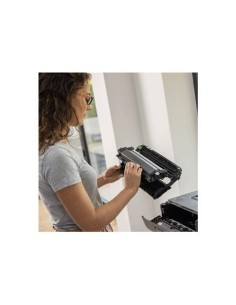
To install the toner cartridge, simply open your printer's access door, carefully insert the cartridge into the designated slot until it clicks into place, and then close the door. Your printer will then be ready for use.