Shopping Cart







Out-of-Stock

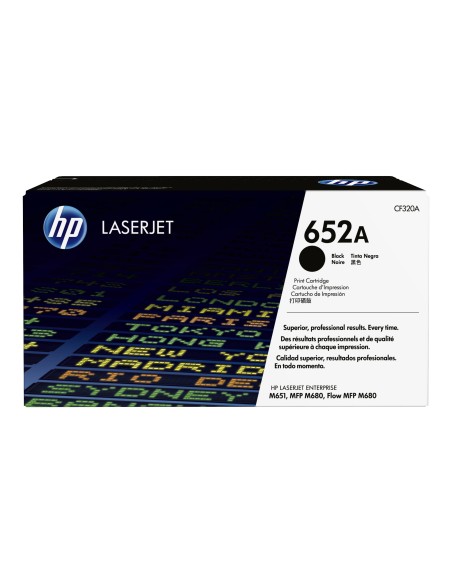
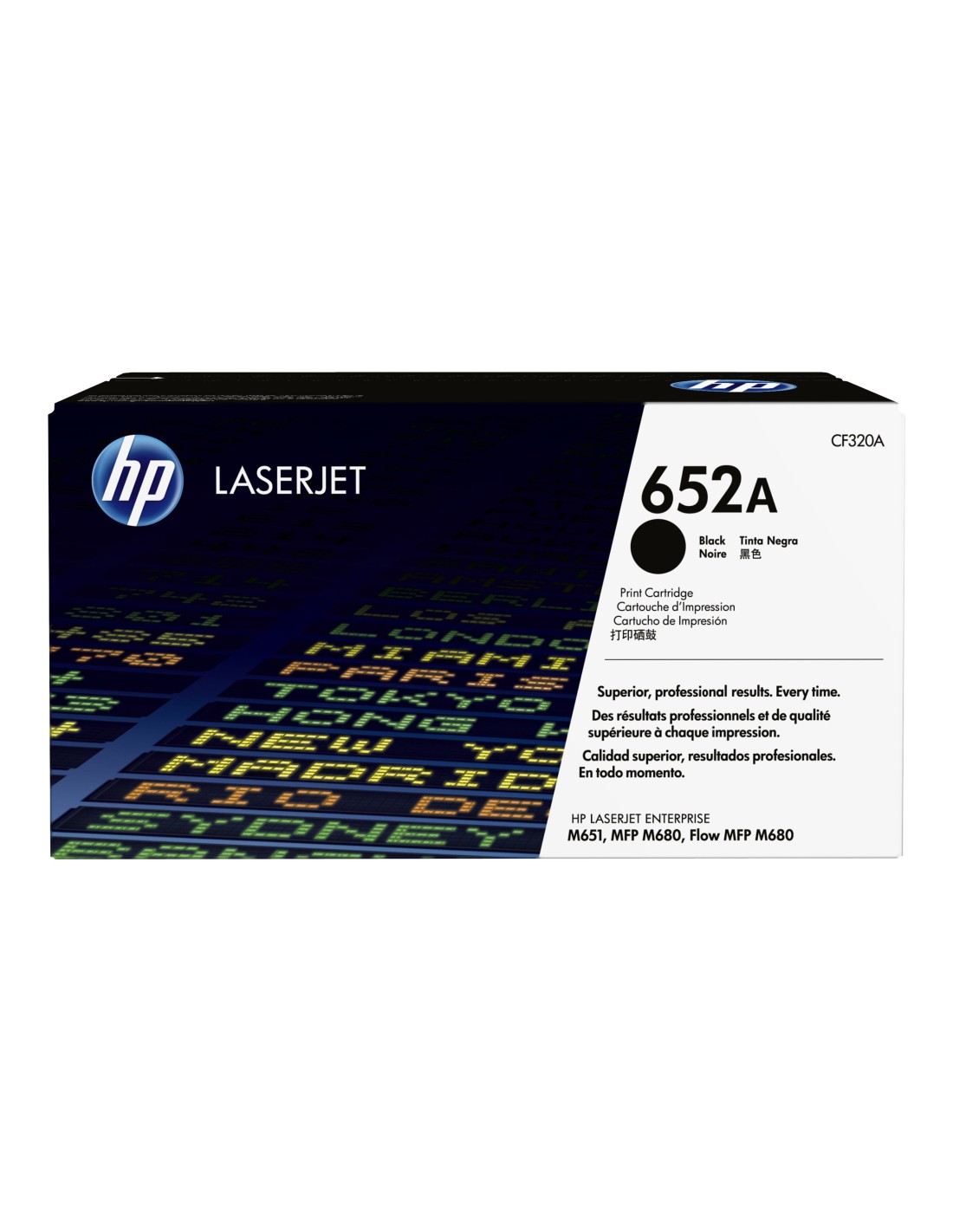
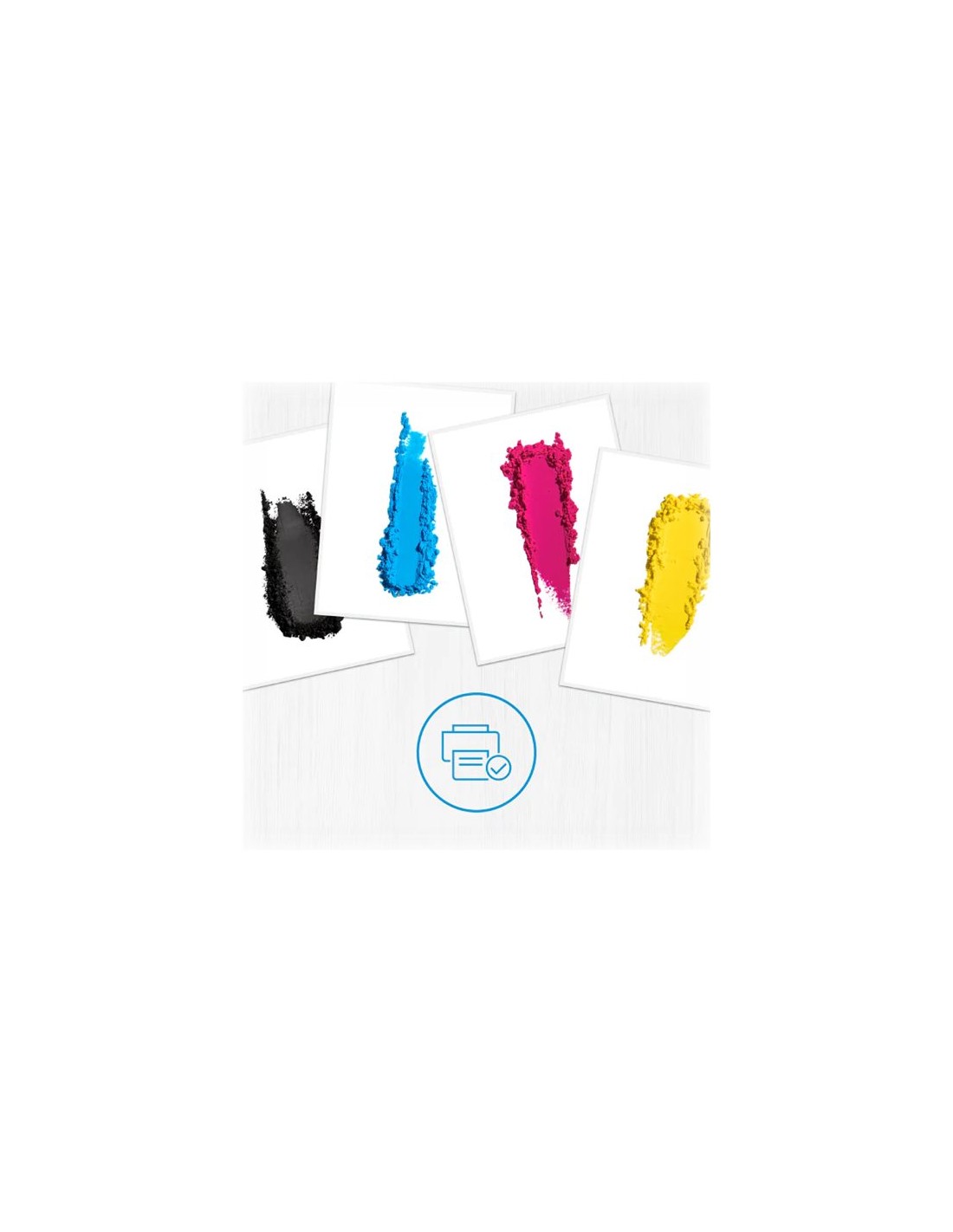
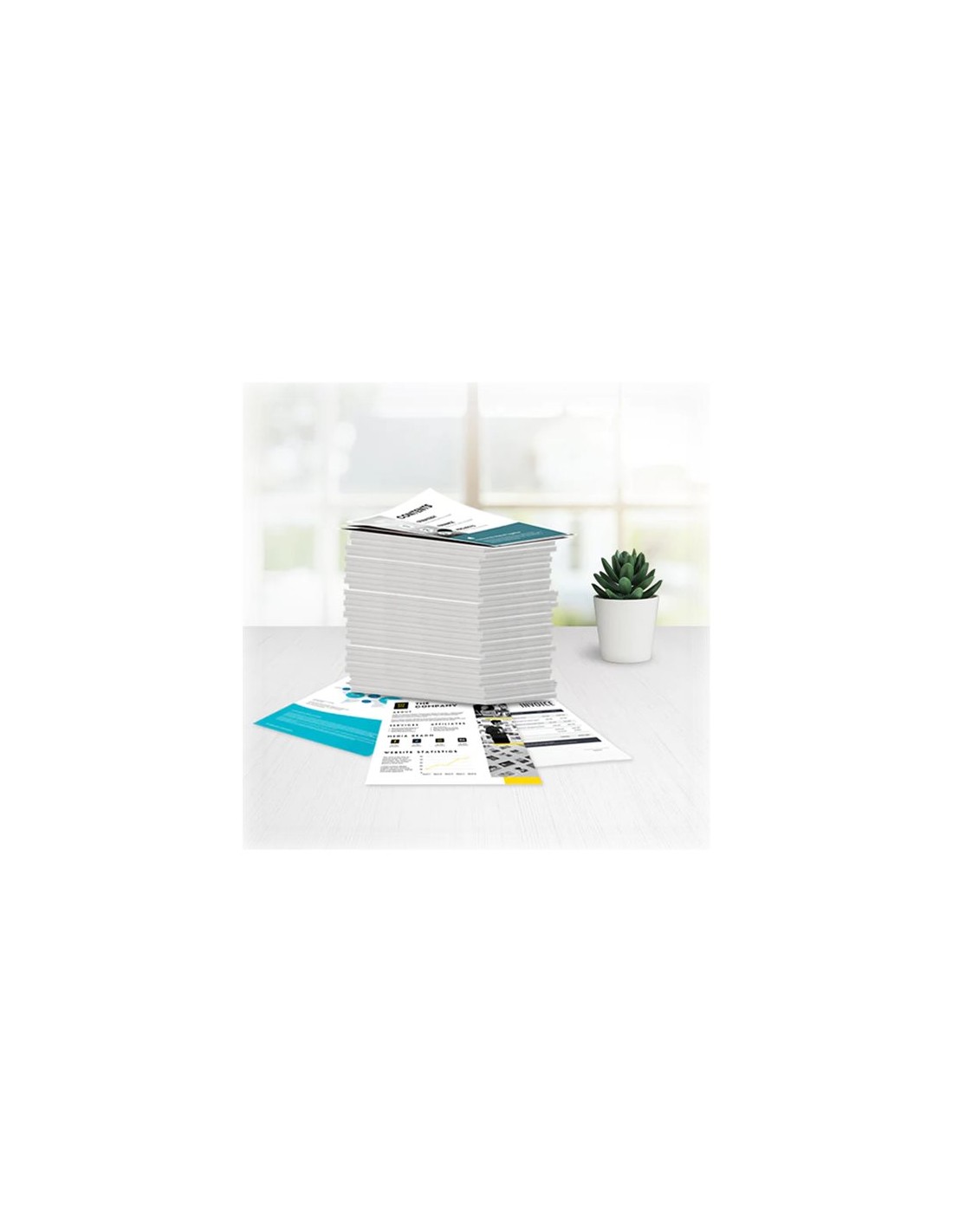
Elevate your office productivity with the genuine HP 652A Black High-Yield Toner Cartridge (CF320A). Designed for HP LaserJet printers, this original HP black toner delivers consistently crisp, sharp text and bold graphics, making it an excellent choice for demanding, high-volume printing environments. With an impressive yield of up to 11,500 pages (based on ISO/IEC 19798 standards), you can significantly reduce cartridge replacement frequency and minimize downtime.
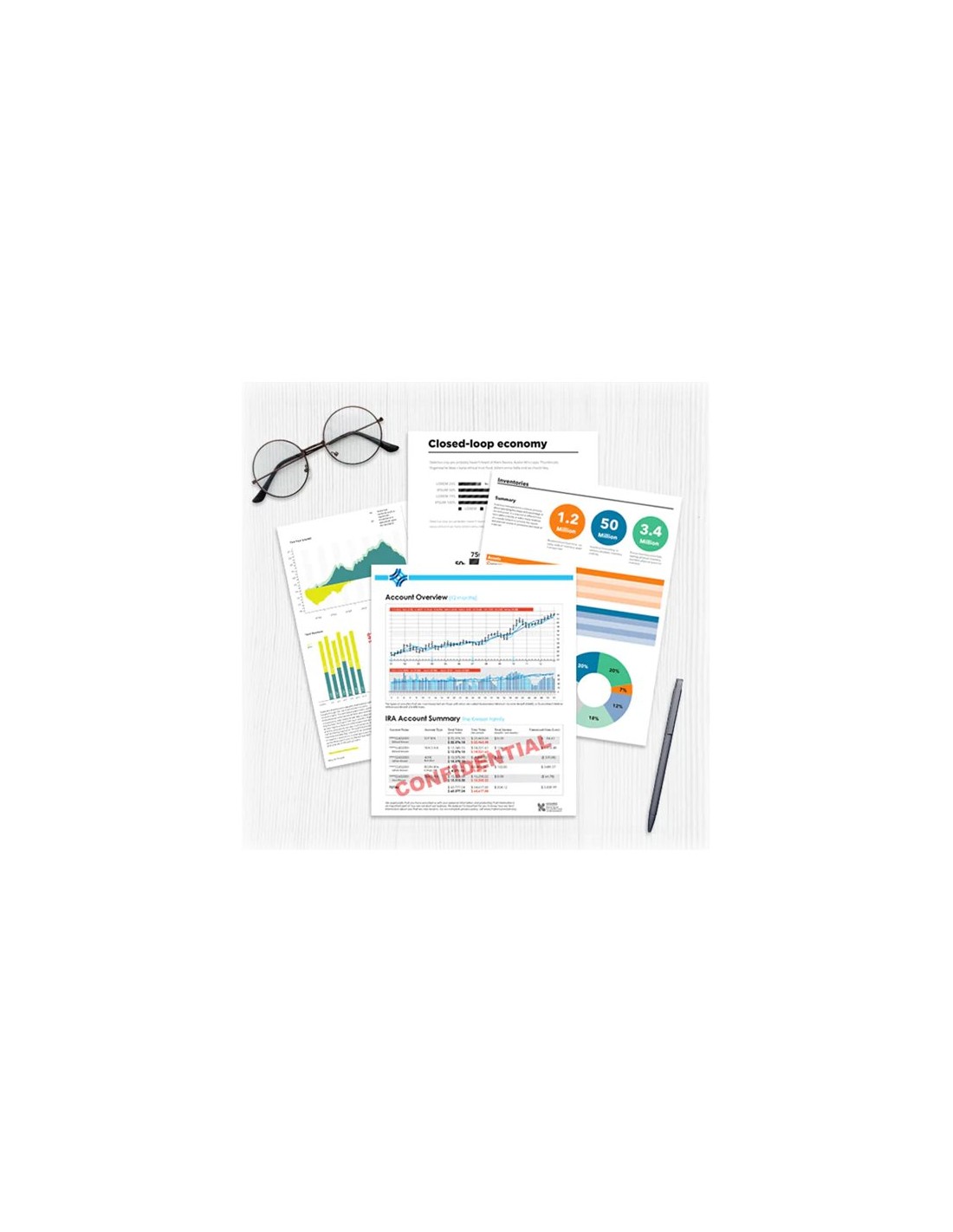
Experience professional-grade output on every document, from detailed reports to vibrant marketing materials, thanks to HP's advanced toner technology. Choosing this high-capacity laser toner cartridge ensures a lower cost per page, contributing to your overall operational savings. Furthermore, this premium toner is crafted with 12% recycled content, reflecting a commitment to sustainability.
The HP 652A (CF320A) toner cartridge is engineered for seamless integration and reliable operation with your compatible HP LaserJet printer, leveraging HP Smart Printing technology for optimal results. Trust original HP printer supplies for unparalleled print quality, consistent performance, and peace of mind, ensuring your critical documents always look their best.
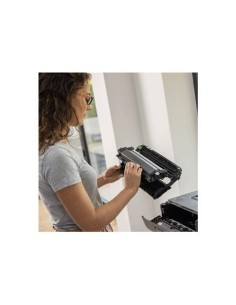
Installing your HP 652A toner cartridge is straightforward. Simply open your printer's front cover, remove the old cartridge, and carefully unpack the new HP 652A. Align the cartridge with the printer's slot and gently insert it until it clicks into place. Close the cover and allow your printer to initialize the new toner for optimal performance.