Shopping Cart
Out-of-Stock

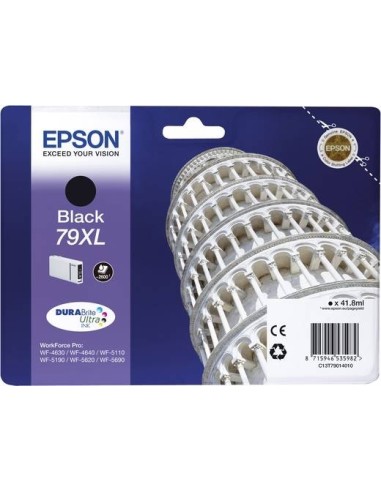
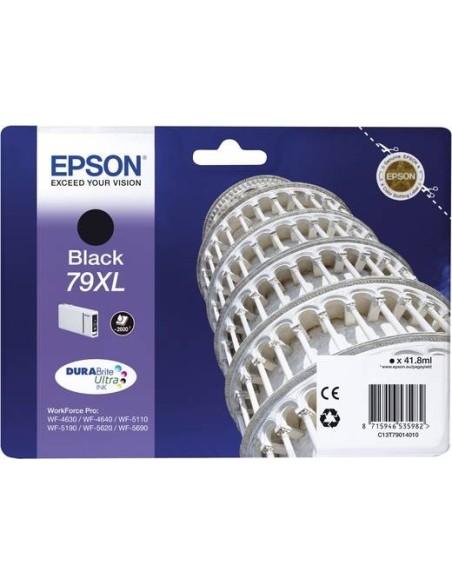
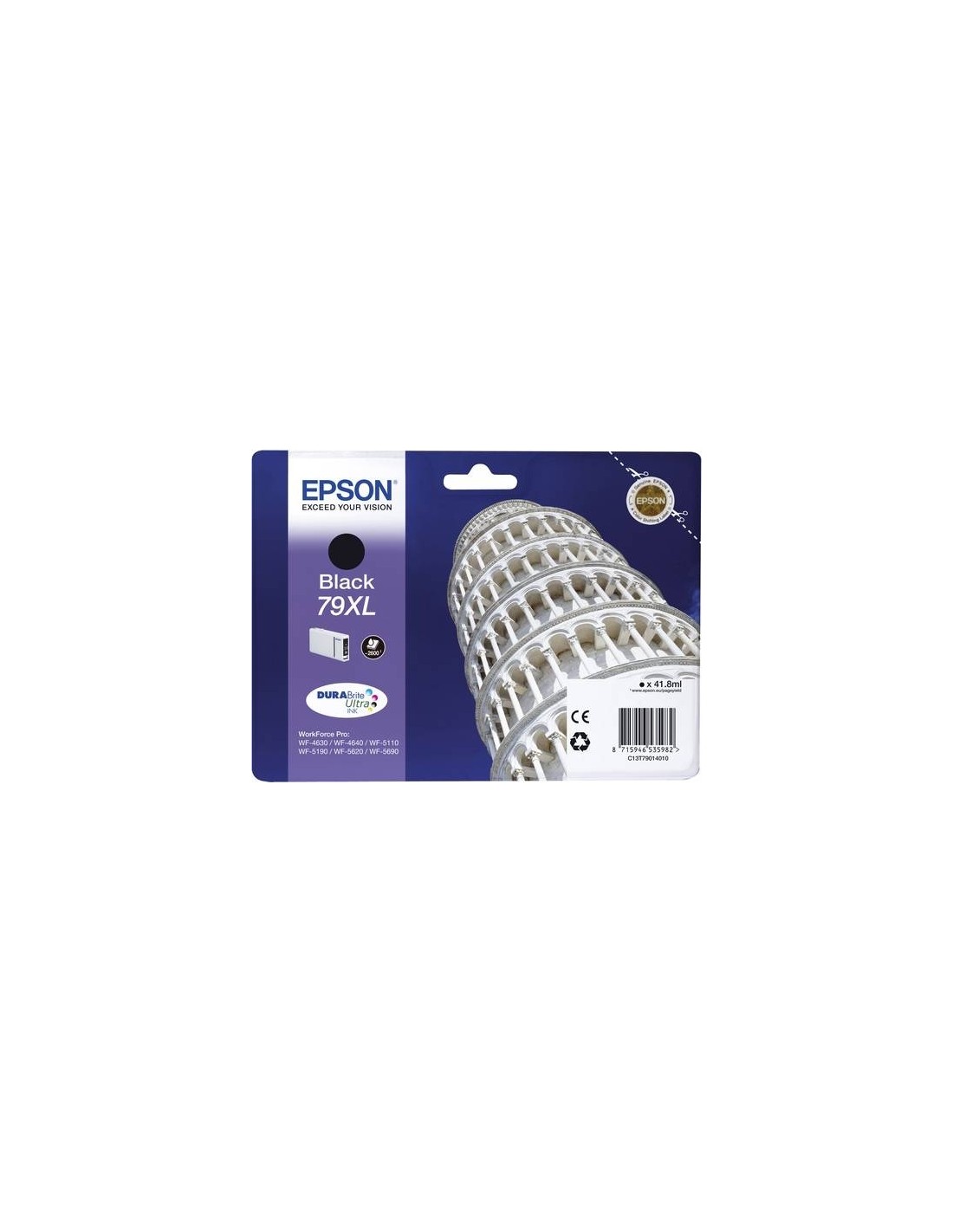
Elevate your printing experience with the Epson C13T79014010 High-Yield Black Ink Cartridge. Engineered specifically for select Epson inkjet printers, this genuine high-capacity cartridge ensures consistently superior print quality for all your documents and photos. Achieve vibrant, deep blacks and exceptionally sharp text, making it ideal for professional reports, presentations, and crisp images.
Designed for reliability and performance, this Epson black ink cartridge delivers trouble-free printing, page after page. Its high-yield design, with a generous 41.8 ml capacity, significantly reduces the frequency of ink replacements, offering a cost-effective solution for high-volume printing. Choosing genuine Epson ink not only guarantees optimal results but also protects your printer from potential damage often associated with third-party alternatives, ensuring long-term printer health and maintaining your warranty.
This Epson C13T79014010 black ink cartridge is compatible with select Epson inkjet printers. To ensure optimal performance, please refer to your printer's manual or the official Epson website to confirm compatibility before purchasing. Installation is simple, providing quick and professional results every time.
Installing your new Epson C13T79014010 black ink cartridge is straightforward. Follow these simple steps for a seamless setup: