Shopping Cart
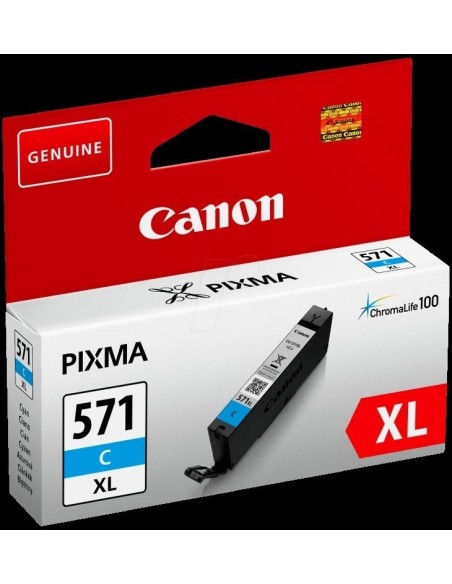
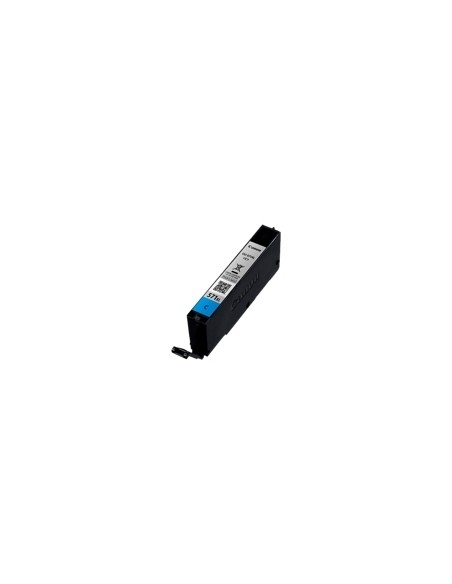
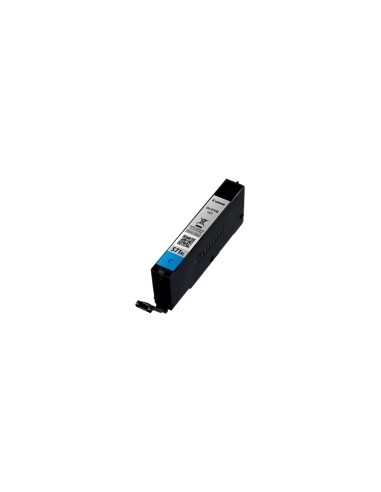
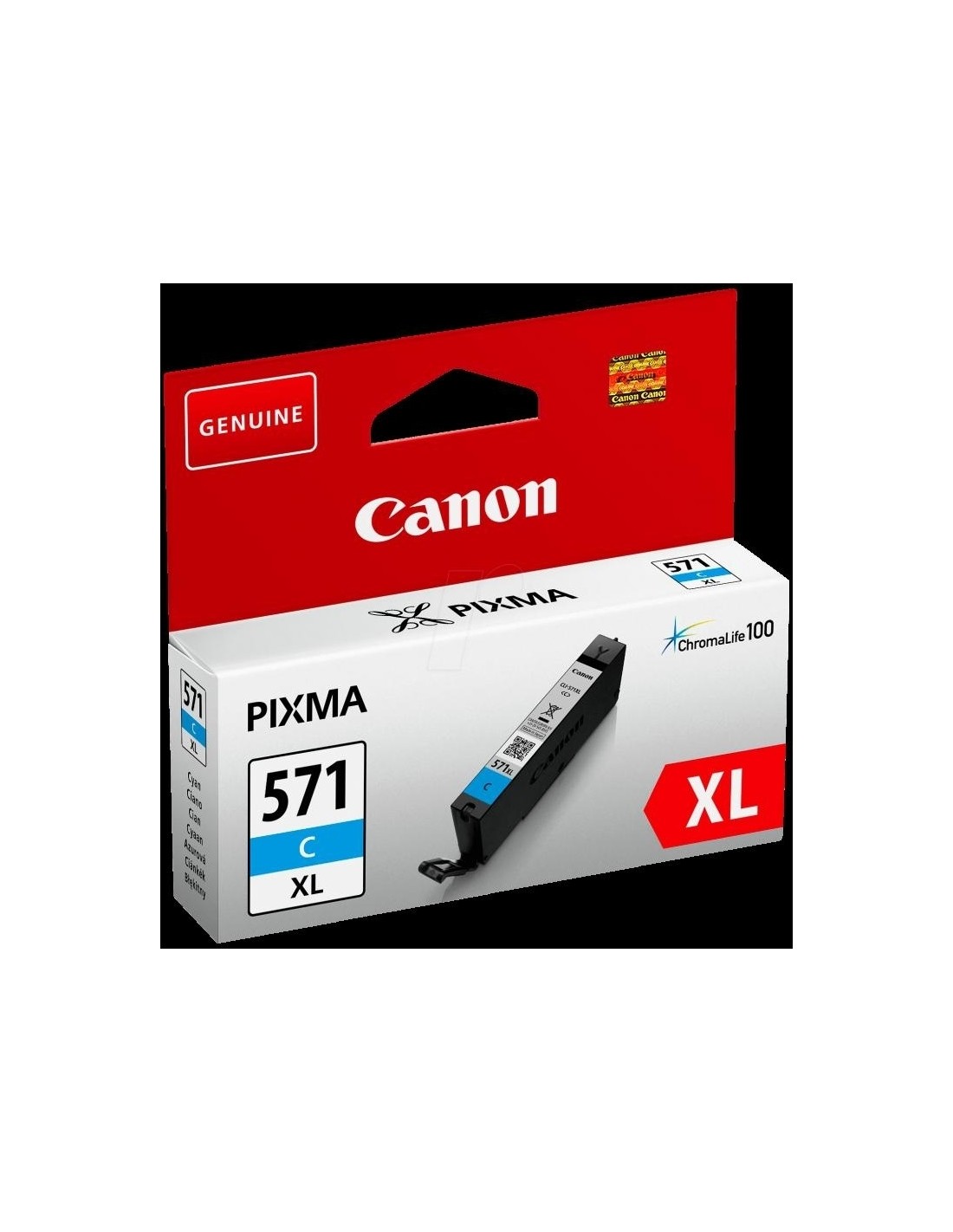

Unlock superior print quality with the original Canon CLI-571XL C Cyan High Yield Ink Cartridge. Specifically engineered for Canon PIXMA printers, this genuine ink ensures brilliant, professional-grade results for both vibrant photos and sharp documents. Experience unparalleled clarity and rich, accurate cyan tones with every page you print.
This high-yield ink cartridge is designed for efficiency, allowing you to print up to 375 pages, which means fewer replacements and significant savings over time. Featuring Canon's advanced ChromaLife100 ink technology, your prints will boast exceptional color accuracy and remarkable longevity, resisting fading for years. Opt for authentic Canon ink to maintain optimal printer performance and consistently achieve the long-lasting, high-quality output you expect.
To install your new Canon CLI-571XL C ink cartridge, first turn off your printer and open the cartridge access cover. Carefully remove the empty cartridge, then unpack and insert the new cartridge firmly into the corresponding slot until it clicks into place. Close the cover and turn on your printer to resume printing.