Shopping Cart
Out-of-Stock

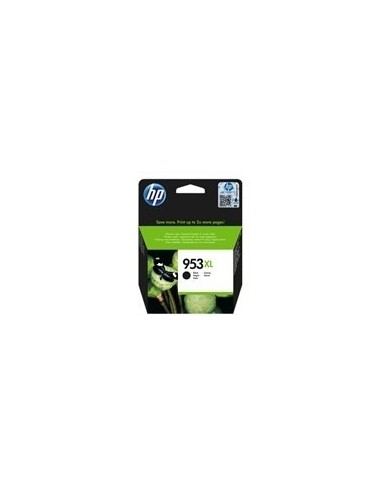
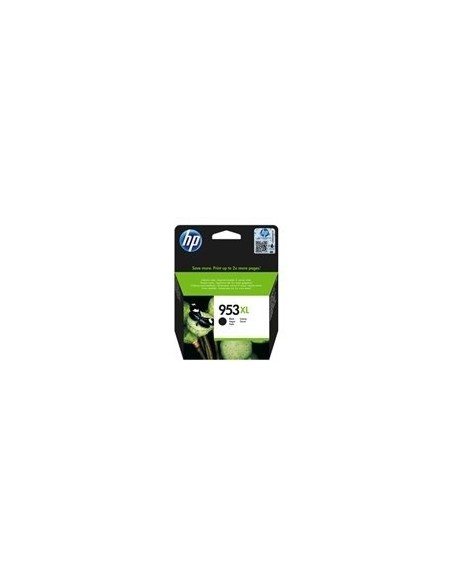
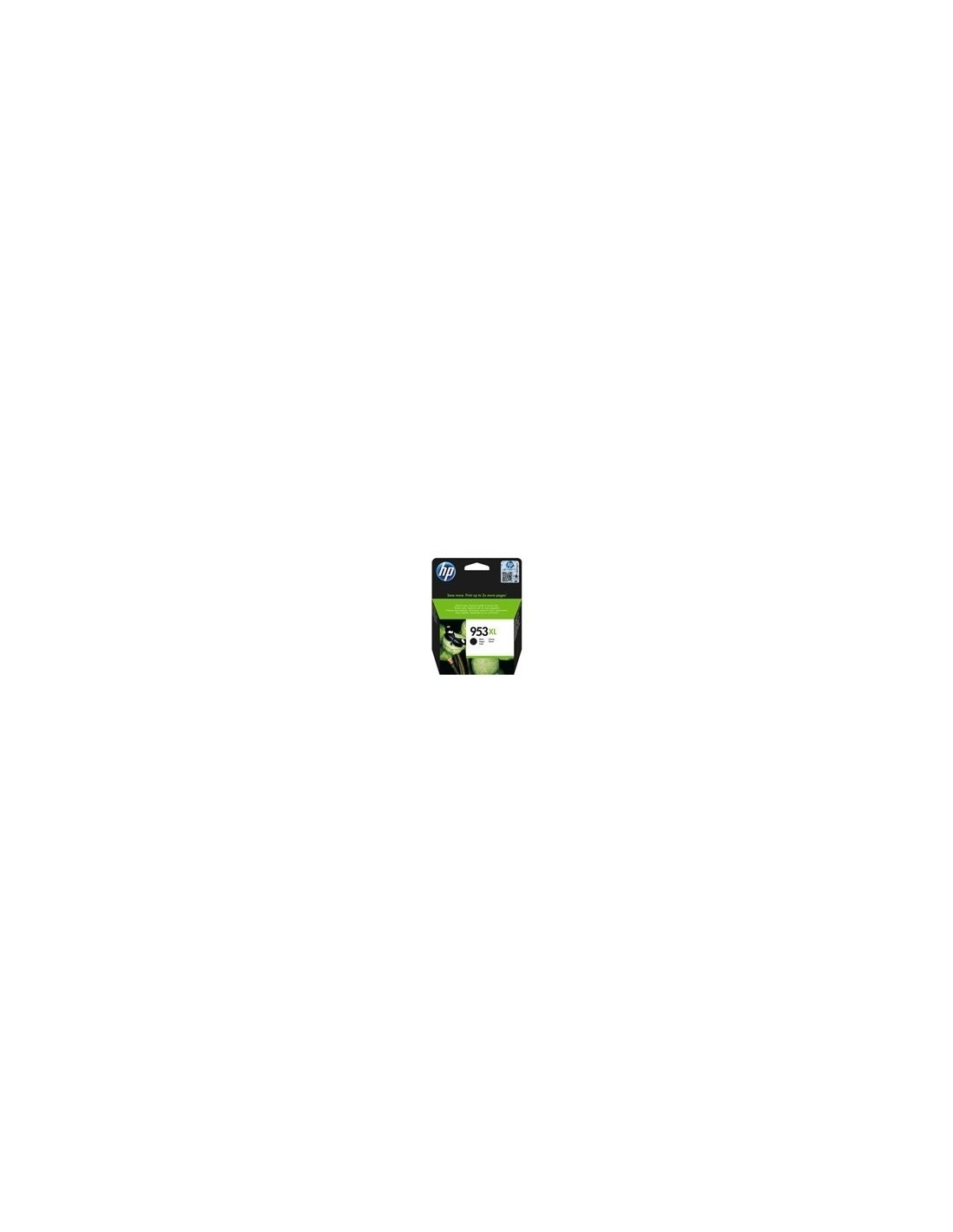
Maximize your printing efficiency and output with the genuine HP 953XL High Yield Black Ink Cartridge, specifically designed for HP OfficeJet Pro printers. This high-capacity ink solution is perfect for busy professionals and home offices, offering both exceptional print quality and significant cost savings. Produce sharp, professional documents with rich, black text for longer, reducing the need for frequent cartridge replacements and optimizing your printing budget.
Experience consistent, reliable performance with original HP ink. The HP 953XL features pigment-based black ink, ensuring crisp, professional-looking documents that resist fading, maintaining their quality over time. With an impressive page yield of up to 2000 pages (ISO/IEC 24711 standard), this HP 953XL black ink cartridge is a truly cost-effective choice for high-volume printing, minimizing interruptions to your workflow.
Enjoy a hassle-free experience thanks to its user-friendly design, allowing for simple and quick installation. Trust genuine HP supplies for optimal printer performance and outstanding print quality every time, ensuring your HP OfficeJet Pro delivers reliable and superior results for all your printing needs.
To install the HP 953XL ink cartridge, first ensure your printer is powered off. Open the cartridge access door, carefully remove the old cartridge, and then insert the new HP 953XL cartridge, making sure it clicks into place. Close the access door and turn your printer back on.