Shopping Cart
Out-of-Stock

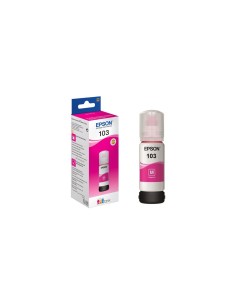
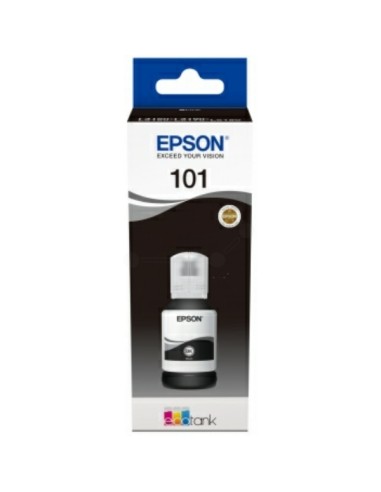
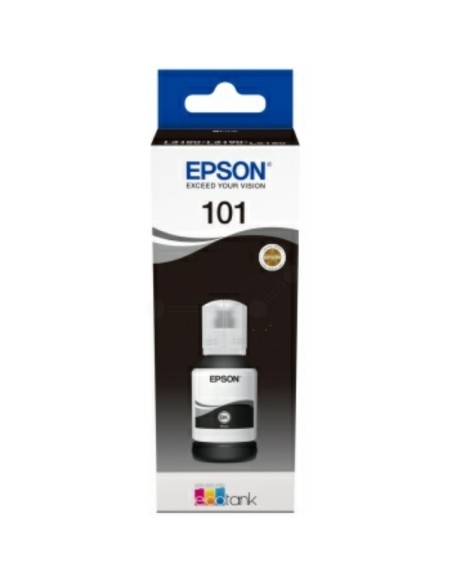
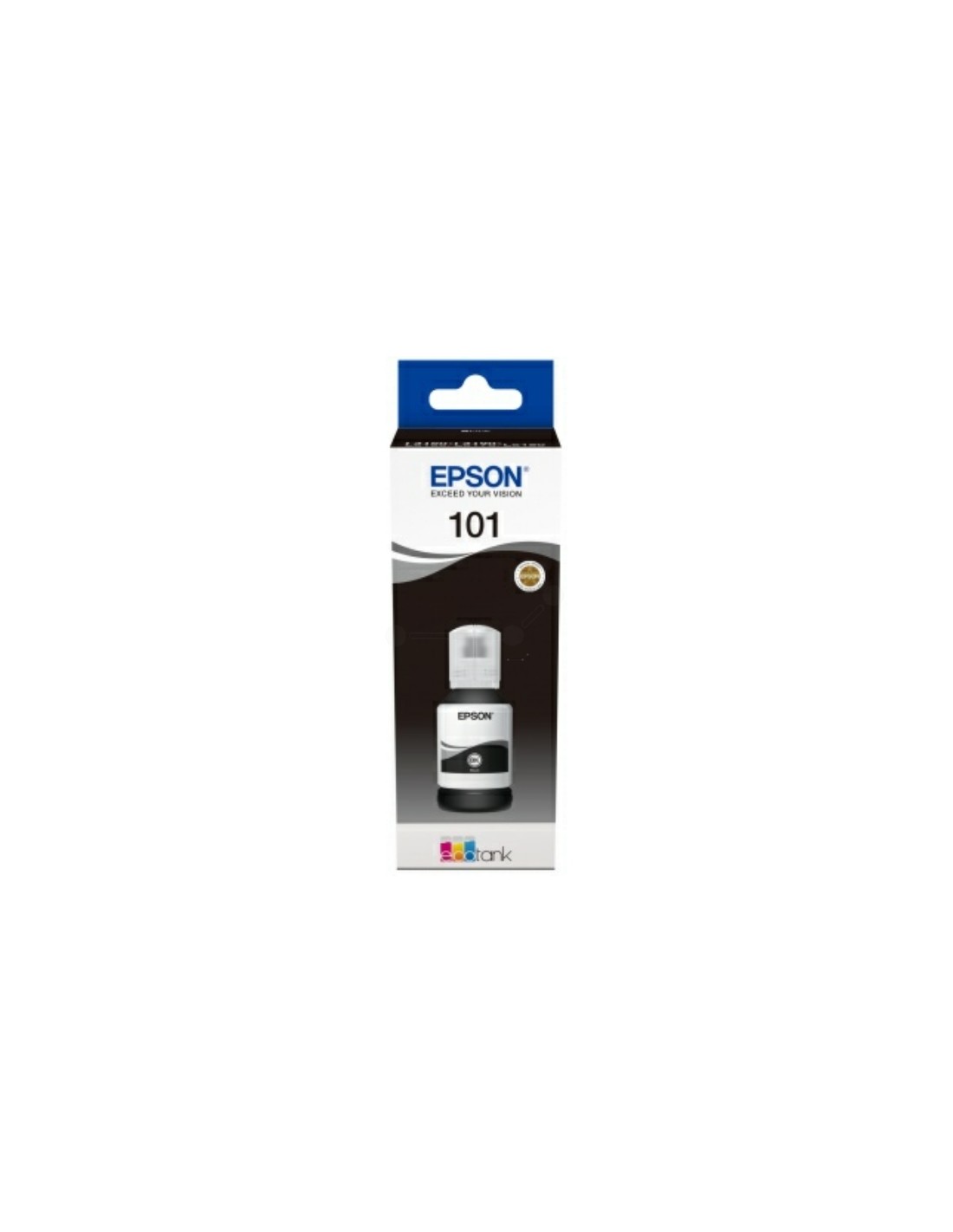
Unlock exceptional value and print quality for your home or office with the Epson EcoTank 101 High-Yield Black Ink Bottle. Specifically engineered as a genuine pigment ink for compatible Epson EcoTank printers, this high-capacity black ink delivers consistently crisp, sharp text and clear graphics. It's the ideal choice for producing professional-looking documents, reports, and all your everyday printing needs, ensuring every page is impactful and easy to read.
Move beyond traditional, expensive cartridges and embrace the significant savings offered by this EcoTank solution. With a generous 127ml volume, this bottle allows you to print thousands of pages, drastically reducing your cost per print and minimizing the need for frequent refills. Choosing genuine Epson EcoTank ink guarantees optimal performance, safeguards your printer's warranty, and contributes to a more sustainable printing experience with less packaging waste. Enjoy professional-quality output and reliable performance from your Epson printer with every refill.
To refill your Epson EcoTank printer, first switch off the printer and open the ink tank unit cover. Carefully open the ink bottle and slowly pour the black pigment ink into the designated black ink tank. Securely close the tank cover, then turn the printer back on. Your printer will automatically detect the new ink level.