Shopping Cart

Out-of-Stock

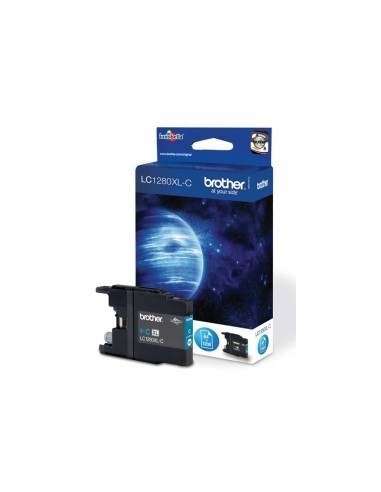
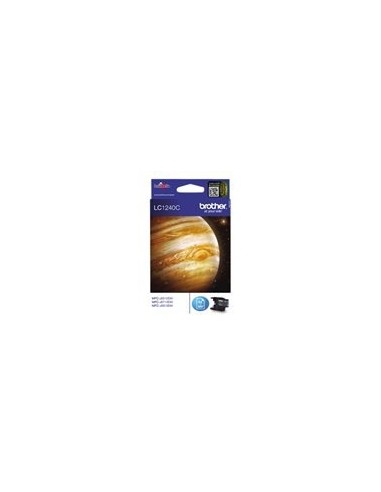
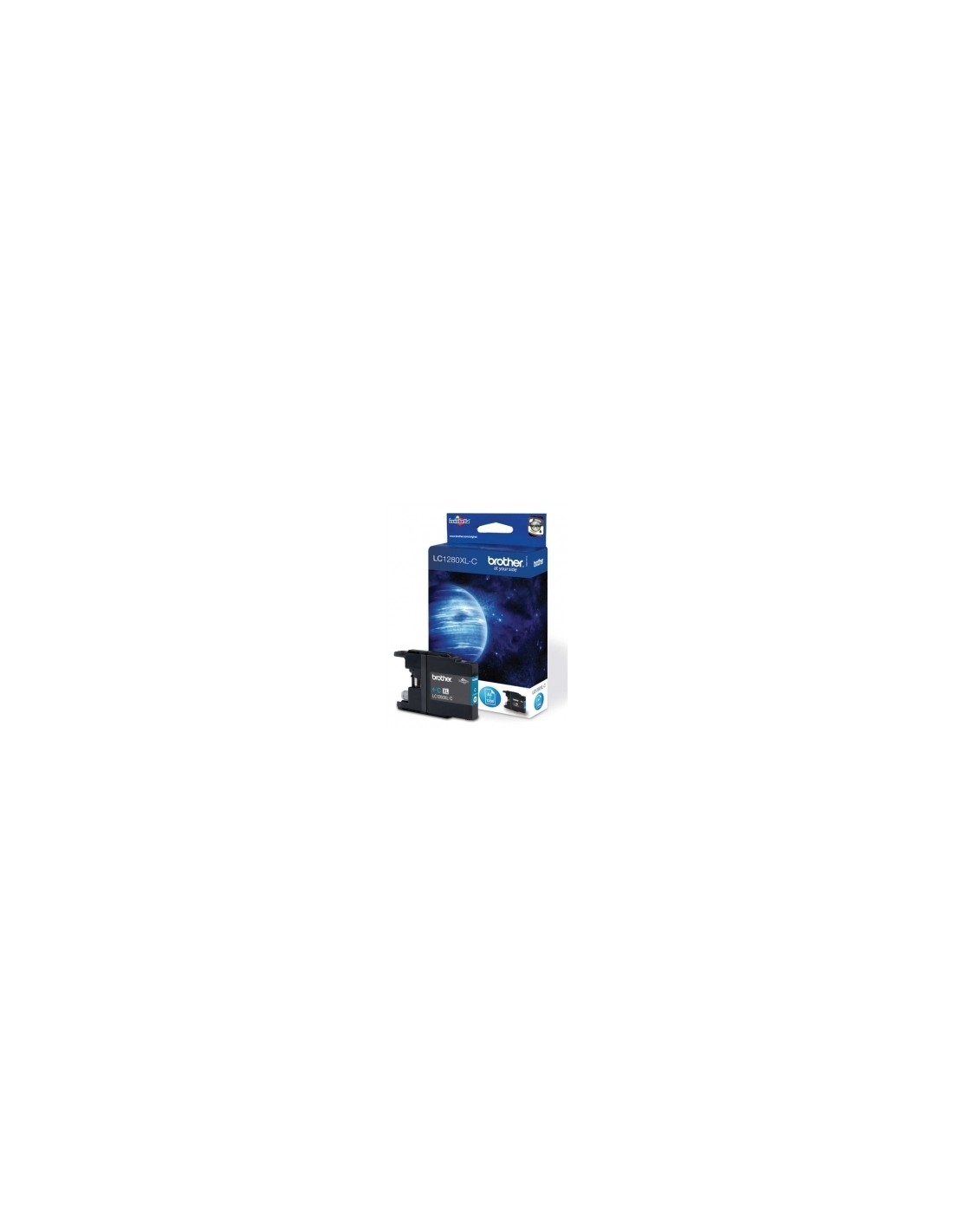
Elevate your printing experience with the Brother LC1240C Cyan High-Yield Ink Cartridge. This genuine Brother ink cartridge is engineered to deliver vibrant, professional-quality prints with exceptional color accuracy and reliable performance. Ideal for both busy homes and small offices, this high-capacity ink ensures your documents and photos are sharp, clear, and full of life.
Designed for a range of compatible Brother printers, the high-yield capacity of this cyan ink cartridge allows you to print significantly more pages – up to 600 – before needing a replacement. This reduces the frequency of cartridge changes, saving you valuable time and money in the long run. Enjoy brilliant blue hues and consistent, trouble-free ink-jet printing, knowing you're using an original Brother product committed to efficient ink usage and minimal waste.
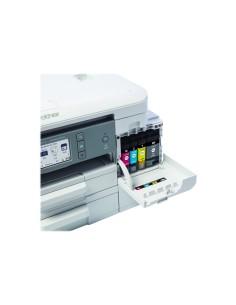
Installing your new Brother LC1240C ink cartridge is straightforward. Simply open your printer's cover or access panel, remove the empty cartridge, and then remove the protective tape from the new LC1240C cartridge. Insert the new cartridge into the designated slot until it clicks into place, and then close the printer cover or access panel.