Shopping Cart
Last items in stock

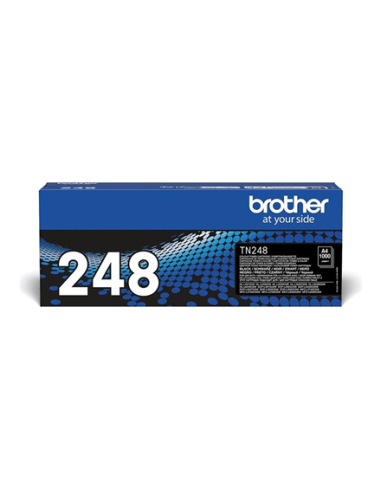
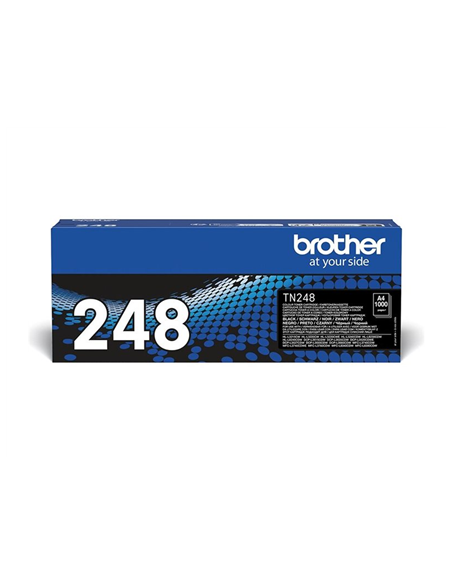
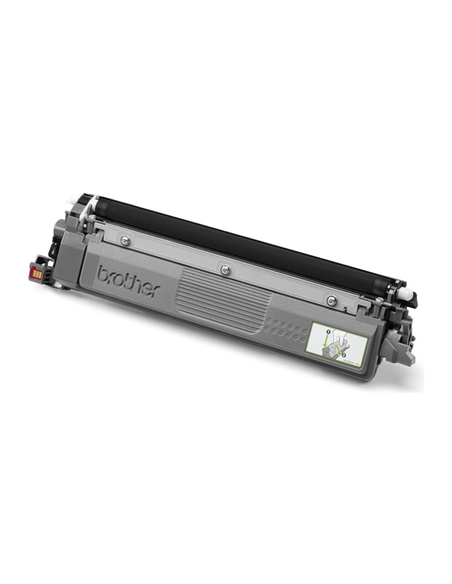
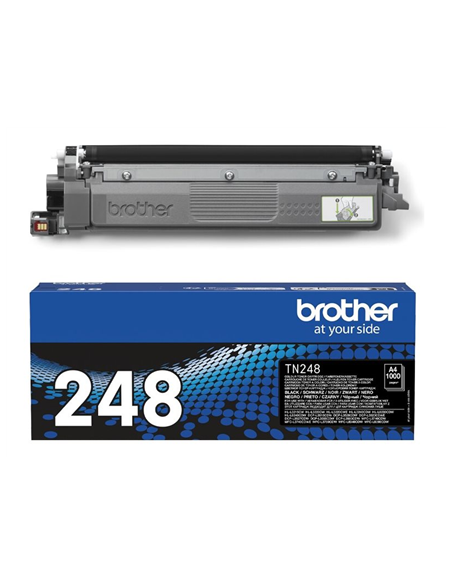
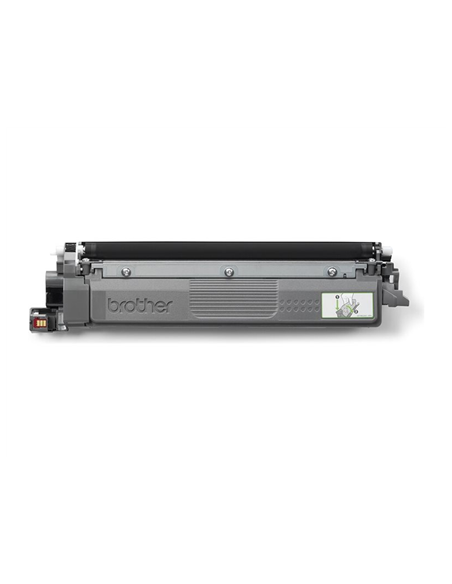
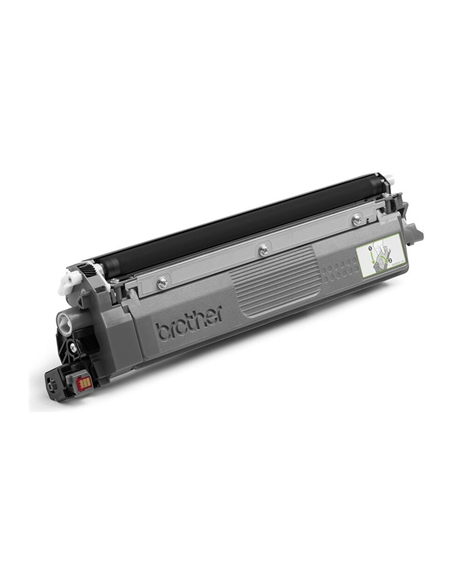
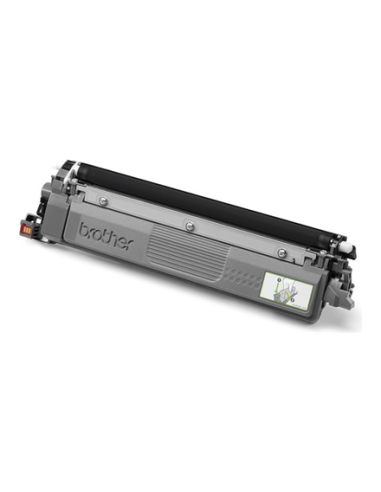
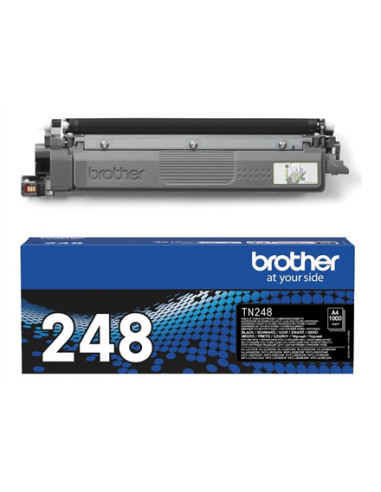
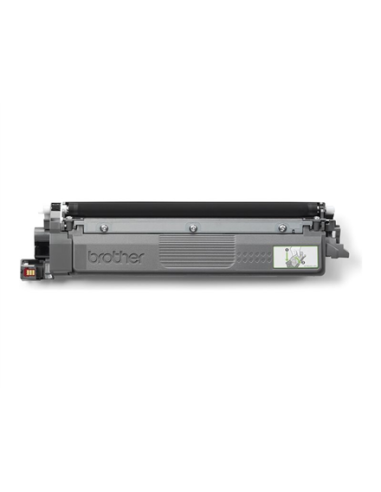
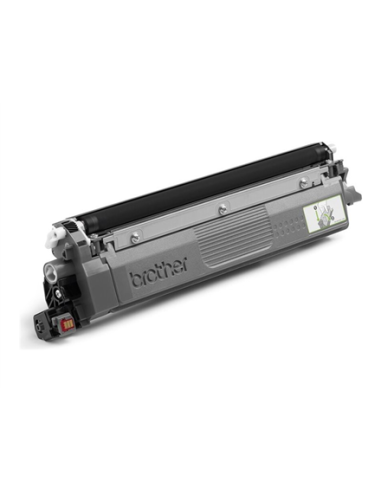
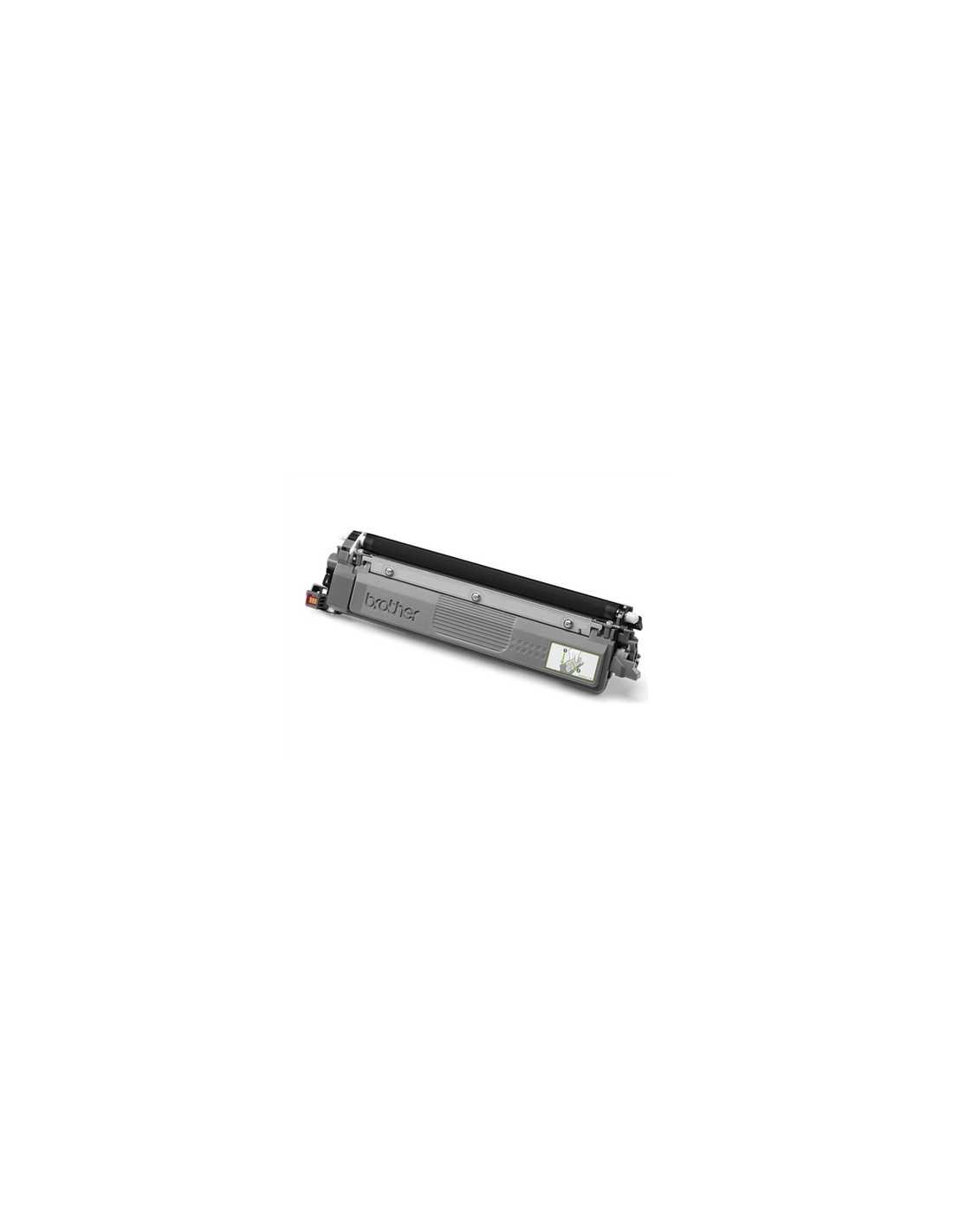
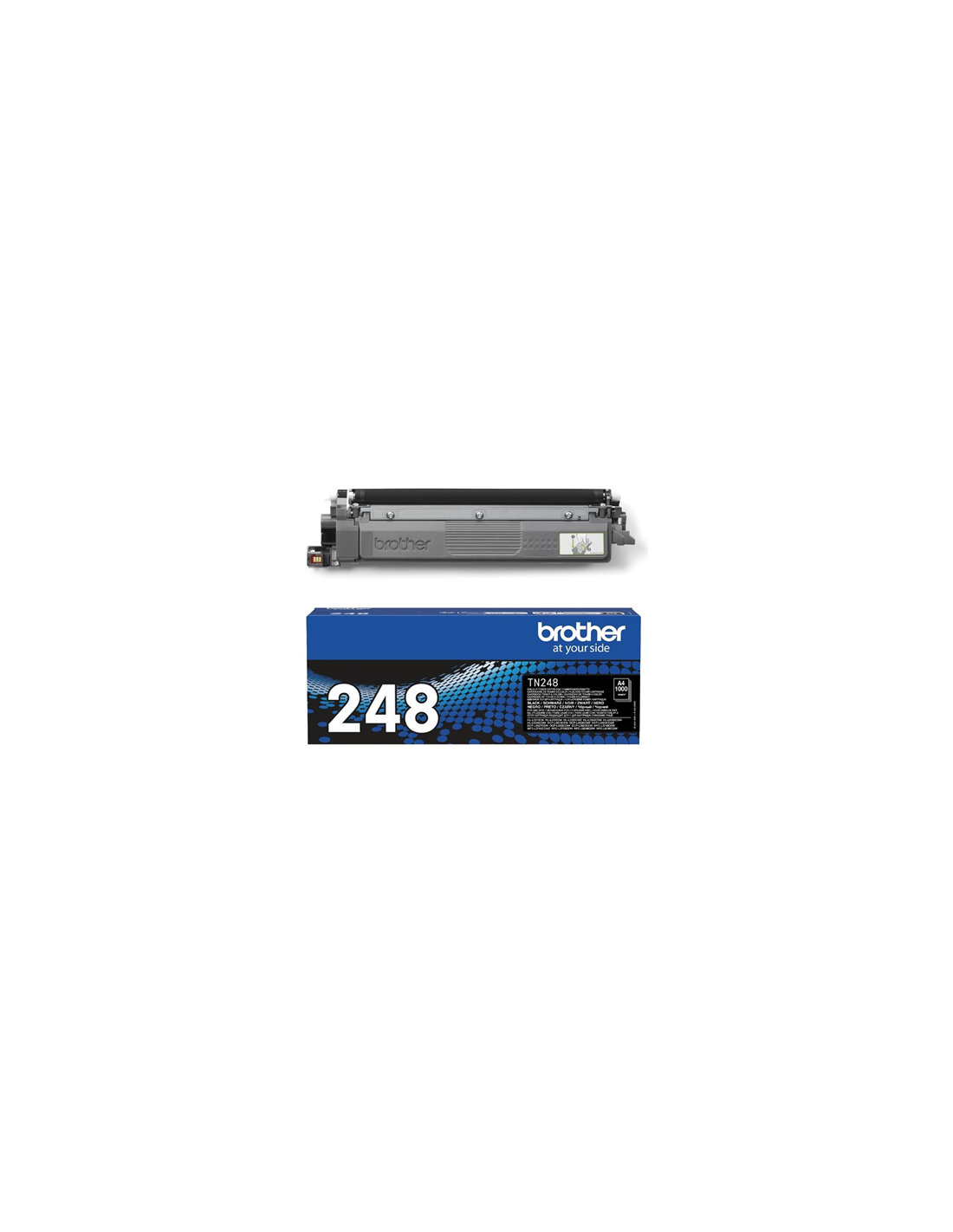
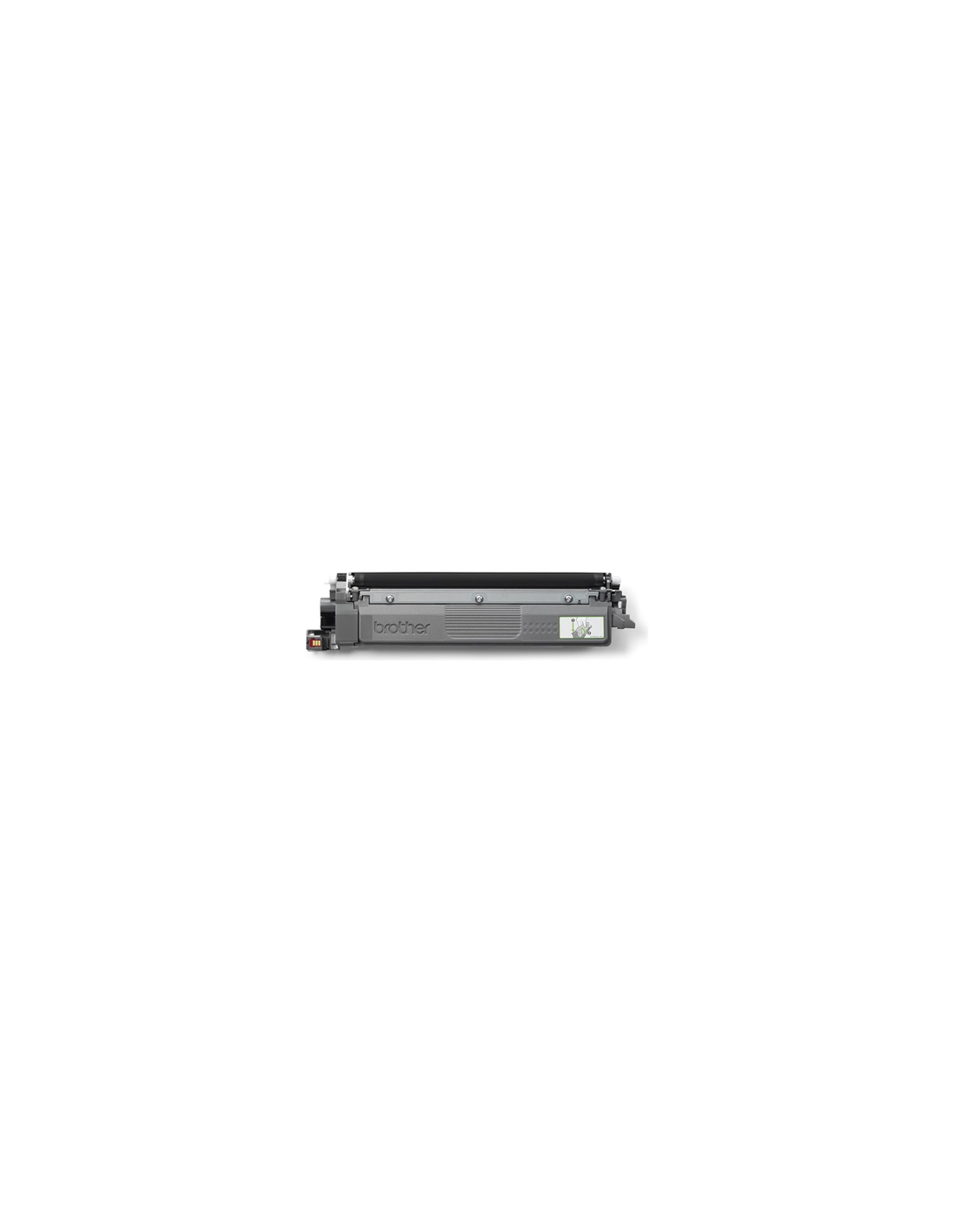
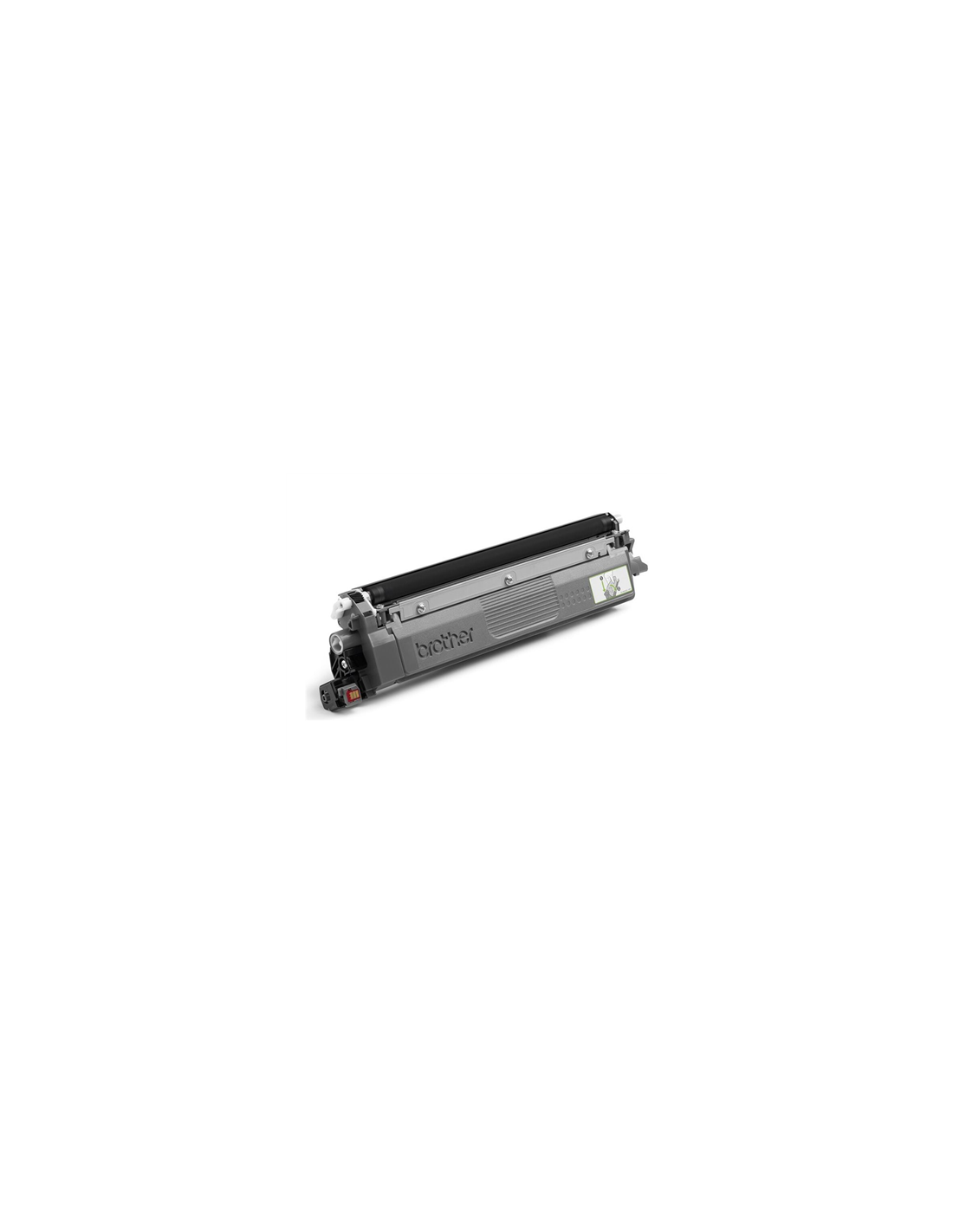
Elevate your printing experience with the genuine Brother TN248BK High-Yield Black Toner Cartridge. Engineered for optimal performance within a range of Brother laser printers, this black toner cartridge consistently delivers crisp, professional prints and reliable results. It's the ideal choice for busy offices and home users with high-volume printing needs, ensuring your documents always look their best.
Maximize your printer's efficiency and reduce replacement frequency with this high-capacity toner. The Brother TN248BK allows you to print up to 1,000 pages, based on the ISO/IEC 19798 standard, offering a cost-effective solution for your printing demands. Enjoy sharp, clear text and rich, deep blacks, ensuring every document, presentation, and graphic maintains a professional and polished appearance. Using genuine Brother supplies also guarantees optimal compatibility and helps protect your printer's warranty.
To install your new toner cartridge, first turn off and unplug your printer. Open the access door to remove the old cartridge. Gently shake the new Brother TN248BK cartridge to evenly distribute the toner, then firmly insert it into its slot and close the door before plugging in and powering on your printer.