Shopping Cart
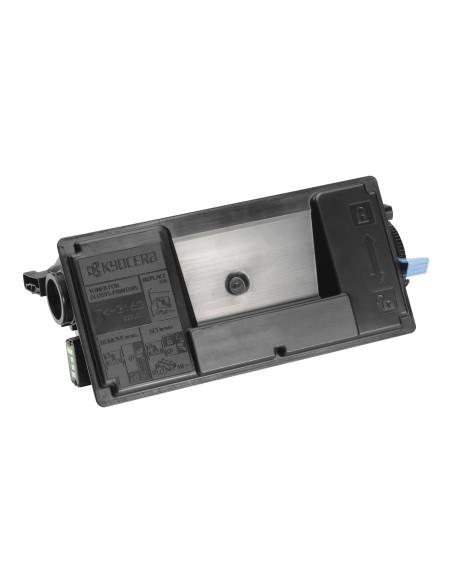
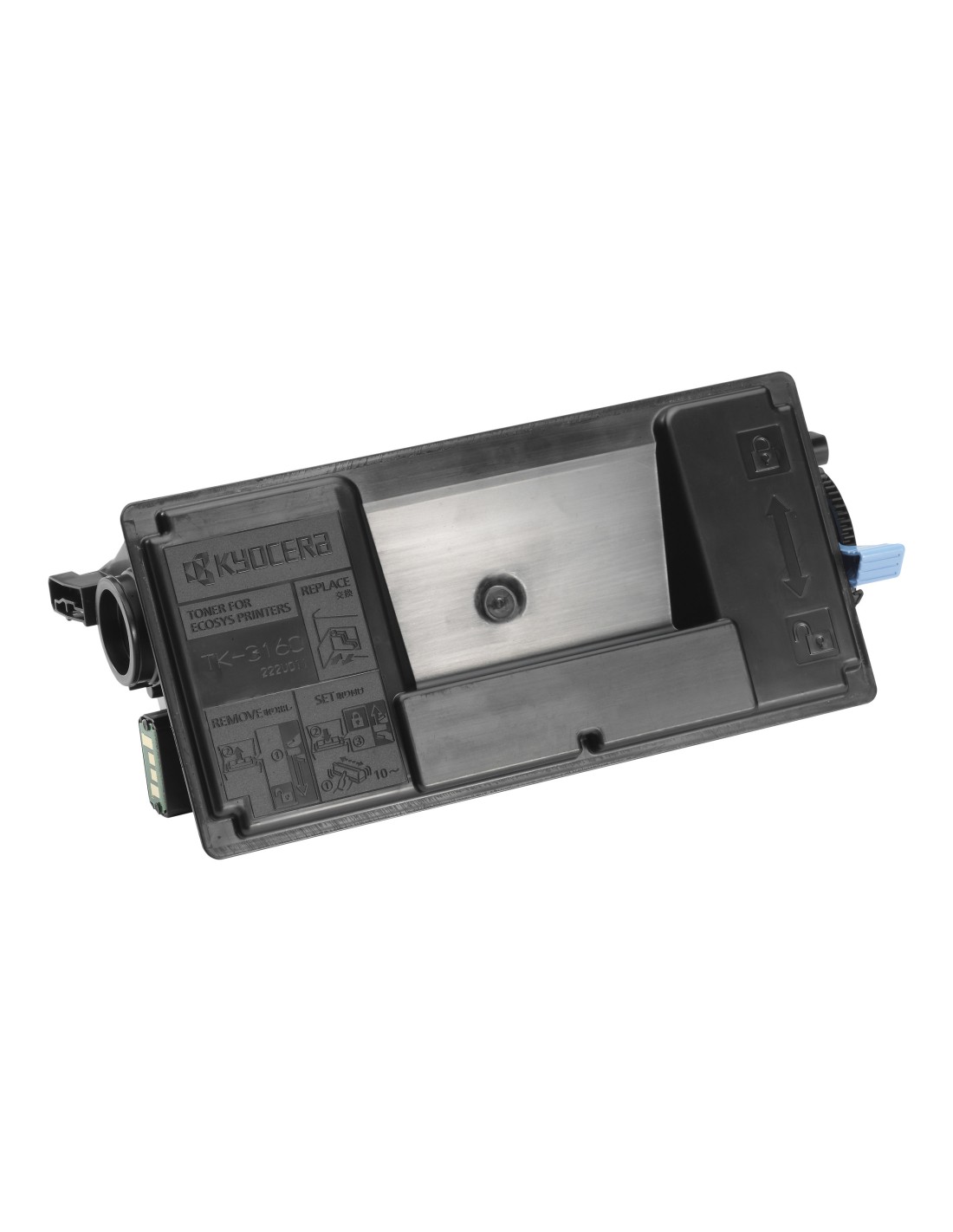

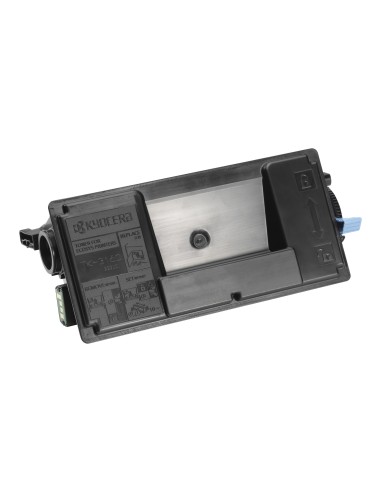
Experience superior printing with the Kyocera TK-3160 High-Yield Black Toner Cartridge. This genuine Kyocera cartridge delivers exceptional print quality and outstanding value, making it the ideal choice for busy offices and demanding print environments. Print up to 12,500 pages with a single cartridge, significantly reducing your printing costs and minimizing downtime.
Engineered for consistent, high-volume performance, the Kyocera TK-3160 ensures crisp, sharp, and professional-looking documents with rich, deep black tones every time. Its high yield significantly lowers your per-page printing cost compared to standard yield printer cartridges, offering a cost-effective and reliable laser printing solution for all your needs. Kyocera's commitment to sustainability means this toner cartridge is also designed to minimize waste and promote responsible printing practices.
For optimal performance, follow these simple steps to install your new Kyocera TK-3160 toner cartridge: