Shopping Cart
Out-of-Stock

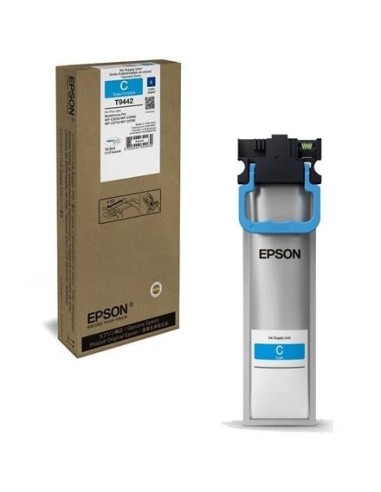
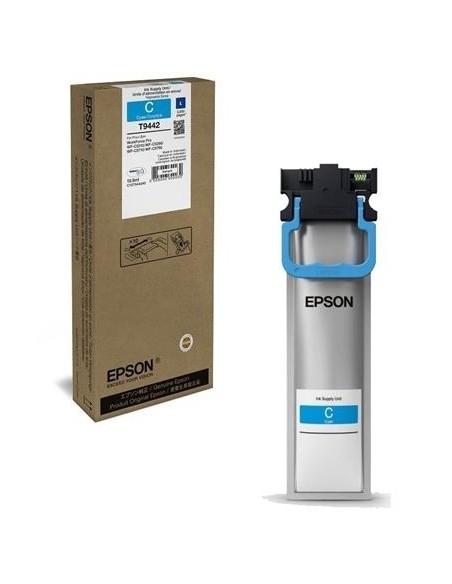
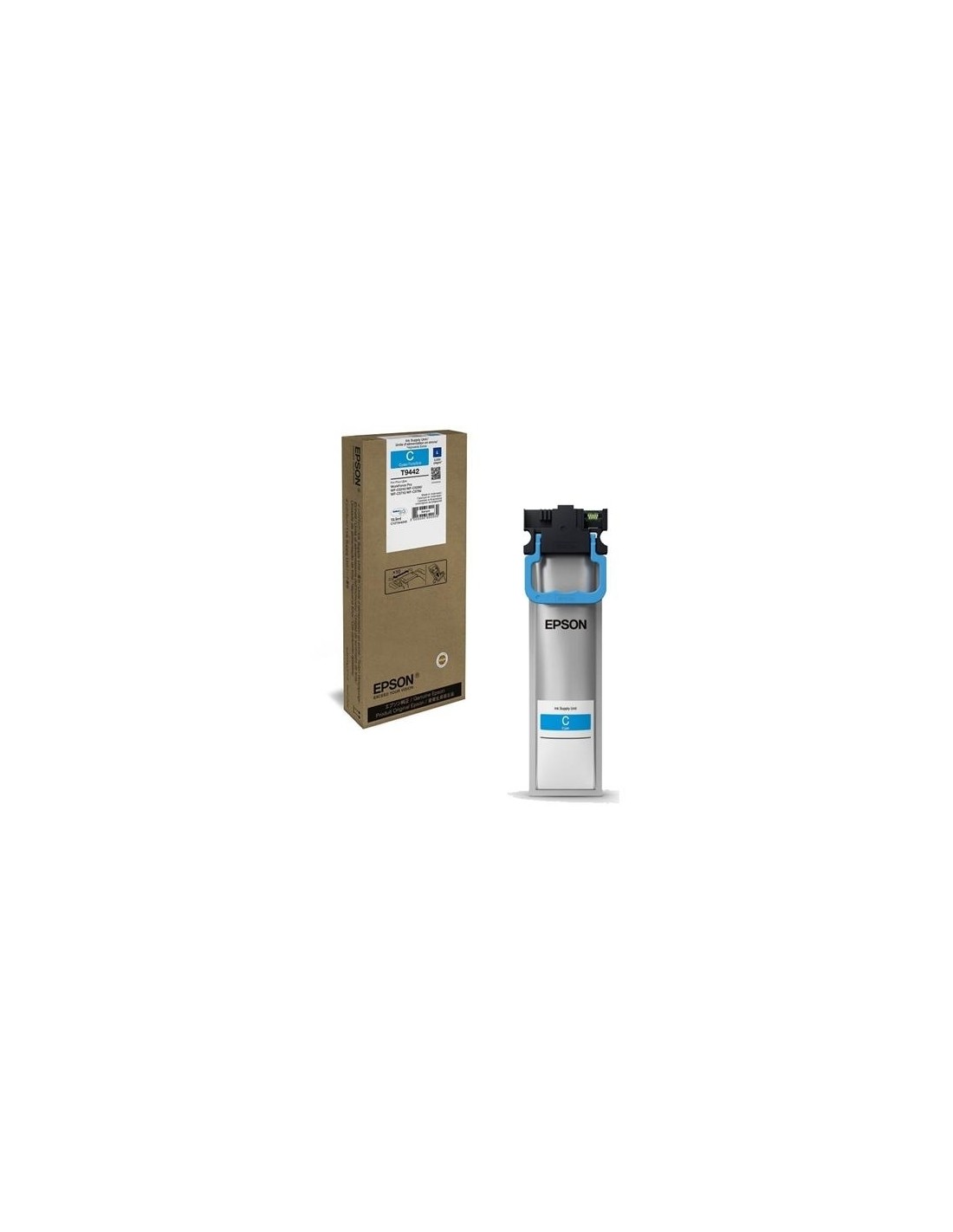
Ensure your Epson printer delivers exceptional print quality with the genuine Epson T9444 yellow ink cartridge. This 19.9 ml volume cartridge is specifically designed to provide vibrant and vivid colors, producing sharp and detailed output for both documents and photographs. Say goodbye to dull prints and inconsistent quality – opting for an original Epson cartridge guarantees optimal results every time.
This high-quality yellow ink cartridge is an original Epson product, ensuring perfect compatibility and reliable performance throughout its lifespan. It is engineered to prevent common printing issues, ensuring your printer operates smoothly and efficiently. By choosing genuine Epson ink, you safeguard your printer from potential damage and costly repairs often associated with non-original alternatives, saving you money in the long run.
Ideal for users seeking dependable and consistent print quality, the Epson T9444 yellow ink cartridge is an essential component for your printing needs. It delivers rich, lifelike images and crisp text, making it perfect for office environments, educational settings, or creative projects. Enjoy brilliant, fade-resistant prints with every use, providing the professional look you desire.
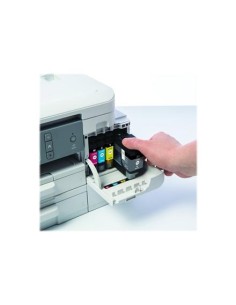
To install the ink cartridge, first, turn off your printer. Open the ink cartridge access door and carefully remove the empty cartridge. Insert the new Epson T9444 yellow ink cartridge, ensuring it clicks into place. Close the access door and then turn your printer back on.