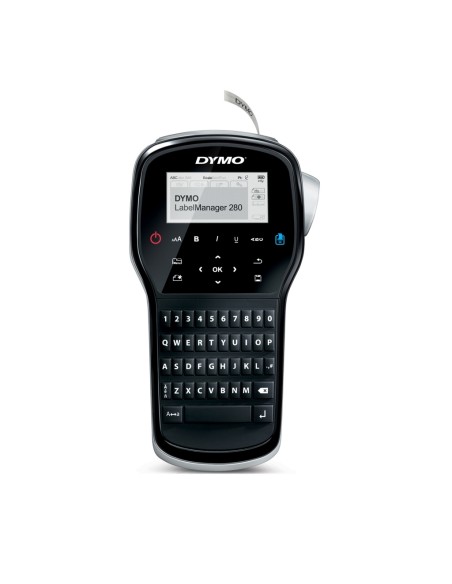
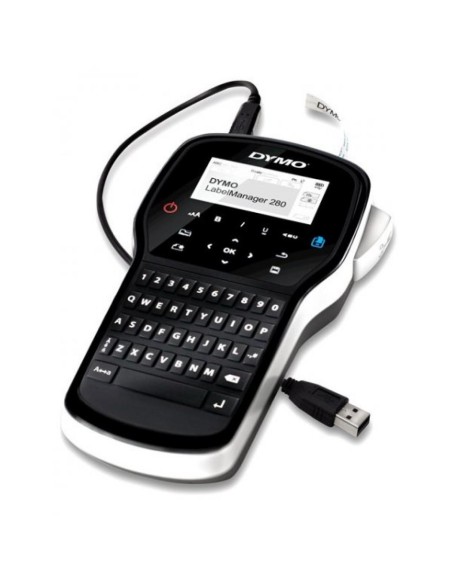
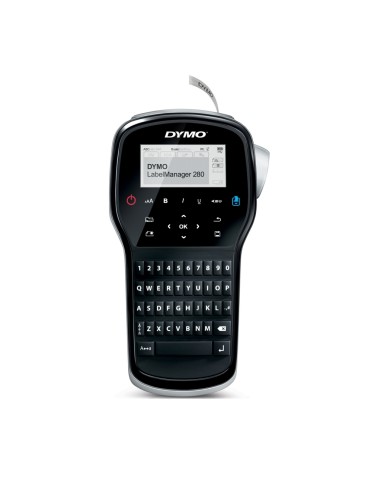
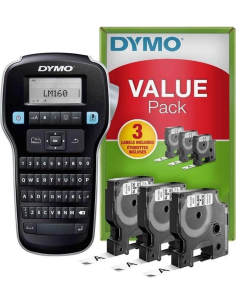
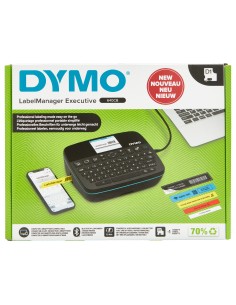
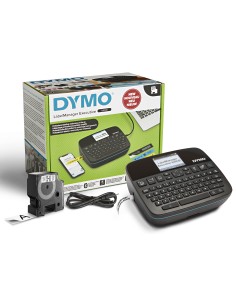
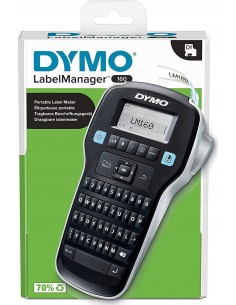
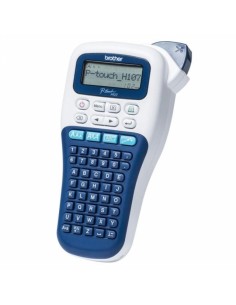
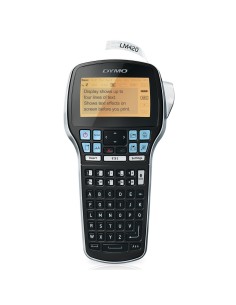
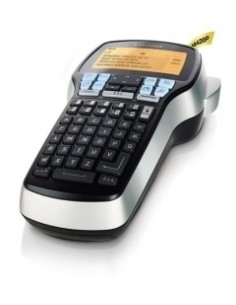
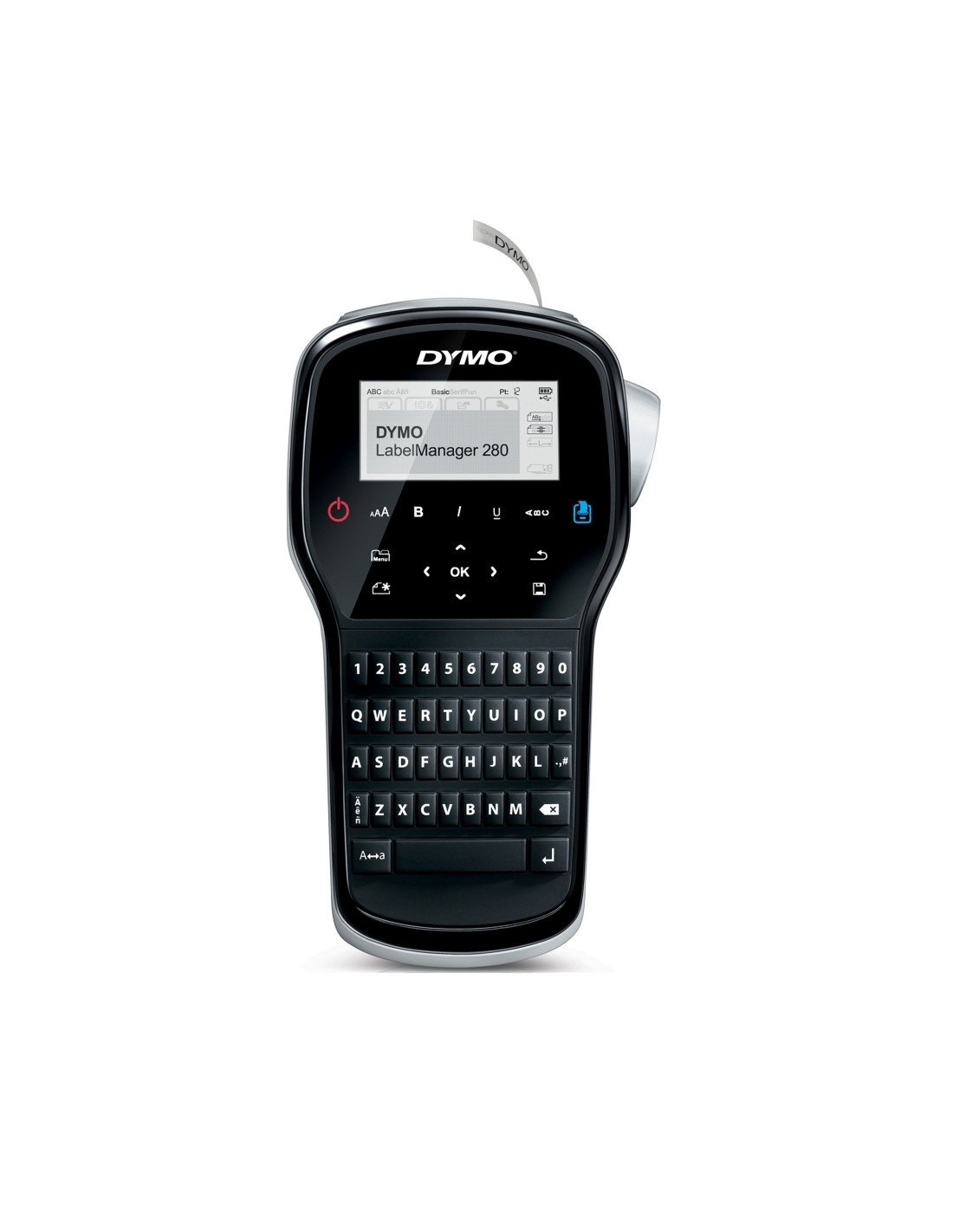
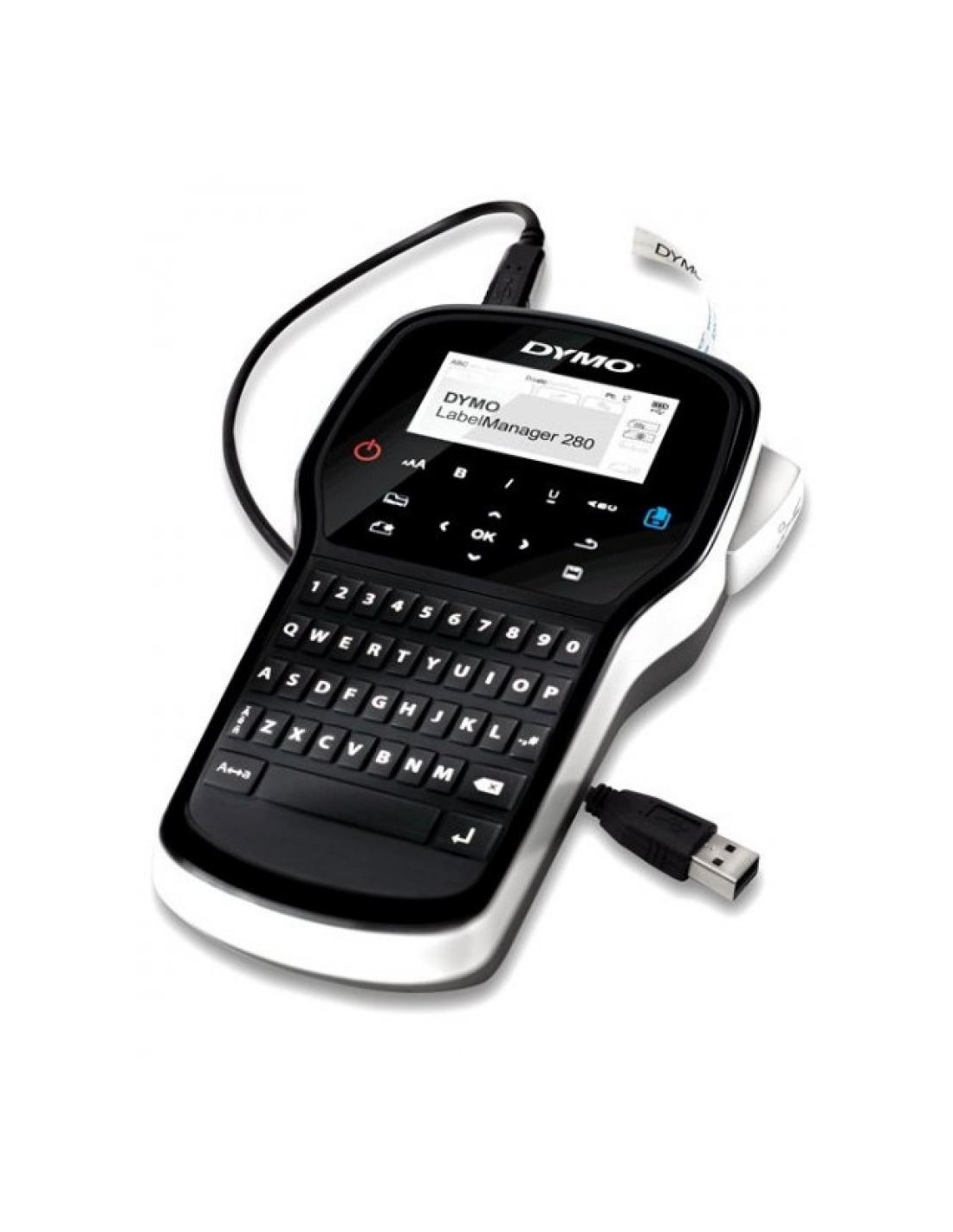
The Dymo LabelManager 280 Portable Label Maker is a powerful and versatile label printer designed to streamline organization in any setting. This easy-to-use device is perfect for bringing order to your home, office, or classroom, making it simple to create clear and professional labels for all your needs. Say goodbye to clutter and welcome a new level of efficiency with perfectly printed labels every time.
Featuring a large, intuitive graphic display, this handheld label maker allows you to preview your labels exactly as they will print, ensuring precision and eliminating wasted tape. Powered by a long-lasting lithium-ion battery, similar to those found in smartphones, it offers extended use between charges, providing reliable performance whenever and wherever you need it. The LabelManager 280 supports D1 label tapes in 6mm, 9mm, and 12mm widths, offering flexibility for a wide range of labeling tasks, from files and folders to storage containers and craft projects.
Specifications
- Display: Large, Dual-Line LCD Graphic Display
- Formatting Options: 6 Font Sizes, 7 Text Styles, Underline
- Power Source: Long-lasting Rechargeable Lithium-ion Battery
- Label Tape Compatibility: Dymo D1 6mm, 9mm, and 12mm Tapes
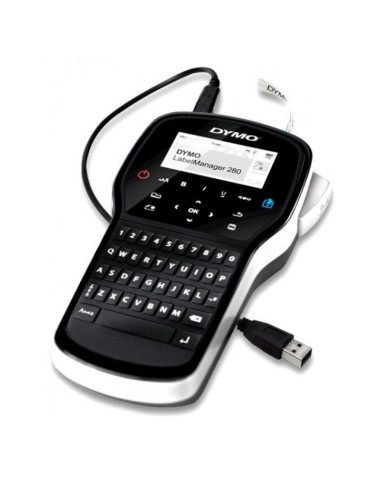
- Connectivity: USB for software updates
- Memory: Saves last printed text and up to 9 favorite texts
- Energy Saving: Automatic shut-off
- Included Accessories: Charger, Li-ion Battery, D1 12mm x 3m Black/White Label Tape
- Warranty: 2-Year
How to Use
To use the Dymo LabelManager 280, simply insert the desired D1 label tape, type your text using the intuitive keyboard, select your preferred formatting options from the clear on-screen menu, and press the print button to instantly create your customized label.