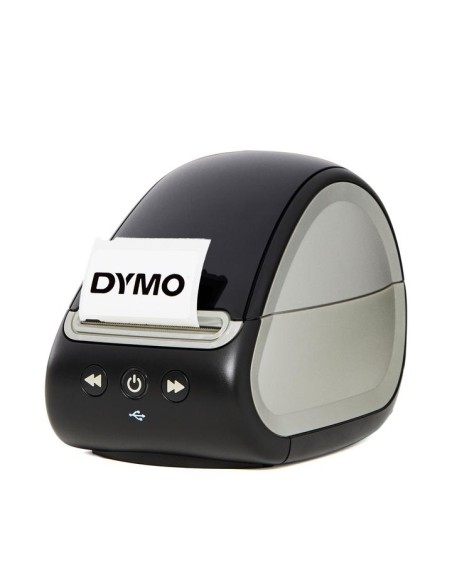
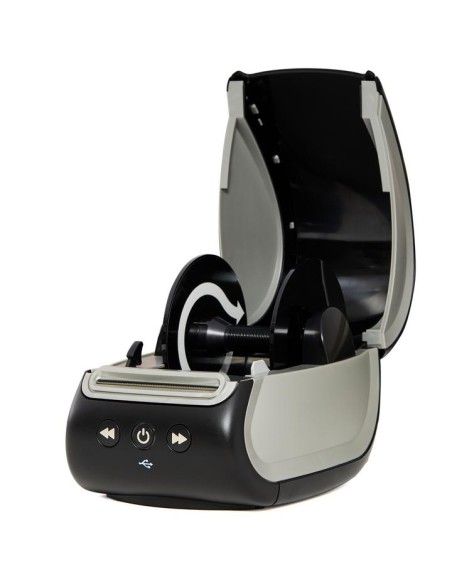
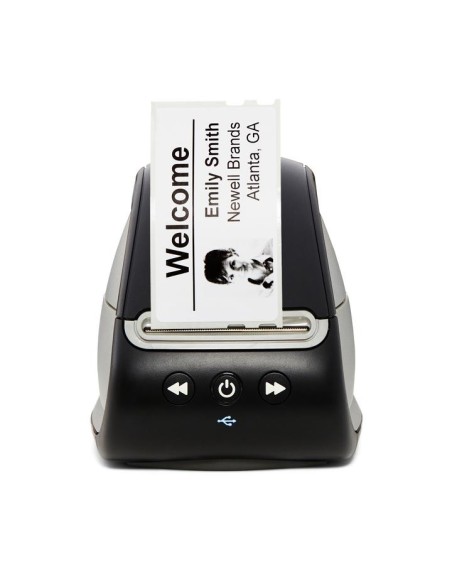
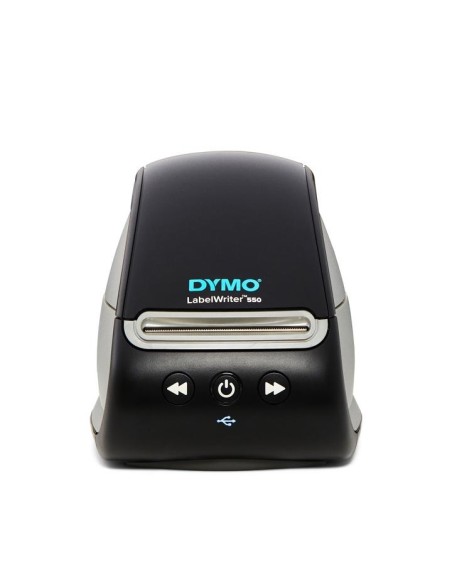
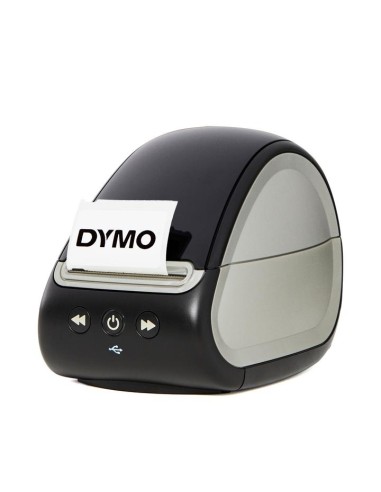
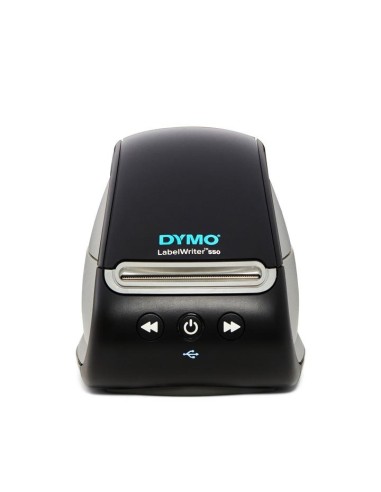
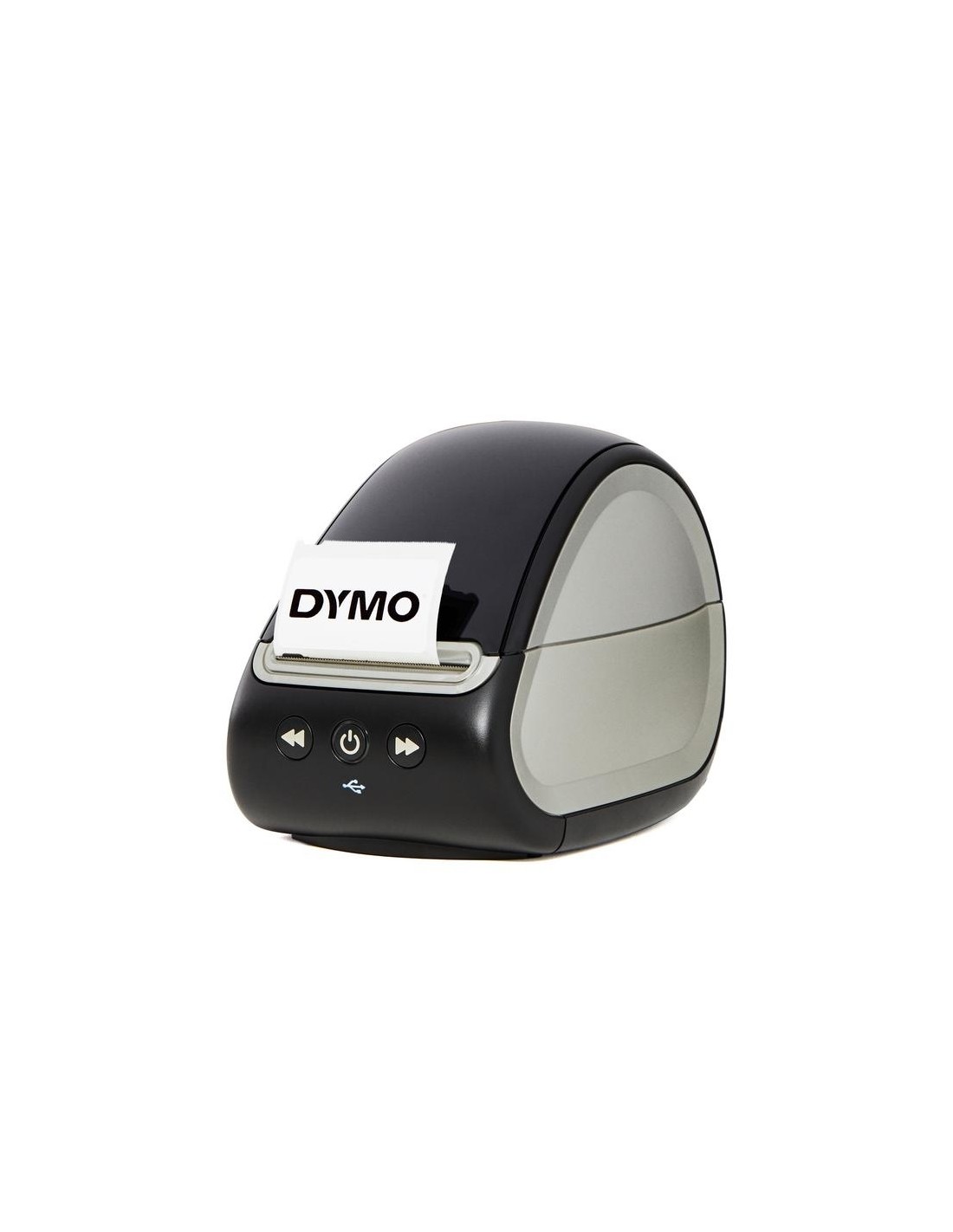
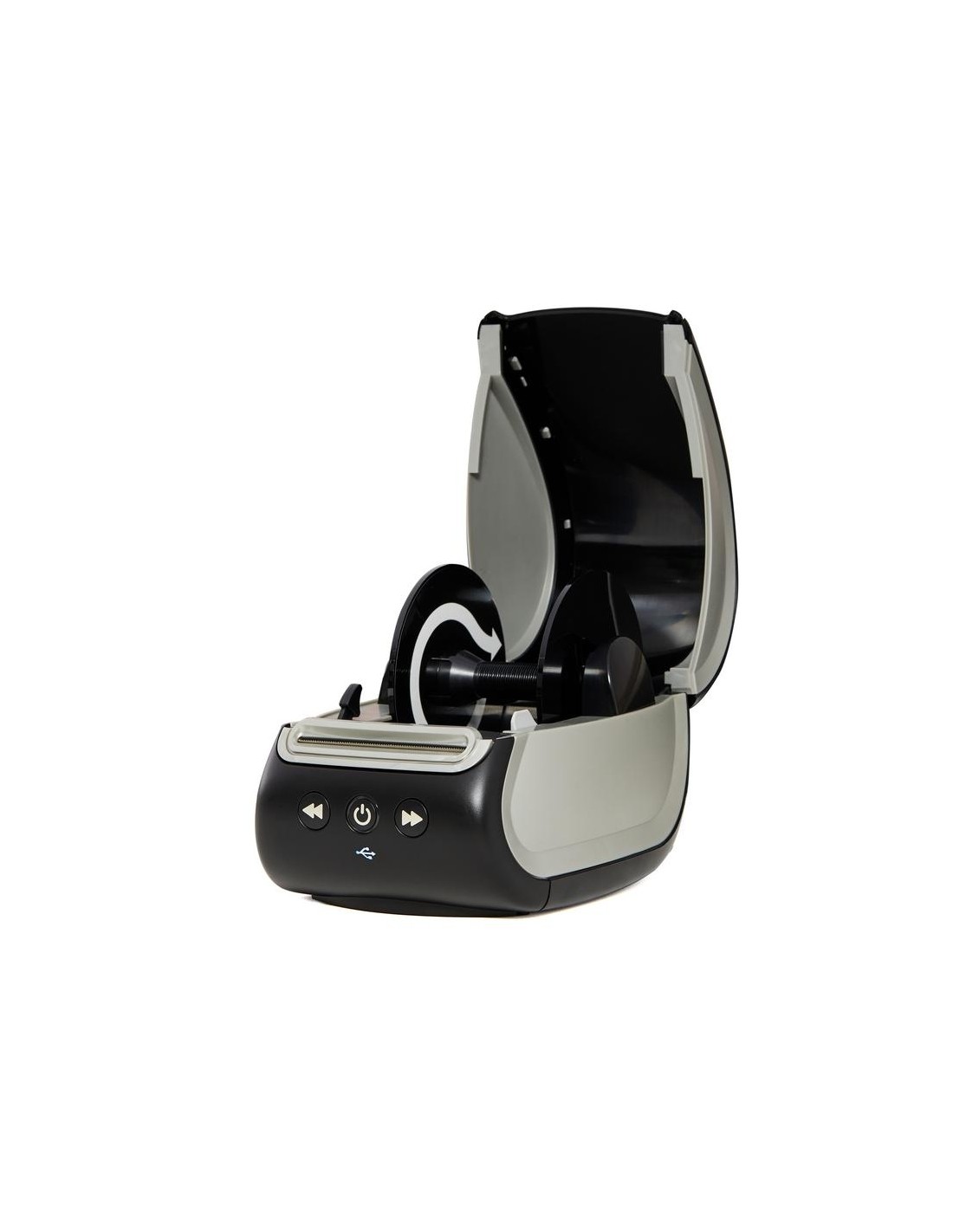
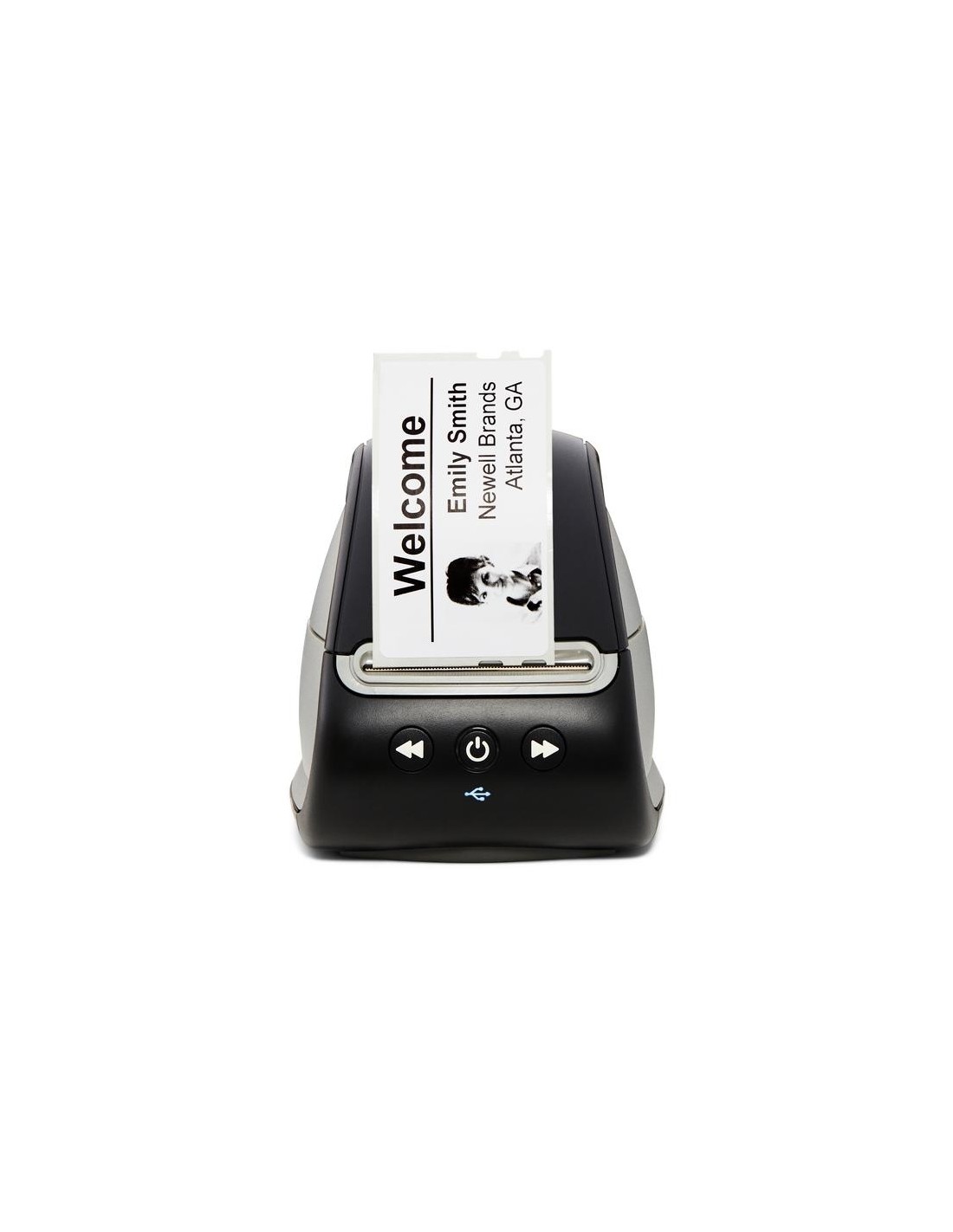
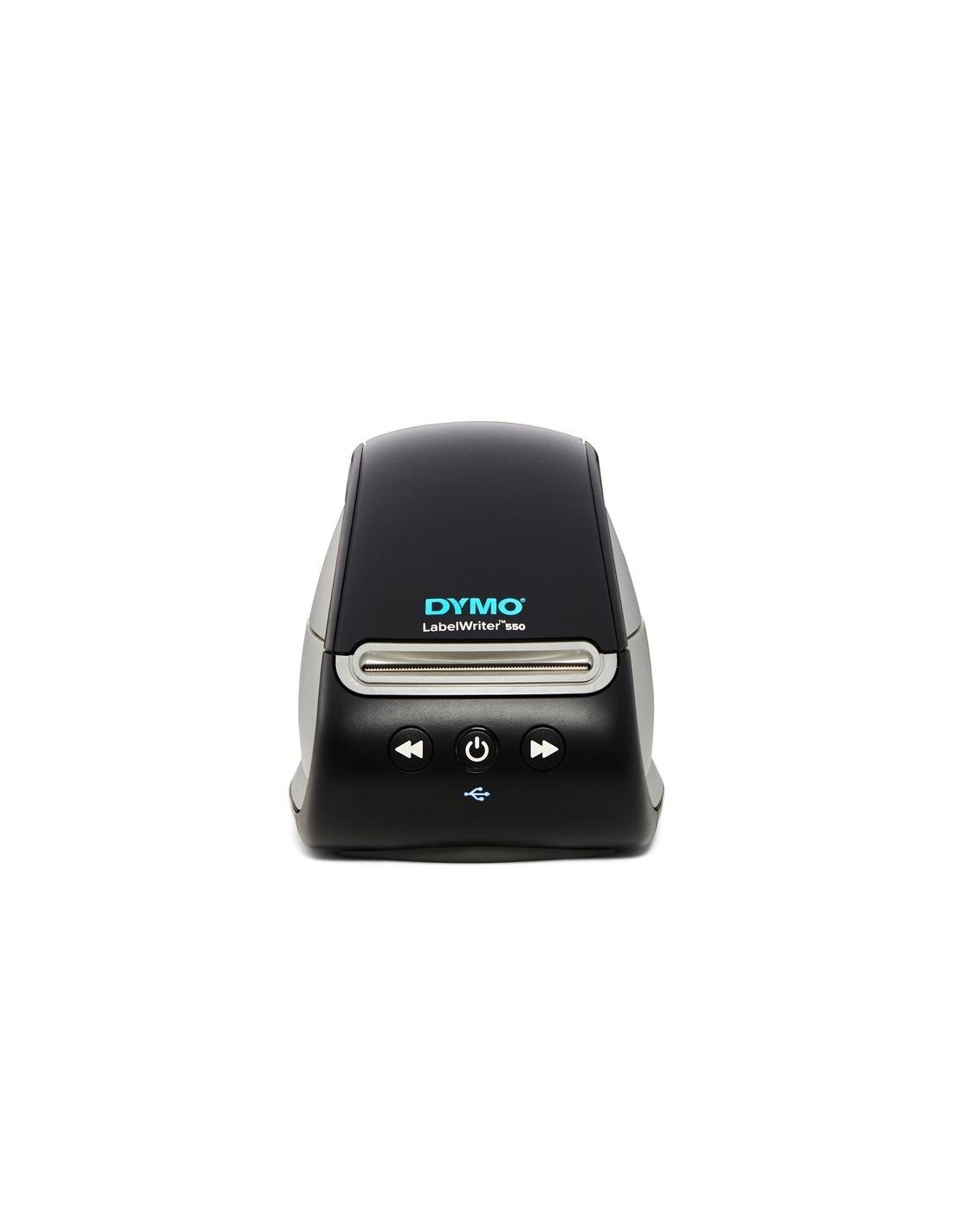
Dymo LabelWriter 550 Wireless Label Printer
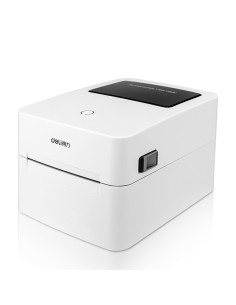
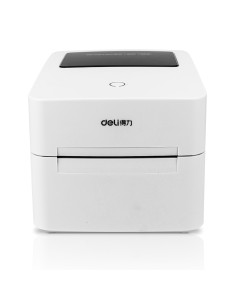
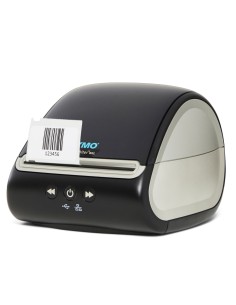
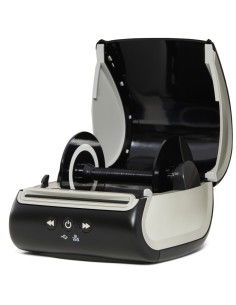
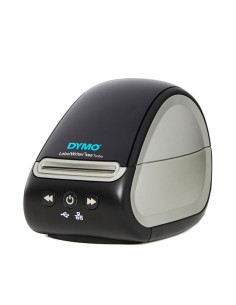
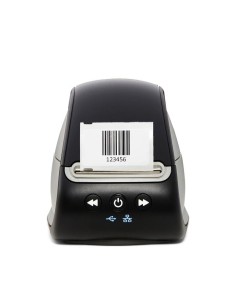
Elevate your efficiency and enhance your professional image with the Dymo LabelWriter 550 Wireless Label Printer. This compact and stylish direct thermal printer is the ultimate solution for all your labeling needs, seamlessly blending speed, convenience, and versatility without the mess and cost of ink or toner cartridges. It's the perfect choice for home offices, small businesses, and anyone seeking a reliable, high-speed label maker.
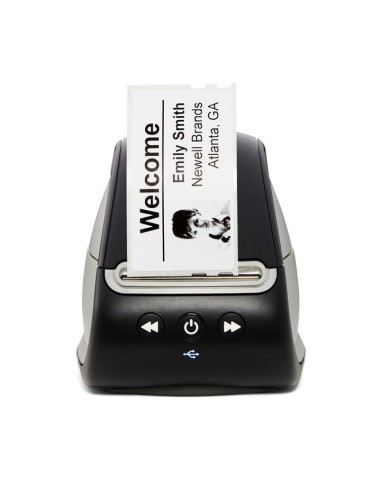
Experience unparalleled ease of use with features like automatic label recognition, which instantly displays the type, size, and remaining quantity of your labels, minimizing waste and saving time. Connect effortlessly via wireless technology to your computer, allowing for direct printing from popular applications like Microsoft Excel and Outlook. Whether you're creating shipping labels, address labels, file labels, or product labels, this Dymo label printer delivers crisp, clear results.
Designed for optimal performance and sustainability, the Dymo LabelWriter 550 supports 19 different Dymo LabelWriter label types, with a maximum width of 60mm. It also offers extensive customization options with over 100 pre-designed templates and the ability to generate 20 different types of barcodes for efficient inventory management. Plus, it utilizes only genuine Dymo labels, which are BPA-free and crafted from FSC® certified materials, ensuring quality and environmental responsibility.
Specifications
- Printing Technology: Direct Thermal
- Print Speed: Up to 62 labels per minute
- Print Resolution: 300 x 300 dpi
- Connectivity: Wireless, USB
- Automatic Label Recognition: Yes
- Maximum Label Width: 60mm
- Supported Label Types: 19 Dymo LabelWriter types and sizes
- Barcode Support: 20 different types
- Printhead Lifespan: Up to 50km
- Energy Saving: Sleep mode
- Software Integration: Microsoft Excel, Outlook, Google Contacts, DYMO Connect software
- Label Customization: 100+ templates, 60+ styles and layouts
How to Use
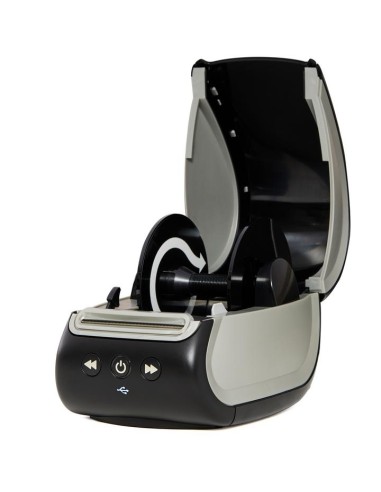
Operating your Dymo LabelWriter 550 is simple. Connect the printer to your computer via USB or wirelessly, then download and install the Dymo Label software. From there, you can easily select a template or design your custom labels before printing directly from the software or your preferred application.