Shopping Cart
Out-of-Stock

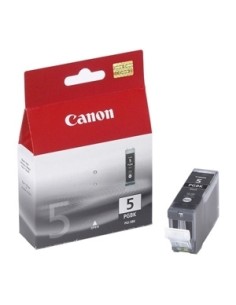
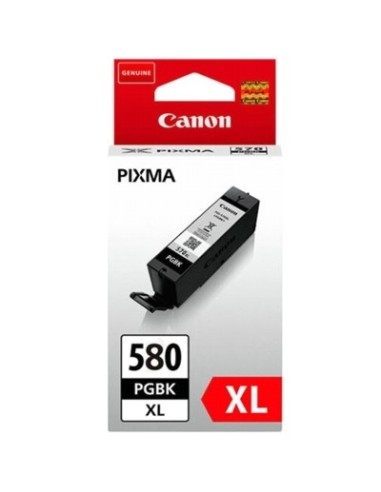
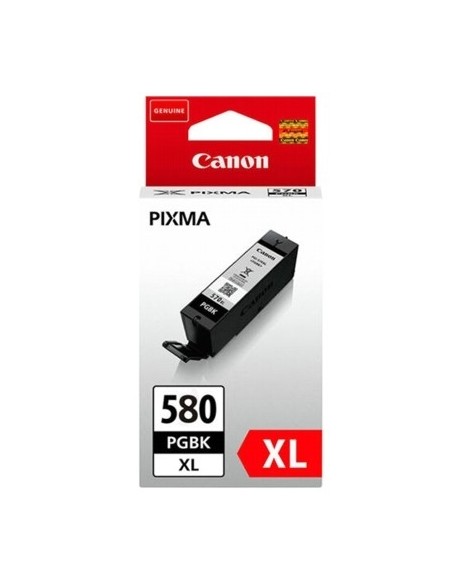
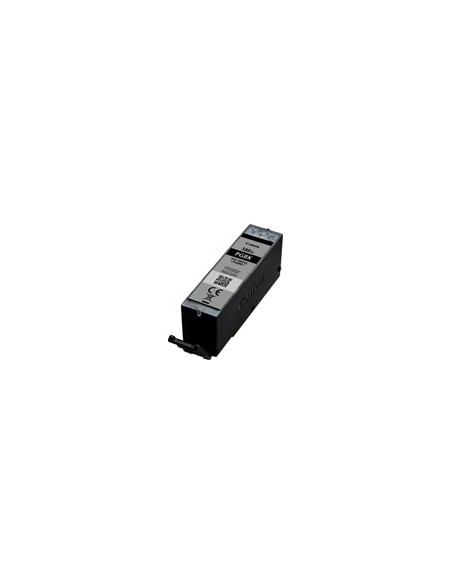
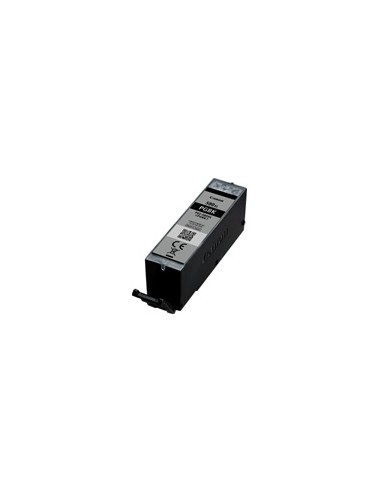
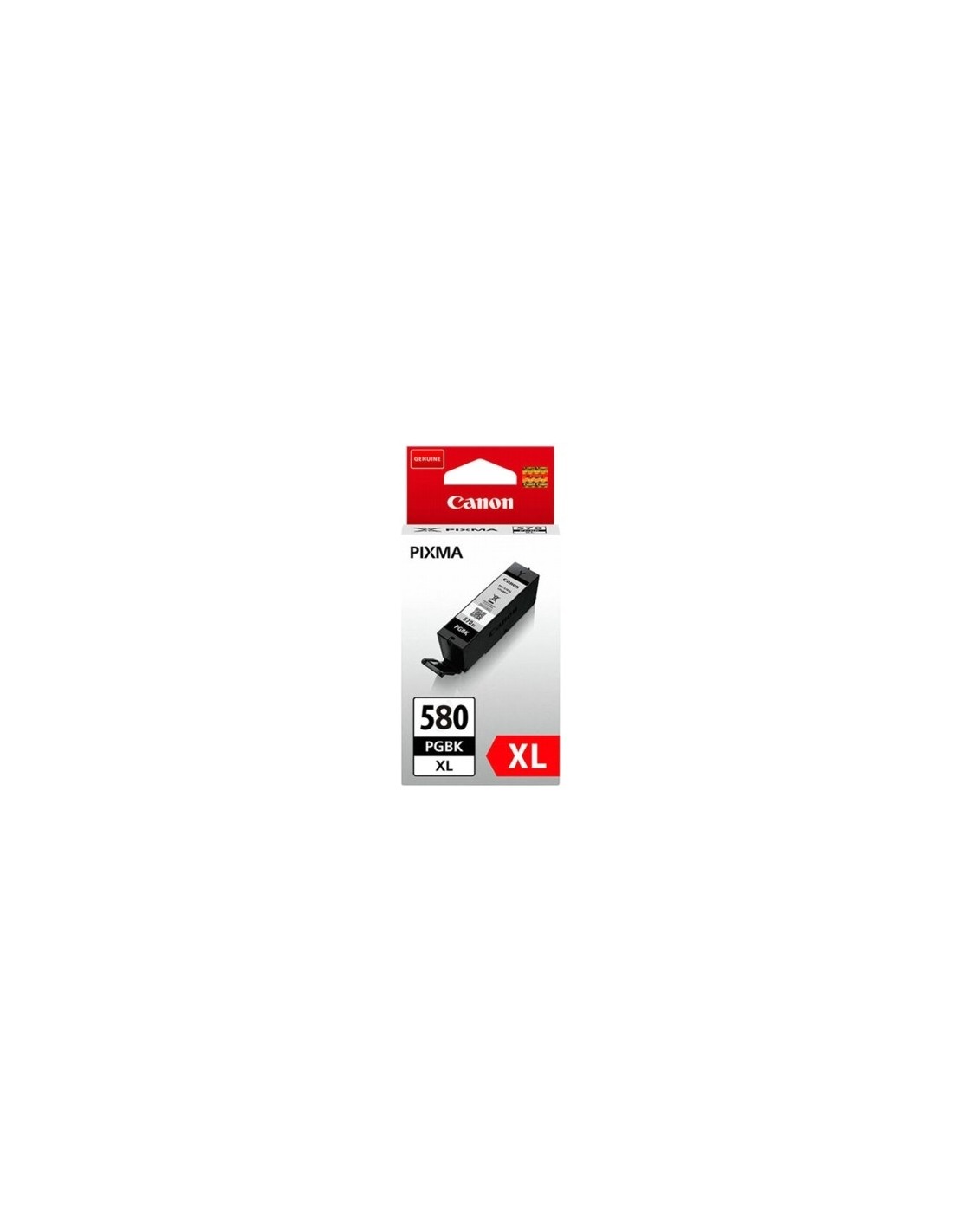
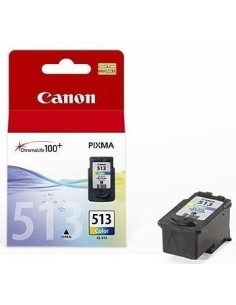
Elevate your document printing with the original Canon PGI-580XL PGBK High-Yield Black Ink Cartridge. Engineered specifically for compatible Canon PIXMA printers, this genuine ink tank ensures exceptional black and white results, delivering crisp, professional-quality text and graphics for all your printing needs.
Perfect for busy homes or offices, this high-capacity Canon PGI-580XL PGBK black ink cartridge provides an impressive yield of up to 400 pages. Experience consistently sharp, rich black documents, ideal for reports, presentations, and everyday paperwork, without the frequent need for replacements.
Utilizing Canon's advanced ChromaLife100 technology, this pigment black ink not only produces vibrant, clear prints but also ensures they resist fading, preserving your valuable documents for years to come. Enjoy straightforward installation and reliable performance that keeps your Canon printer operating smoothly and efficiently.
To install your Canon PGI-580XL PGBK ink cartridge, power off your printer and open the ink cartridge access cover. Carefully remove the empty cartridge, then insert the new genuine Canon ink tank according to your printer's manual. Close the cover and power on your printer to resume printing.