Shopping Cart
Out-of-Stock

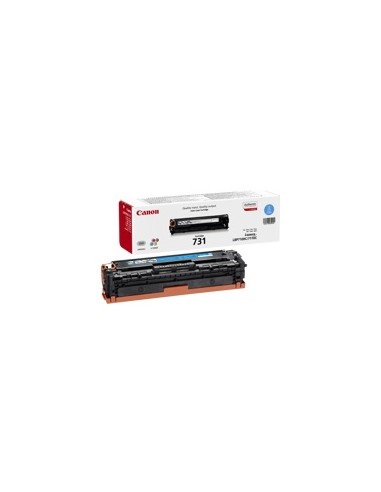
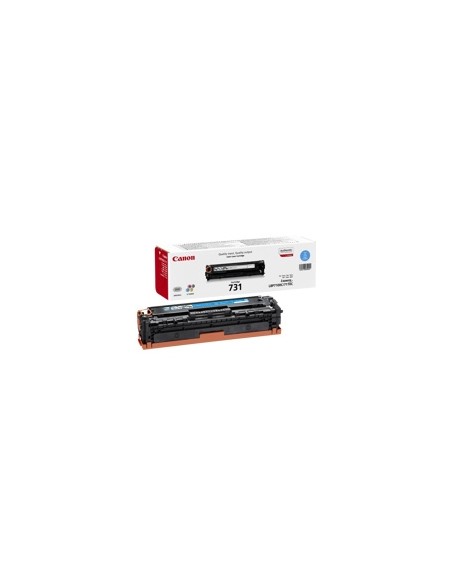
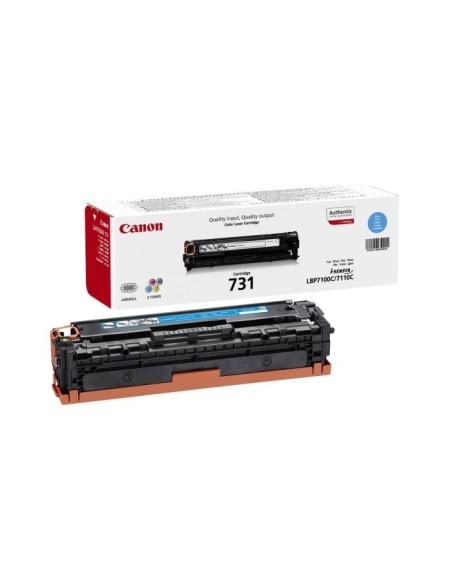
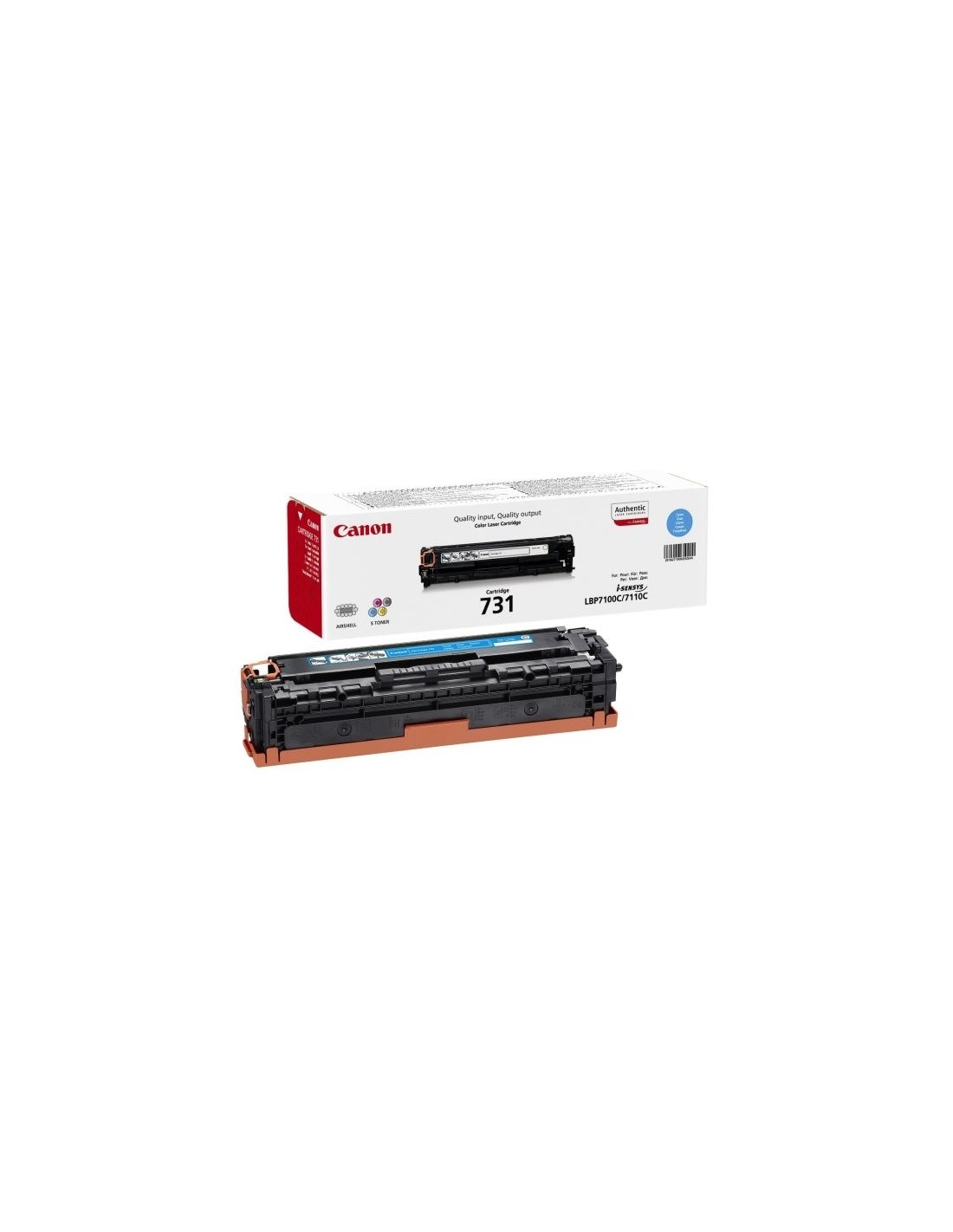
Achieve vibrant, professional prints with the genuine Canon 731C High-Yield Cyan Toner Cartridge. Specifically designed for your Canon I-SENSYS MF623Cn and MF628Cw laser printers, this original Canon toner delivers consistently high-quality results, bringing your documents, presentations, and graphics to life with stunning color accuracy and crisp detail.
This high-capacity cyan toner cartridge is a smart choice for efficient printing, yielding up to 1500 pages at 5% coverage. Its high yield minimizes replacements, saving you time and money while reducing downtime. Experience hassle-free operation with its quick and easy installation, ensuring your printer is ready to deliver dependable performance whenever you need it.
Invest in the unparalleled reliability and superior print quality that only genuine Canon toner can offer. By choosing this original Canon 731C cyan toner cartridge, you protect your printer investment and ensure optimal functionality, preventing potential damage and ensuring your prints consistently look their best. Don't compromise on quality – trust Canon for all your printing supplies.