Shopping Cart
Last items in stock

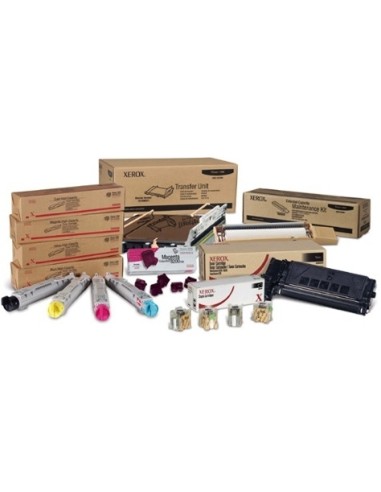
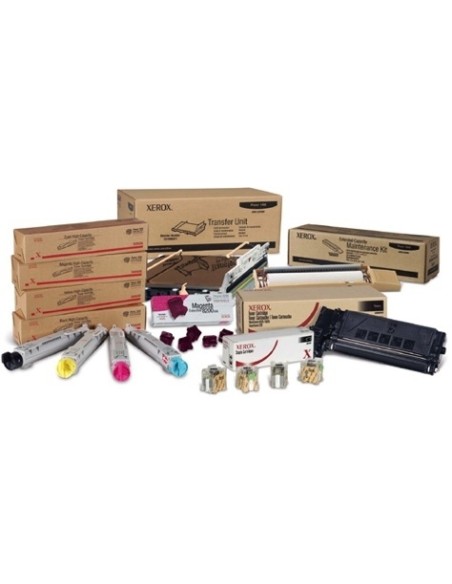
Elevate your printing with the Xerox 113R00694 Yellow Toner Cartridge, a high-yield solution engineered for exceptional performance. This genuine Xerox yellow toner delivers crisp, vibrant color prints consistently, making it the ideal choice for busy offices and demanding print environments. Achieve professional-quality documents with rich, accurate yellow tones, page after page.
Experience impressive print volumes with a remarkable yield of up to 4500 pages from a single high-yield toner cartridge. This not only minimizes frustrating downtime but also reduces the frequency of replacements, ensuring your essential printer supplies are always ready when you need them. Designed for reliability and optimal output, this genuine Xerox toner cartridge is a cost-effective solution for your daily printing needs.
The straightforward installation process for this color toner means quick setup, transforming your printing workflow into a more economical solution per page. Trust in Xerox quality for consistent results and seamless compatibility with your compatible Xerox printer models, safeguarding your investment and print quality.
To ensure optimal performance and print quality, follow these simple steps to install your new toner cartridge:
Note: For optimal print quality, always use genuine Xerox toner cartridges. Using non-genuine cartridges may void your printer warranty and lead to subpar print results.